
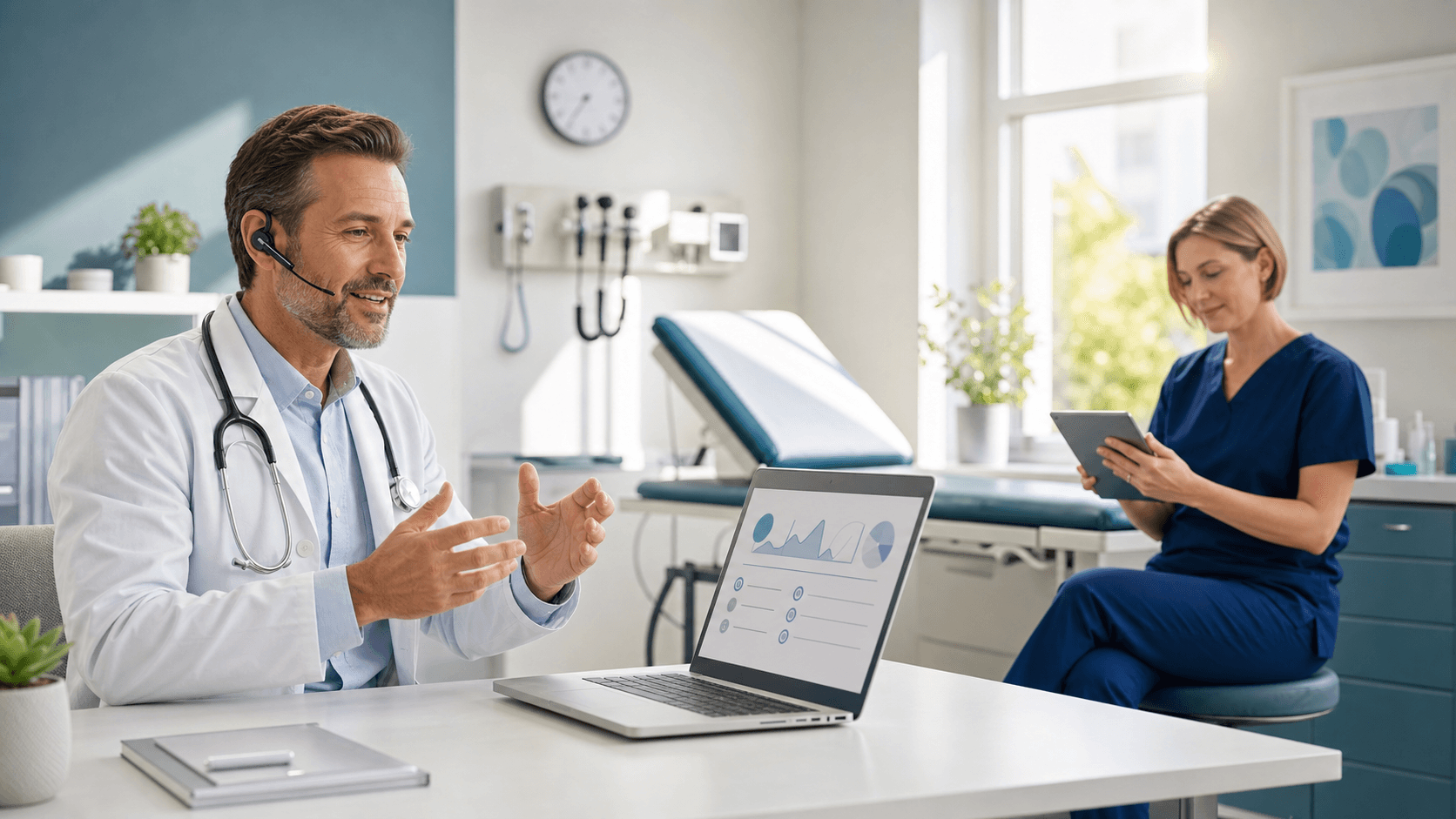
Introduction to Medical Scribe Alternatives
Many clinicians are actively looking for medical scribe alternatives to reduce after-hours charting. Long days in the clinic often turn into long nights at the computer, and that strain adds up. Traditional scribes can help with documentation, but they also bring extra cost, setup work, and new issues of their own. It is no surprise that more teams are asking a simple question: Is there a better way to get notes done?
In this article, we talk through the most common options practices try when they want less charting stress. We walk through where scribes fall short, what tools inside the EHR really do, and how modern speech recognition, like Dragon Medical One from our team at Try DMO, can step in as a practical, tech-driven alternative to hiring more staff.
The Hidden Costs and Limitations of Traditional Medical Scribes
On the surface, having a person follow you and type notes sounds easy. But when we talk with practices that use in-person or virtual scribes, they often share a long list of hidden tradeoffs.
Direct and indirect costs can show up in many places, such as:
- Paying salaries or vendor fees month after month
- Time for onboarding and training each new scribe
- Extra work when there is turnover and replacement
- Staff time spent fixing notes that are off the mark
When evaluating medical scribe alternatives, practices often realize how expensive traditional scribes can be over time. The budget hit is only part of the story. There are also workflow and privacy questions. Having an extra person in the exam room can change the feel of the visit, and some patients may hold back certain details. With virtual scribes, there is still a third party listening to every visit, which can raise concerns around who hears what, and when.
There are also problems with scale and consistency. Scribes get sick, switch jobs, or may not be available at certain hours. That can leave coverage gaps on busy clinic days. Quality can vary from one scribe to the next, and notes might not look the same from clinician to clinician. This makes it harder for groups that want a steady, clear style across the whole practice.
Medical Scribe Alternatives: Templates, Shortcuts, and EHR Tools
When scribes do not feel like the right fit, many clinicians turn to what they already have inside the EHR. That usually means templates, smart phrases, and other built-in tools.
EHR templates and smart phrases can help in some ways:
- They give a standard structure for common visit types
- They can speed up simple follow-ups or routine checks
- They can remind clinicians to cover certain points
But they also bring their own issues. Notes can start to look the same, even when patients are very different. This can lead to long, crowded notes that are hard for others to read. Many clinicians also report click fatigue from all the boxes and drop-down choices they must work through, especially on complex cases that do not fit neatly into a template.
To cope, some people lean on copy-paste habits and manual workarounds. These stopgaps are often seen as medical scribe alternatives, but they rarely solve the core documentation burden. Copying and tweaking an old note can feel fast in the moment, but it can also pull in outdated details or small errors that are easy to miss. Over time, that can raise compliance concerns and make it harder to trust what is in the chart.
Most EHRs also have some kind of basic dictation tool. While this can help a bit, many of these tools are not built for deep medical vocabularies. Accuracy can be uneven, especially with drug names, acronyms, and specialty terms. There is usually less flexibility and fewer options for customization compared with dedicated medical speech recognition.
Why Medical-Grade Speech Recognition Beats Scribe Alternatives
Among the most effective medical scribe alternatives, medical-grade speech recognition now leads the pack for many organizations. Instead of telling a person what to type, clinicians speak directly to the EHR and see their words appear right away.
Real-time dictation that mirrors natural clinical speech allows you to move through:
- HPI and ROS
- Physical exam findings
- Assessment and plan
- Patient instructions and follow-up details
Because the software is tuned for the medical setting, it is built to hear complex terms that come up every day. Clinical accuracy and specialty vocabularies help it catch drug names, procedures, acronyms, and more, in a wide range of specialties. This can reduce the need to stop and correct every other word.
Control and privacy are also big reasons teams are interested in this path. The clinician stays the clear author of the note and does not have to rely on a third party to decide how to phrase key points. That can lower the risk of miscommunication and keep documentation closer to what actually happened in the visit. It also supports better clarity for the rest of the care team and for coding and billing staff who read those notes later.
How Dragon Medical One Cuts Charting Time
This is where our work at Try DMO comes in. We provide Dragon Medical One, a cloud-based medical speech recognition solution that is always available as long as there is a connection. That means clinicians can use the same voice profile from exam rooms, offices, or from home without extra hardware installed on-site.
For practices seeking scalable medical scribe alternatives, Dragon Medical One delivers a cloud-based option that grows with your organization. Automatic updates in the cloud help keep the system current without putting extra work on local IT teams. Because it is designed to work closely with major EHRs, clinicians can dictate directly into the fields they already use, which keeps the workflow simple and familiar.
Dragon Medical One also supports efficient navigation and commands, so it is not only about turning speech into text. Clinicians can use their voice to move between sections, call up templates, or trigger macros they use all the time. When paired with good note structure, this can lead to faster and more complete documentation that still feels personal and clear. Many teams use this approach to cut down on evening "pajama time" at the computer and to keep notes detailed enough to support coding and quality programs.
Practical Use Cases: Where Speech Recognition Replaces Scribes
Speech recognition can be helpful across many different settings, from larger health systems to small independent offices. High-volume primary care and urgent care clinics often feel the impact first. When visit after visit follows a similar pattern, real-time dictation makes it easier to capture the story and plan without slowing the schedule or adding staff.
Specialty practices with complex terminology also see strong benefits. Cardiology, oncology, orthopedics, and other specialties rely on precise words for anatomy, procedures, and treatments. A medical-grade system that is built to hear those words clearly can save time and reduce frustration.
For smaller practices that can't justify a full-time scribe, speech recognition becomes one of the most cost-effective medical scribe alternatives. Instead of hiring extra people, clinicians can lean on a tool that is ready whenever they need it, whether they are in a busy office during the week or finishing a few notes from home when the weather keeps them off the road. Over time, this can lighten the overall load without changing the core team.
Choosing the Right Medical Scribe Alternative for Your Practice
Choosing among medical scribe alternatives often starts with a simple question: what problem are you trying to solve? Less time charting after hours, fewer clicks during the day, more accurate notes, or a mix of all three? From there, it helps to look at a few key points.
Some useful criteria to consider include:
- Total impact on clinician time across a normal week
- How well the tool works with your EHR and devices
- Accuracy with your specific specialty terms
- How easy it is to roll out across your group
- Privacy and HIPAA compliance needs
More and more organizations are moving from scribes to speech recognition because it offers greater control, better scalability, and more predictable support for busy clinic days. At Try DMO, our focus with Dragon Medical One is to give clinicians a practical way to speak naturally, keep ownership of their notes, and cut charting time without adding another person to the exam room.
Discover a Smarter Way to Handle Clinical Documentation
If you are exploring medical scribe alternatives, we can help you simplify documentation without adding extra steps to your workflow. At Try DMO, we focus on reducing administrative burden so you can spend more time with patients and less time on notes. See how our approach can fit your practice, improve accuracy, and help your team move faster.


