
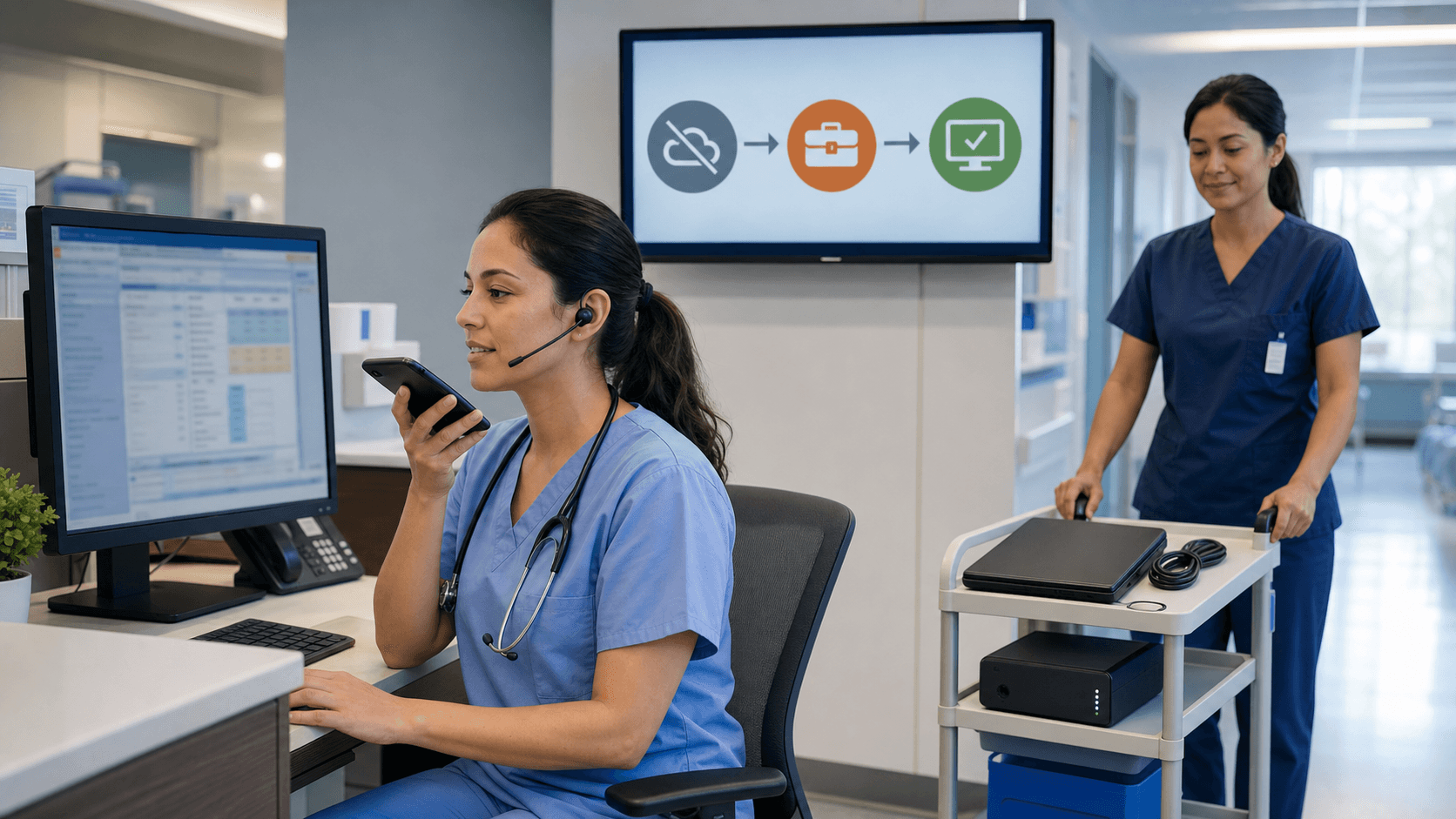
Build Dictation Workflows That Never Go Dark
EHR dictation software is now as important to your day as the exam room lights. When it fails, notes back up, tempers rise, and patients wait longer for care that should be simple and smooth. Even short outages can throw a full clinic off schedule, especially when staff is thin and every extra step hurts.
Summer makes this hit even harder. Staffing gaps, vacations, heat-related illness, and seasonal surges all pile on. If your dictation stops working during that pressure, clinicians end up typing late into the night or leaving charts incomplete. That is not safe, and it is not sustainable.
The good news is we can plan for this. By building dictation workflows that support offline work, clear downtime procedures, and simple error recovery, documentation can keep moving even when something breaks. Notes stay timely, compliant, and easier to finish.
Cloud-based tools like Dragon Medical One are built to keep dictation available across network hiccups, slow EHR sessions, and endpoint issues. Our goal here is to share a practical blueprint you can use to review your current setup, shore up weak spots, and train your teams before the next outage or summer surge hits.
Map Your Dictation Risk Surface Before the Next Outage
Before we fix anything, we need to see where it breaks. Dictation workflows usually depend on a long chain of pieces. If any single link fails, clinicians feel it right away.
Common weak spots include:
- Wi-Fi and network drops in exam rooms or hallways
- Single sign-on issues that block logins
- VPN bottlenecks for remote or outreach clinics
- Shared workstations that are not set up the same way
A simple dictation dependency map can help. For most teams, the chain looks like this: clinician device, microphone, local dictation app, local network, authentication, EHR, and cloud services. Walk through that list and ask, at each step, what happens if this fails during a busy clinic?
Next, classify your failure scenarios by how likely they are and how hard they hit. Loss of Wi-Fi for a few minutes is common but often low impact if you are ready for it. A full EHR outage during a heatwave surge is rare, but when it lands, the damage is huge.
It also helps to:
- Review recent IT tickets related to dictation
- Ask clinicians about slow response or random disconnects
- Note any delays they see in dictated text appearing in the chart
From there, define clear targets for uptime and recovery time. How long can dictation be down before it changes patient flow? How quickly do you expect basic function back? Setting these goals gives IT and clinical leaders a shared target for future design choices.
Design Offline-Ready Dictation for Real-World Conditions
Offline-ready design accepts that things will break and plans for a soft landing. The idea is simple: when parts of the system fail, dictation should not just shut off. It should gently step down to a workable mode, then spring back when the network or EHR is ready again.
Key principles include:
- Graceful degradation, not sudden dead ends
- Local resilience at the workstation or device level
- Fast, automatic resync when connectivity returns
Cloud-based EHR dictation software like Dragon Medical One is built with these realities in mind. Clinicians move between rooms, buildings, and networks all day. Wi-Fi in a corner of the clinic might be weaker than in the nurses' station. A design that supports roaming and mixed connection quality keeps dictation reliable across sites.
Offline and low-connectivity strategies can include:
- Pre-authenticated sessions so brief drops do not kick users out
- Cached vocabularies and templates so core tools stay available
- Minimal local storage of dictated text to reduce risk
Clinical workflow choices matter too. During degraded service, you might decide to capture short, critical note parts only: chief complaint, assessment, and plan. Longer history details can be marked for later completion when full function returns.
Any workflow that involves local content must also address compliance and security. That means encryption, role-based access controls, audit trails, and clear purge rules for whatever is briefly stored on the device. The goal is to balance availability with protection of patient data.
Build Practical Downtime Procedures Clinicians Will Use
A downtime plan only works if people remember it when stress is high. Long binders on a back shelf do not help during a packed clinic. Teams need simple, visible steps that feel natural because they have been practiced.
A useful path when dictation fails might look like this:
- Quick local check, restart the app, confirm microphone and network
- Try a second workstation or a backup microphone if available
- Move to a clear downtime workflow if issues continue
Standardized fallback options can keep charts readable and billing-ready. Many teams use:
- Short paper templates that mirror their EHR note sections
- Structured checklists to capture key clinical details
- Alternate documentation tools that clinicians know well
Cloud-based tools can be part of downtime life too. When the primary EHR is down but network access still exists, dictation can be redirected into other Windows applications, such as word processors or secure note tools. Later, those notes can be moved into the EHR once it is live.
Communication is just as important as the technical steps. Clinicians need to know whom to call first, how IT will announce a broader downtime, and how updates will be shared. Leadership should agree on which departments get support first, such as the ER or urgent care, so there is no confusion when stress is highest.
Error-Recovery Playbooks That Protect Data and Time
Downtime plans cover the big events. Error-recovery playbooks handle the messy middle: partial notes, duplicates, or mix-ups that happen when systems blink in and out.
An error-recovery playbook is a short guide that explains what to do when something goes wrong with dictation, in a way that keeps data safe and staff sane. Common cases include:
- Dictation appears to be lost on save
- A note shows up twice in the EHR
- Dictation lands in the wrong patient chart
- Uploads stall or lag after network returns
For each case, lay out clear decision trees. For example:
- When is it better to re-dictate, and when should staff look for local cached text?
- When should a clinician stop trying fixes and open an IT ticket?
- How do you prevent two team members from editing the same note in different ways at the same time?
Reporting and logs from your dictation platform can help IT teams trace what happened, confirm what was captured, and update the playbook over time.
Do not skip the cleanup step after an incident is resolved. Someone should reconcile notes, make sure coding and billing are not hurt, and adjust configuration or training to lower the chance of repeat problems. Each issue is a chance to make the whole system stronger.
Turn Summer Stress Tests Into Year-Round Resilience
Summer pressure can actually help your organization grow stronger. Seasonal surges, staff shifts, and planned maintenance windows act like stress tests. If your EHR dictation software and workflows hold up then, they are more likely to hold up during storms, cyber events, or unexpected outages later in the year.
A simple 90-day plan could include:
- Week 1 to 3, map current risks and gather incident stories
- Week 4 to 6, pilot offline-ready workflows in a few departments
- Week 7 to 9, run a scheduled downtime drill for dictation
- Week 10 to 12, refine playbooks and update training
As you review your current dictation setup, compare it with what Dragon Medical One is designed to offer, including cloud-based resilience, accuracy, and deep EHR integration. When clinicians, IT, and compliance work together on failover-ready dictation, the result is calmer visits, cleaner notes, and less stress the next time something breaks.
Streamline Documentation And Refocus On Patient Care
If you are ready to reduce clicks, cut charting time, and improve note quality, our EHR dictation software is built to help. At Dragon Medical One, we work with clinicians to create intuitive, speech-driven workflows that fit the way you already practice. See how quickly you can document complete, accurate encounters with conversational dictation integrated directly into your EHR. Start simplifying your documentation process so you can reclaim more time for patients.


