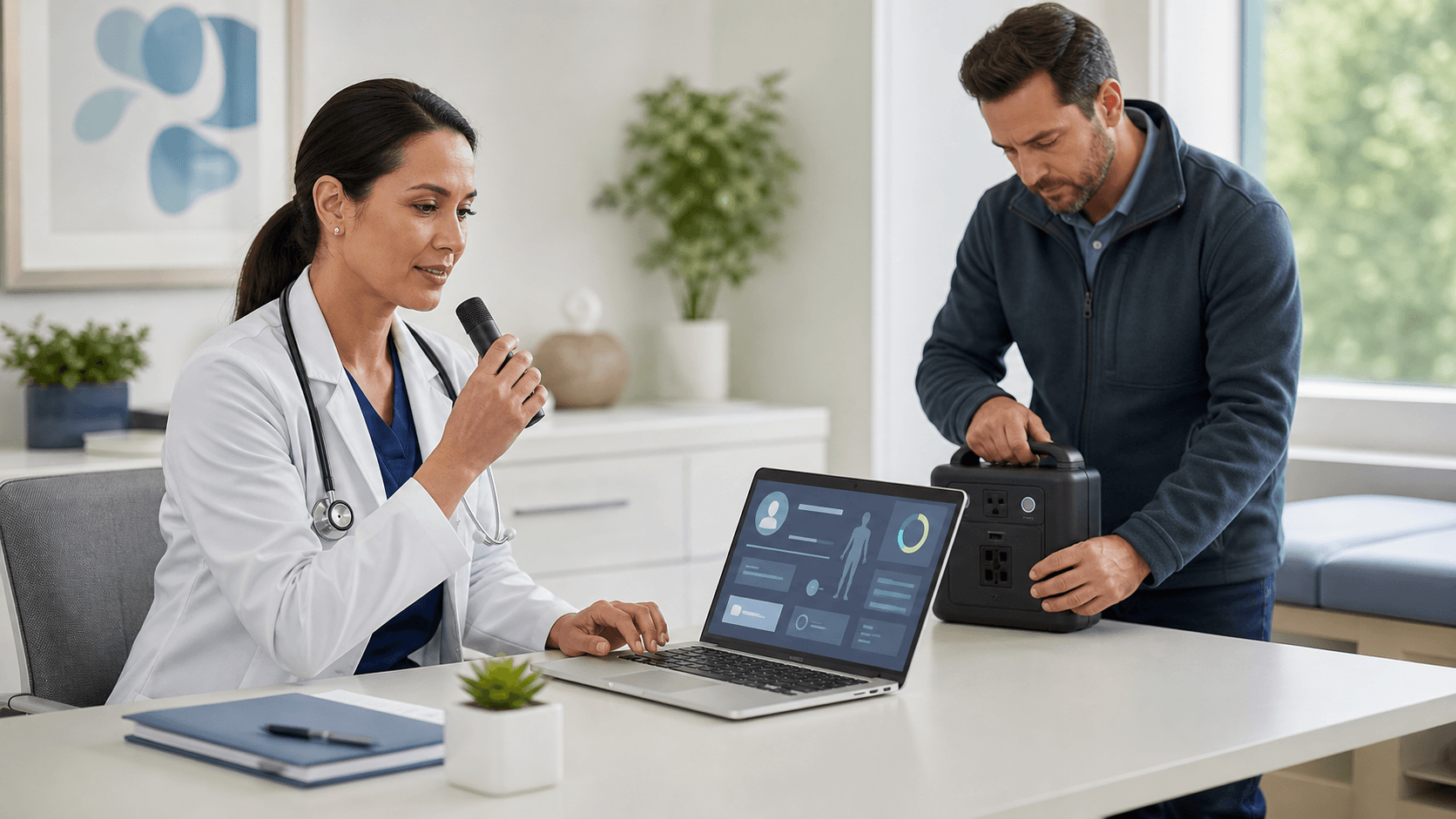
Dictation for Locums Without IT Headaches
Locum work moves fast. You jump between hospitals, clinics, and EHRs, and you are still expected to keep notes clear and on time. Cloud-based medical dictation software lets locums document efficiently without relying on each facility's IT department, so you spend less time typing and more time with patients.
In this article, we talk through why locums often skip dictation, how cloud tools like Dragon Medical One can fit a mobile lifestyle, and what simple steps keep things smooth and secure across different sites. Our goal is to help you build a portable way to document that feels familiar, even when everything else keeps changing.
The Unique Documentation Challenges of Locum Work
Locum work means new environments all the time. Each assignment brings a new badge, a new EHR layout, and new rules for how things must be documented. By the time you get used to one workflow, it might be time to move on to the next site.
Common challenges include.
- Different EHRs and templates at almost every assignment
- New usernames and passwords for each location
- Different access to tools like dictation, macros, and shortcuts
- Short timelines to learn it all and stay productive
Without standardized medical dictation software, locums often end up typing notes manually in every new EHR. That eats up energy at the end of a long day and makes it harder to keep a consistent style from one site to the next. On top of that, clinicians still need to keep documentation secure and aligned with each organization's policies, even when they are only there for a short contract.
Why Cloud-Based Dictation Fits Locum Lifestyles
Cloud-based dictation fits the way locums work, because the account follows the person, not the computer. With tools like Dragon Medical One, you log in to your own profile on supported devices, so you get the same basic experience in different locations.
Here is what that can look like in practice:
- You sign in to your dictation account on a workstation or approved device
- Your speech profile, shortcuts, and settings load from the cloud
- You dictate into the EHR text fields where you are allowed to type
- When you log out, your profile leaves with you, not with the hardware
Cloud-based medical dictation software gives locums a consistent documentation experience, even when everything else changes from one assignment to the next. Your custom vocabulary and templates stay tied to your own login, not to a single hospital. That stability can make new sites feel a little less stressful, because at least one part of your workflow stays the same.
Minimizing IT Overhead for Host Facilities
Many facilities worry that supporting locums with dictation means extra setup work for internal teams. That is where a subscription model, through partners like Try DMO, can help simplify things for everyone.
With this kind of setup:
- Licensing and user management can be handled outside of each site's IT team
- There is usually a light technical footprint, often a small client or supported access method
- Standard hardware like a USB or Bluetooth microphone is often enough
- Logins are based on individual clinician accounts, not on each computer
With the right medical dictation software, facilities do not have to build or maintain their own voice recognition infrastructure just to support locums. Instead, they can allow locum clinicians to use approved tools that fit within current security and access rules. That means less strain on internal teams and a smoother start for visiting clinicians.
Practical Setup Tips for Locums on the Move
A little planning before a new assignment can save a lot of time on day one. We see locums have the best experience when they treat dictation like part of their standard travel gear, the same way they keep a go bag ready for personal items.
Consider building a simple "dictation kit" that includes:
- A wired USB or reliable Bluetooth microphone or headset
- A secure laptop or tablet, if the site allows personal devices
- Your Dragon Medical One login information kept in a secure password tool
- A short checklist for how you like your audio and dictation settings
Templates are another big time saver. You can build general structures that work across multiple EHRs, such as:
- Common HPI layouts for your specialty
- Standard ROS and physical exam sections
- Frequently used procedure note skeletons
- Simple closing statements that match your typical style
Before a new assignment, test your medical dictation software on a similar setup so you can hit the ground running on day one. When possible, reach out ahead to the site's IT or informatics contact to confirm what is approved: which devices are allowed, how to access the EHR, and where dictated text should go inside the chart. That short call can prevent surprises when you are trying to document the first patient of the shift.
Training, Support, and Governance That Protect Everyone
Good tools still need some guardrails. That is why short, focused training works so well for locums. Many clinicians only need a quick walkthrough that covers:
- How to log in and log out correctly
- Where they can dictate safely inside the EHR
- Basic voice commands for formatting and navigation, if supported
- How to review and edit notes before they are saved
Partners like Try DMO help with ongoing support and configuration so internal IT teams do not have to troubleshoot dictation issues each time a new locum arrives. We focus on helping clinicians use speech recognition in a way that fits the site's existing workflows.
Strong governance is just as important as comfort with the tool. Each organization should set clear rules on:
- Who can get an account and how it is approved
- How accounts are paused or removed when a contract ends
- How documentation policies apply to dictated notes
- How final notes are stored as part of the legal medical record
Well-governed use of medical dictation software ensures that every dictated note is handled in a secure, consistent way and that locum clinicians and host facilities share the same expectations.
Bringing It All Together: Portable, Compliant Dictation Workflow
Locum work does not have to mean starting your documentation workflow from scratch at every new site. By using a single, cloud-based dictation platform, you can keep your own style, shortcuts, and tools with you as you move between facilities, even when the weather, location, and EHR all change.
At Try DMO, we focus on Dragon Medical One subscriptions, training, and support so both locum clinicians and organizations can keep documentation fast and consistent without piling on extra IT overhead. Adopting the right medical dictation software lets locum clinicians spend less time wrestling with new documentation tools at every assignment and more time doing the work they are actually there to do.
Streamline Your Clinical Notes Today
If you are ready to reclaim time from documentation, explore our medical dictation software options and find the plan that fits your workflow. At Try DMO, we focus on reducing clicks and manual typing so you can concentrate on patient care. We make it simple to get started quickly, with plans that scale as your practice grows. Let us help you modernize your note-taking process and improve your clinical efficiency.