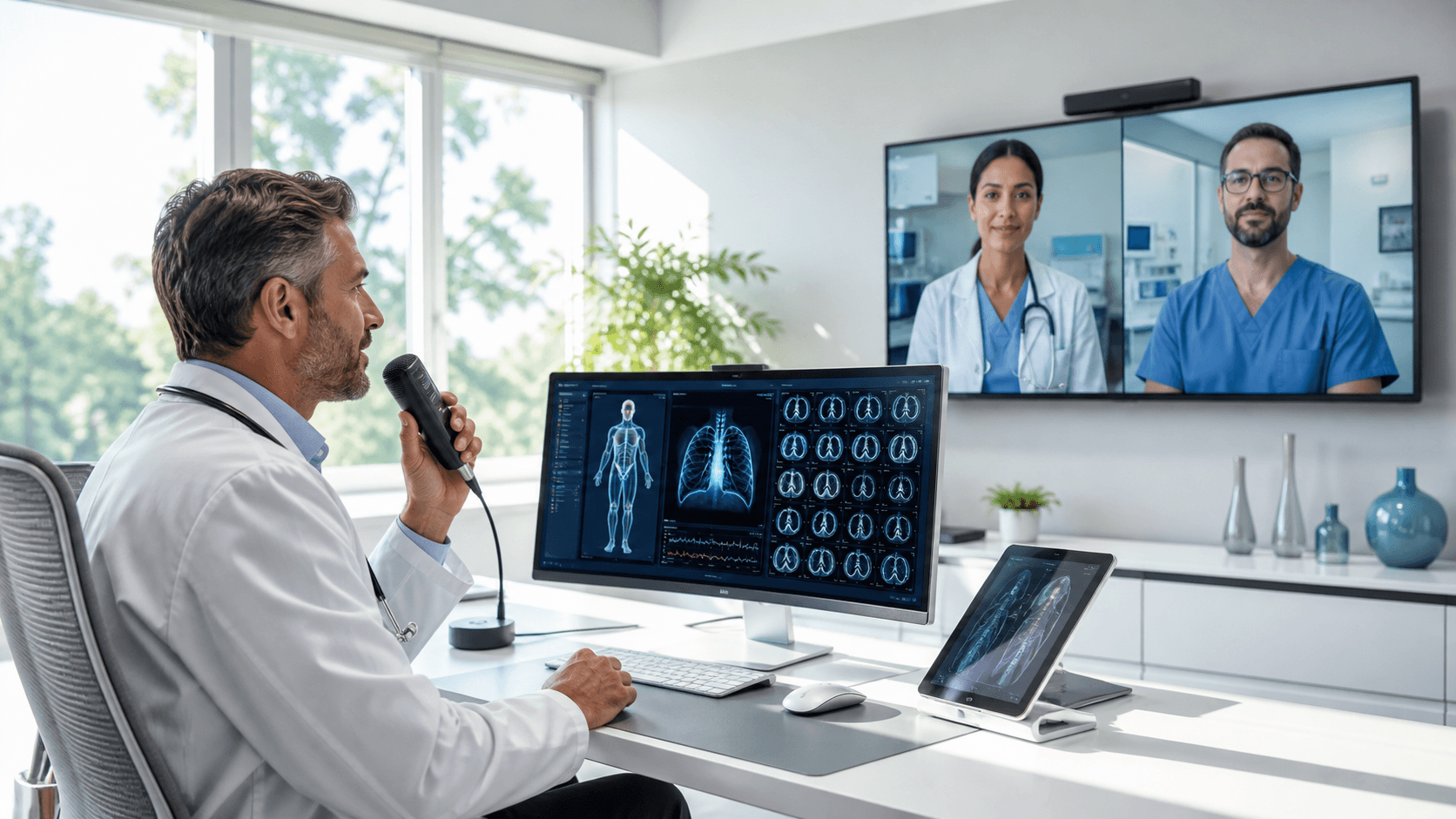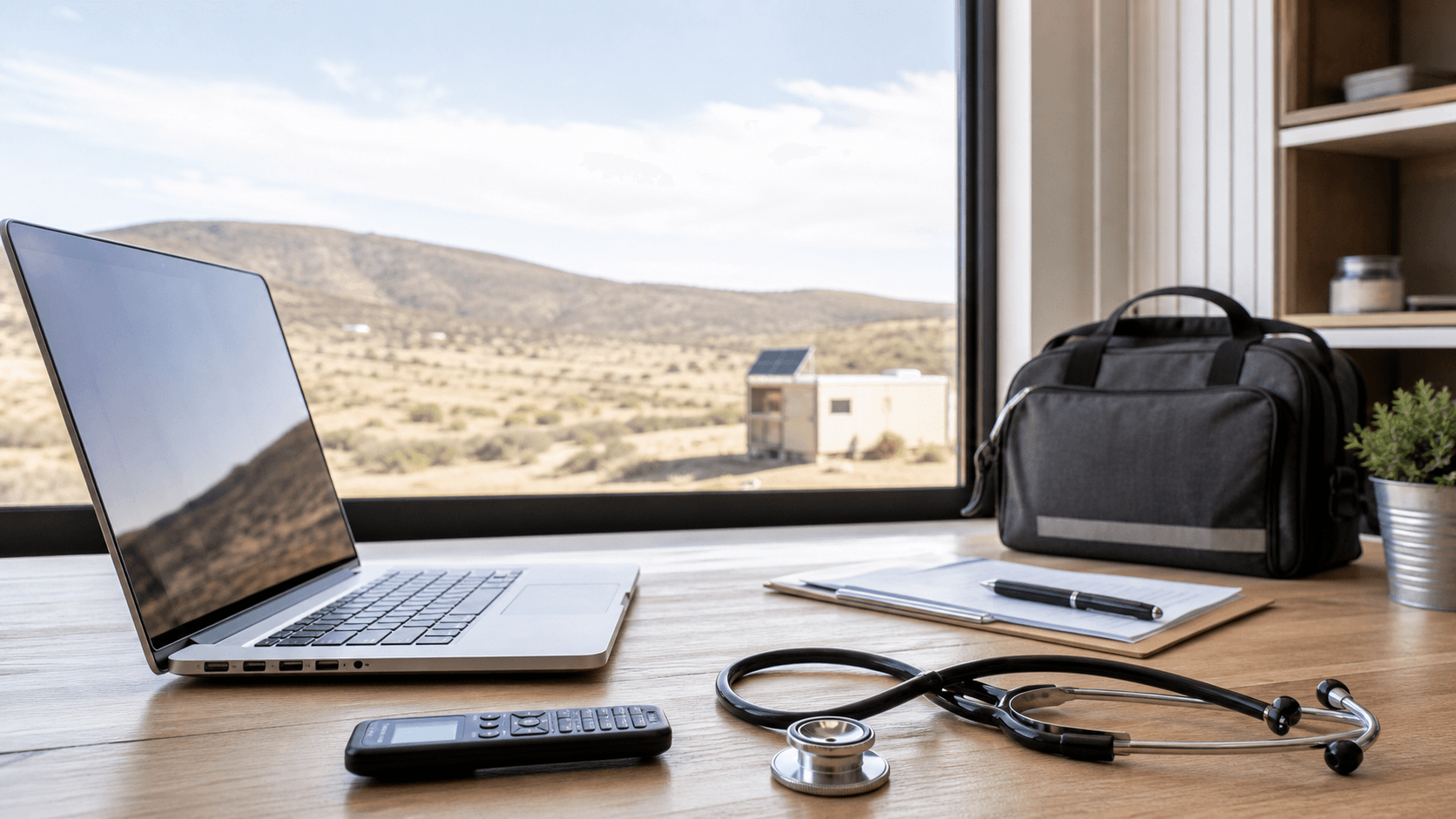
Remote clinics run on tight margins of time and energy. When patient volume jumps in spring and early summer with travel plans, sports injuries, and seasonal allergies, small slowdowns can quickly turn into long backlogs, frustrated staff, and late-night charting. This is where cloud medical dictation can help keep work moving instead of piling up.
In this article, we will look at why remote and satellite clinics feel documentation pain more than larger sites, what goes wrong with older dictation tools, and how a cloud approach can support a more stable, resilient workflow. We will also talk through security, real-world workflow ideas, and a simple action plan you can start using now.
Remote Clinics Need Faster, More Resilient Workflows
Remote clinics and telehealth hubs are often the front door for care when the weather warms up. People are on the move, kids are back on fields, pollen is high, and minor problems can turn serious if follow-up is missed. When charts lag behind, it gets harder to keep track of who needs what and when.
These clinics usually have:
- Limited on-site staff who juggle multiple roles
- Rotating or locum clinicians who move between locations
- EHR access that depends on internet connections that are not always stable
All of that makes documentation bottlenecks hit harder. If one provider is stuck waiting on a slow VPN just to dictate a note, the rest of the schedule can back up. If a locum clinician cannot get their speech profile to work in a new exam room, you may lose the speed and accuracy you were counting on.
Cloud medical dictation offers a different path. With a platform that lets clinicians speak directly into their EHR and other apps from almost anywhere, it becomes much easier to keep charts current without saving everything for the end of the day.
Why Traditional Dictation Breaks Down in Remote Settings
Older dictation setups were built for large, fixed locations. They often rely on:
- On-premises servers inside the main hospital
- Desktop software tied to one PC
- Phone-in transcription with long turnaround times
Now think about how that fits with remote sites, mobile vans, or home visits. It often does not. Some common problems include:
- Laggy VPN connections that slow dictation and EHR access
- Heavy dependence on IT staff who are not on site when things break
- Delayed transcription, so notes get signed long after the visit
- Workarounds, like dictating into personal phones or consumer apps, that can raise security concerns
When documentation tools do not keep up with the way clinicians actually work, people start cutting corners. Notes get shorter. Copy-paste becomes a survival strategy. Some clinicians hold everything in their heads until they finally sit down at the end of a packed shift to batch document from memory.
This is draining and can add to burnout. It also raises the risk of missed details, unclear plans, and confusion for the next clinician who sees that patient.
How Cloud Medical Dictation Keeps Remote Clinics Moving
Cloud medical dictation takes the core idea of speech recognition and runs it from secure data centers instead of local servers. Clinicians log in, open their EHR or clinical app, and speak. The platform sends audio to the cloud, processes it, and returns text into the active field, often in real time.
In a dispersed environment, this has real benefits:
- Roaming provider profiles that follow each user from room to room and site to site
- Automatic updates and improvements without local installs
- Consistent accuracy whether a clinician is in a main clinic, a rural outpost, or a home office
With Dragon Medical One, our focus is on making sure clinicians can use the same voice tools wherever they log in. That consistency builds trust. People are more likely to use speech for most of their documentation when they know it will work without wrestling with settings on each device.
Resilience is another big piece. When your dictation platform does not depend on local hardware or on-site servers, you can:
- Stand up new clinics faster
- Move staff between locations without reconfiguring software
- Keep documentation flowing even when sites open, close, or shift focus with the seasons
Building a Secure and Compliant Remote Documentation Stack
Any time we talk about cloud tools in healthcare, security and compliance must sit front and center. Cloud medical dictation needs to support:
- HIPAA-ready architecture
- Encryption for data in transit and at rest
- Strong user authentication and role-based access
For health systems with multiple clinics, cloud dictation can fit into a broader enterprise plan. Instead of each site using different tools, you can:
- Manage users and licenses in one place
- Review adoption and productivity trends across locations
- Standardize templates and workflows that work well for remote care
Remote setups also need clear safeguards. Some practical steps include:
- Using approved microphones and devices that are set up by your IT or clinical informatics team
- Clear policies for dictating outside hospital walls, such as working in private spaces and logging out when not in use
- Making sure speech data does not sit on personal laptops or phones
This kind of structure lets you enjoy the speed of speech while staying aligned with your compliance and privacy expectations.
Designing a Resilient Workflow for Seasonal and Telehealth Surges
Let us walk through what a strong workflow might look like during a busy spring or early summer stretch at a remote clinic.
First, you prepare for higher volume:
- Onboard new or rotating clinicians with quick Dragon Medical One training
- Set up temporary exam spaces with pre-tested devices and logins
- Make sure telehealth stations have stable headsets and clear audio
Next, you make speech work hard for you. Helpful workflow elements can include:
- Single sign-on so clinicians can access dictation at the same time they enter the EHR
- Voice commands for common templates, like allergy visits, sports physicals, or travel consult notes
- Auto-texts and macros that drop in full note bodies or patient instructions with a short spoken phrase
The goal is not to replace clinical thinking, but to shrink the time spent on repeated wording. During a rush, shaving even a small bit of time off each note can add up across a clinic day.
Change management also matters. Remote teams often appreciate:
- Short, focused training bursts instead of long classes
- Peer champions who share tips and simple voice commands that work in real life
- Regular review of adoption metrics so you can tweak workflows before the next busy season
When people see that speech really does save them time and clicks, they are more likely to keep using it.
Action Plan to Future-Proof Your Remote Clinics Now
To build a more resilient remote documentation setup, it helps to start with a clear checklist. Many teams begin by:
- Reviewing current dictation tools and where they break down
- Mapping pain points in remote clinics, mobile units, and home visit workflows
- Prioritizing cloud medical dictation in locations with tight staffing or weaker connectivity
- Piloting in a small number of sites, then expanding based on feedback
From our side at Dragon Medical One, we see the best results when health systems:
- Identify clinical champions in remote locations who care about both care quality and clinician time
- Set realistic goals, such as reducing after-hours charting or cutting the number of unfinished notes at the end of the day
- Keep an eye on both speed and accuracy so that documentation stays clear and helpful for the next clinician
By investing in a cloud-based documentation backbone now, remote clinics can be better prepared for whatever comes next, from seasonal surges to new telehealth programs. It is not just about getting words on the screen faster. It is about building a workflow that protects clinician energy, supports safer care, and stays steady even when everything around it is changing.
Unlock Faster, More Accurate Clinical Documentation Today
Experience how Dragon Medical One can streamline your workflow by turning spoken words into complete notes in seconds. Our cloud medical dictation solution is designed to help you capture detailed, reliable clinical information wherever you practice. Start now to reduce charting time, improve documentation quality, and refocus your energy on patient care.