Cut Documentation Time While Protecting Patient Data
Cloud medical dictation is not just about talking instead of typing. It is about getting through your day with fewer delays, fewer clicks, and fewer worries about what happens if the system freezes during your busiest hour. When summer hits and clinics fill with injuries, rashes, asthma flares, and heat issues, slow on-premise dictation can turn a long day into a brutal one.
Many clinicians know the feeling. The waiting room is packed, the schedule is double-booked, and the old dictation server is crawling. Notes back up, tempers rise, and patient care can feel stuck in place while everyone waits for charts to catch up.
Cloud medical dictation promises something better: shorter documentation time, less burnout, and better safety checks built into each note, without giving up security or compliance. We will look at the hidden risks of on-premise systems, why many "secure" setups are actually fragile, and how a cloud platform like Dragon Medical One keeps you running when demand surges.
Why On-Premise Dictation Is Riskier Than It Looks
On-premise dictation feels safe because it sits in your building. You can see the closet with the server rack, hear the fans, and touch the blinking lights. But that comfort can hide some big weak spots, especially when volume spikes.
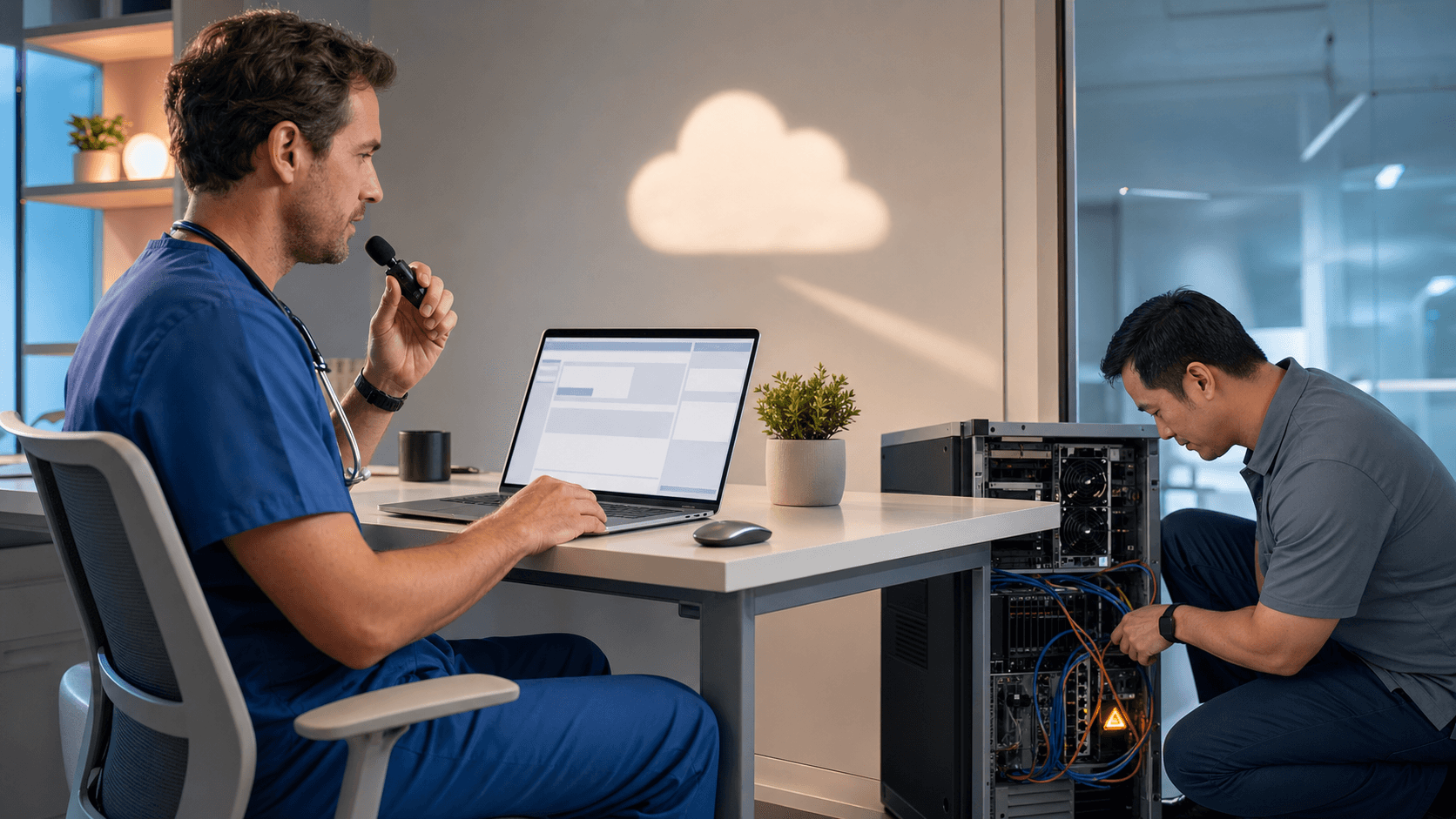
Many on-site servers are older, packed into warm rooms, and sharing power with other equipment. They often rely on one main box. If that single point of failure goes down during a busy summer afternoon, documentation can stall across the whole site. When dictation is slow or offline, it can:
- Delay chart completion
- Slow down orders and follow-up
- Push billing and coding further out
There are also daily operational risks that build over time. On-premise systems usually depend on:
- Limited IT staff juggling many projects
- Manual updates and patches
- Upgrades delayed during peak clinic volume
When the schedule is full, it is easy to push system work to "later." That "later" can turn into months, leaving software unpatched and exposed. Each missed update is another door left half open.
Compliance adds another layer. With on-premise dictation, teams have to prove that:
- Access controls stay consistent
- Encryption standards are met
- Backups are tested and reliable
If backups live in the same space as production systems, a fire, flood, or storm can hit them both. That means possible data loss, corrupted audio, or missing notes that are hard to explain to auditors or payers.
Security and Compliance in the Cloud Era
Cloud medical dictation platforms are built from the ground up with security in mind. Instead of one local server that needs hands-on care, they use secure data centers, layered defenses, and ongoing monitoring that most single health systems cannot match on their own.
Key protections often include:
- Encrypted data in transit and at rest
- Role-based access controls and user management
- Continuous monitoring and security testing
For compliance, cloud vendors structure their services around HIPAA, HITECH, and state rules. That usually means clear Business Associate Agreements, standardized logging, and documented incident response processes. These are not side notes; they are baked into how the service runs.
One common myth is that on-premise always means safer. That idea made more sense when cloud tools were new. Now, leading cloud providers spread workloads across many secure locations, maintain real-time or frequent backups, and support disaster recovery in ways that local setups often cannot match. This really matters when summer brings storms, wildfires, or regional power problems. If one area is hit, the cloud platform can shift traffic and keep dictation available.
So the question is no longer "cloud or safe." It is "which setup actually keeps us documenting under stress, and which one stops the moment a single server fails?"
How Cloud Medical Dictation Transforms Daily Workflow
Security is only half the story. The other half is how cloud medical dictation changes everyday work for clinicians and staff.
With a platform like Dragon Medical One, clinicians gain:
- Roaming profiles that follow them between rooms and locations
- Fast, accurate speech recognition tuned to medical language
- Direct dictation into the EHR and other Windows applications
No more awkward copy-and-paste from one window to another. No more losing custom vocabularies because someone is on a different workstation. Profiles, vocabularies, and custom commands travel with the user, not the device.
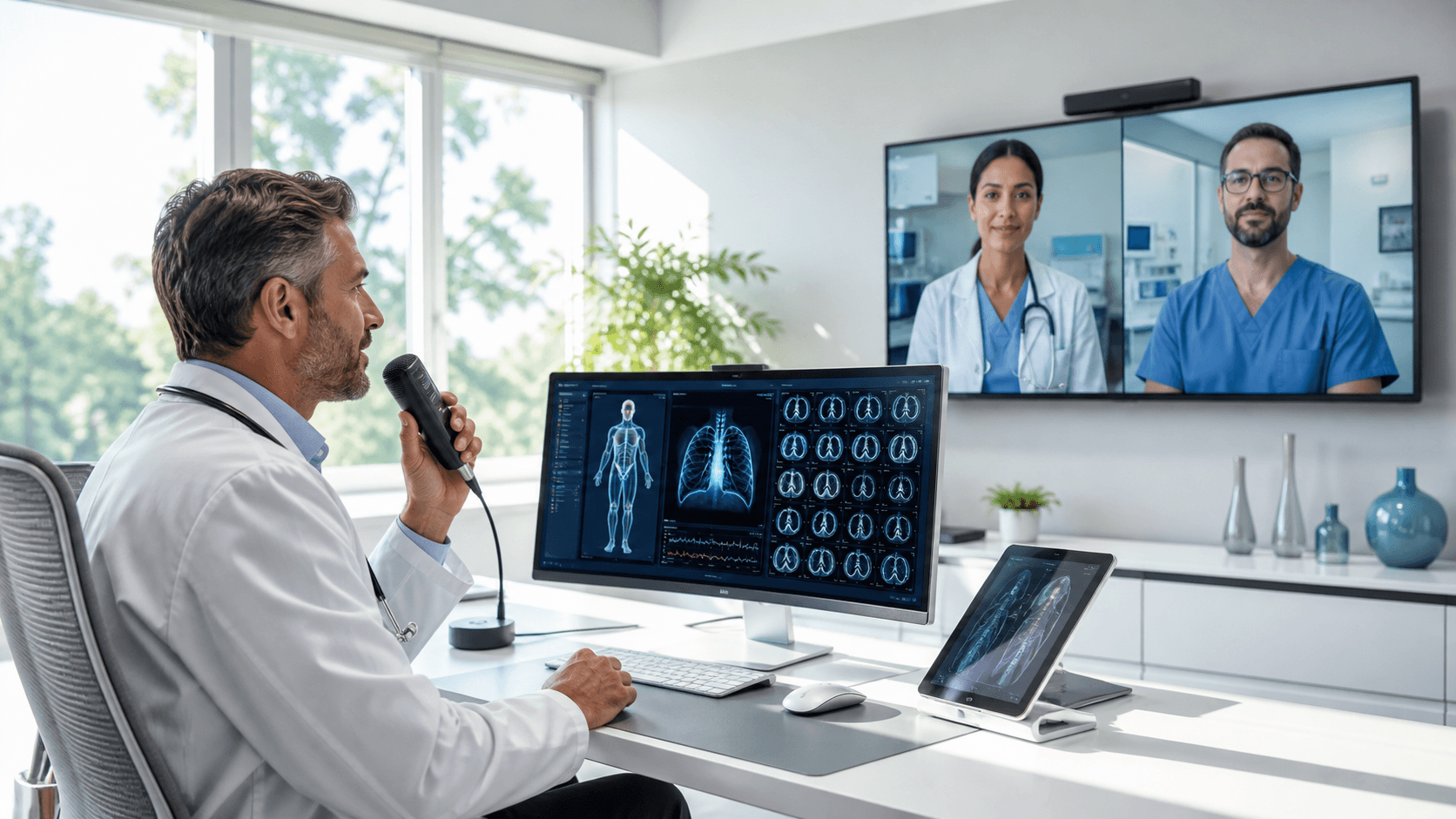
Cloud dictation also fits how care is delivered now. Telehealth visits, satellite clinics, community events, and summer coverage arrangements mean many clinicians float between sites. With cloud dictation, they can log in, speak, and see their words appear where they need them, without hunting for a "special" computer that has the right software build.
When documentation flows better, practices often notice:
- Less time spent per note
- Clearer clinical narratives
- Fewer late charts and after-hours "pajama time"
Cleaner, faster notes can also support smoother revenue cycle work, since coders and billers get what they need sooner and with fewer gaps.
Cost, Scalability, and IT Relief for Health Systems
On-premise dictation is not just about software. It comes with hardware, storage, backup systems, voice cards, and frequent upgrades. All of that adds up over time and needs space, power, and staff attention.
Cloud medical dictation shifts that load into a service model. Instead of investing in new servers and storage every few years, clinics and health systems pay for access and performance. That makes costs more predictable and ties spending to actual use.
Scalability is another big factor, especially when patient volume swings with the seasons. With a cloud platform, it is easier to:
- Add or adjust licenses for residents or locum tenens
- Support seasonal staffing changes
- Handle peaks in patient demand without adding hardware
IT teams also feel the difference. Centralized cloud updates mean fewer on-site upgrades and less downtime. Compatibility with new EHR versions and Windows environments is handled at the platform level, rather than on every single workstation. That frees IT staff to focus on higher-value work like clinical decision support, analytics, and security strategy, instead of chasing microphone drivers or local crashes.
Moving From Legacy Dictation to a Cloud Future
Shifting from a legacy on-premise system to cloud medical dictation does not have to be all or nothing. A thoughtful plan makes the change smoother for clinicians, IT, and compliance.
A practical approach often includes:
- Inventory current dictation workflows and tools
- Flag high-friction areas such as radiology, ER, and urgent care
- Start pilots in departments that feel the most seasonal strain
Summer emergency and urgent care settings can be good early test beds, since they experience the pain of lag and downtime very clearly when volume spikes.
Change management is just as important as the technology. Teams can:
- Offer short, focused training sessions
- Set realistic expectations about the learning curve
- Build a group of early adopters who can coach peers
Clinicians tend to trust other clinicians. When they see colleagues finishing notes faster and speaking naturally instead of wrestling with the keyboard, they are more open to giving cloud dictation a fair try.
As you compare options, it helps to look closely at:
- Security certifications and documented protections
- Uptime guarantees and service reliability
- Depth of EHR integration and workflow fit
- Mobile and desktop choices
- Specialty vocabularies and custom command support
- Vendor training and support structure
Dragon Medical One is designed as a cloud medical dictation platform that lines up with these needs, giving clinicians flexible access and IT teams a future-ready path away from fragile on-premise setups.
Streamline Clinical Documentation With Fast, Accurate Voice Workflows
If you are ready to reduce clicks and reclaim time with your patients, our cloud medical dictation solution makes it simple to get started. At Dragon Medical One, we help you capture detailed, compliant notes directly in your EHR with conversational speech. Get up and running quickly with minimal IT overhead and the flexibility to document from virtually anywhere. Let us help you modernize your workflows so documentation supports your care instead of slowing it down.