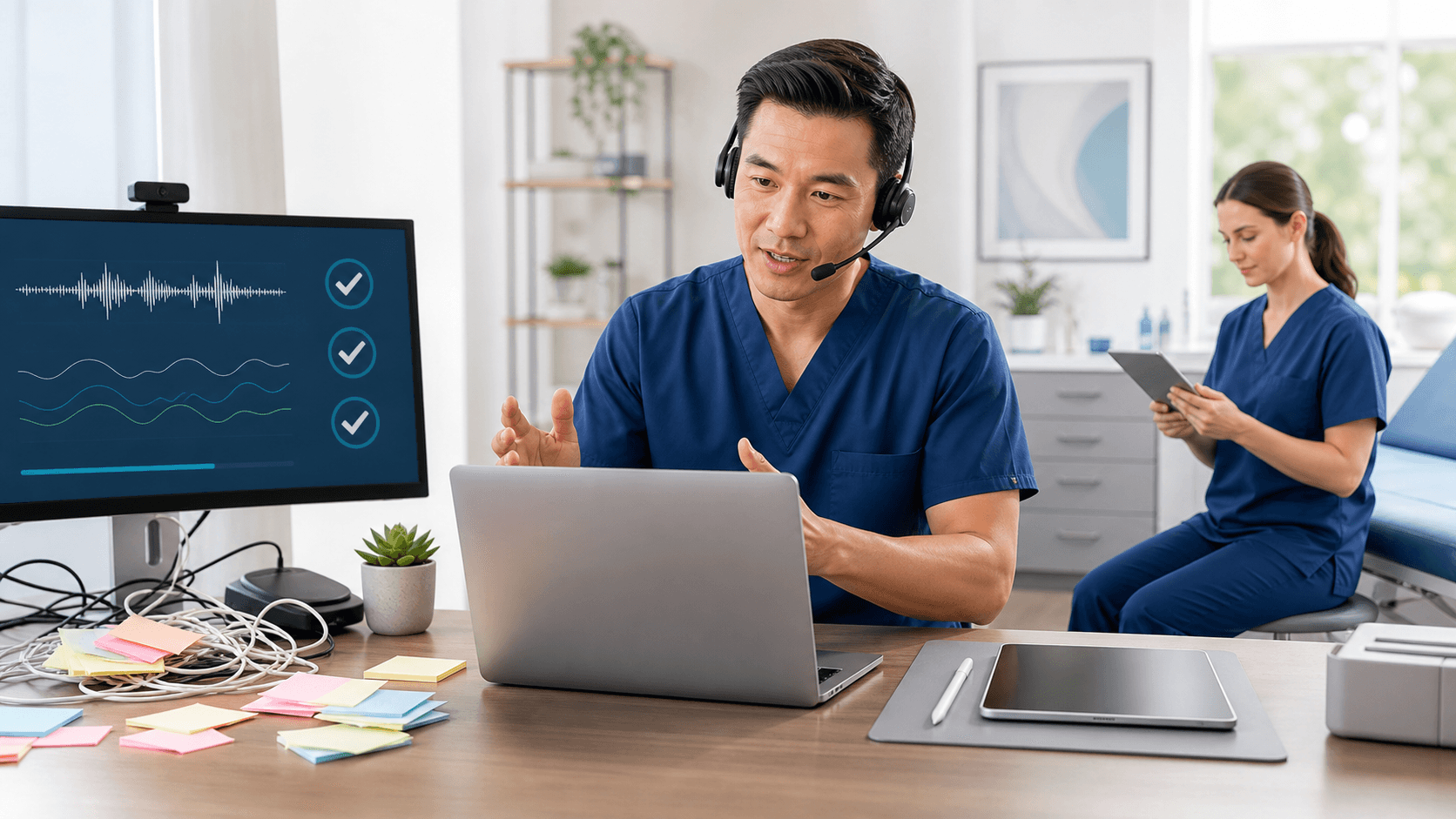
Clinicians lose a lot of time when medical dictation software feels slow or clunky. In many cases, the real problem is not the tool itself, but small habits that create friction all day long. When documentation eats into family time, sleep, or spring events after a long clinic day, even a few wasted minutes per note can really hurt.
As spring shifts into summer and schedules fill with vacations, sports physicals, allergy visits, and coverage for out-of-office colleagues, those minutes matter. In this article, we will walk through common mistakes that make dictation harder than it needs to be, and share simple changes you can start using right away in Dragon Medical One and similar tools.
Stop Fighting Your Tools and Start Saving Minutes
Many clinicians stay late not because they are slow, but because their workflow is fighting them. They might be clicking through extra steps, repeating the same fixes note after note, or using dictation as if it were just a digital tape recorder.
Right now, when the weather is nicer and evenings feel shorter, it can be frustrating to miss family events because you are still at your desk. The good news is that a few small changes in how you dictate can stack up to real time savings by the end of the week.
Here is what we will focus on:
- Audio habits that drag down accuracy
- Workflow patterns that turn dictation into rework
- Underused features that could save you minutes per note
- Simple privacy and security steps that prevent do-overs
- Training and support that keep you efficient all year long
Poor Audio Habits That Wreck Recognition Accuracy
Even the best medical dictation software struggles with bad audio. Many accuracy problems come from how and where we use the microphone.
Common mic mistakes include:
- Holding the mic too far from your mouth
- Pointing it off to the side or at the ceiling
- Dictating next to loud HVAC units or fans
- Trying to dictate in crowded team rooms
All of that adds noise. The software has to work harder, which means more wrong words and more corrections later.
Inconsistent speaking also hurts. At the end of the day, many of us speed up, trail off at the end of sentences, or mumble while we think. Some people mix small talk with dictation so the system tries to transcribe jokes or side comments.
Try this instead:
- Pick a steady, clear "dictation voice" and pace
- Pause briefly before and after commands
- Keep distance from the mic consistent
It also helps to respect the basics. A quick pre-dictation check can prevent wasted notes:
- Is the right mic selected as the input source?
- Is the wireless mic charged and connected?
- Did you say a short test phrase after moving rooms?
This 10-second habit can avoid long notes lost to the wrong mic or bad audio.
Inefficient Workflows That Turn Dictation Into Rework
Medical dictation software works best when you let it place fully formed thoughts where they actually belong. Many time drains come from extra steps that do not add clinical value.
One big one is dictating into the wrong place. Some clinicians still dictate into scratch pads, sticky notes, or text editors, then copy and paste into the EHR. That means more clicks, more chances to paste in the wrong location, and more mental overhead.
It is usually faster to dictate right into:
- The correct EHR note field
- Structured templates and forms
- Standard sections like HPI or physical exam
Another common habit is mixing drafting and editing. If you stop every few words to fix spelling, move commas, or tweak phrases, you never get into a rhythm. Your focus jumps between thinking and polishing.
A smoother approach is:
- Dictate the full section with minimal stops.
- Then take a short edit pass with voice or keyboard.
You also lose time when you skip templates and macros. Typing or dictating the same review of systems, discharge instructions, or procedure details from scratch each time adds up. Dragon Medical One and similar tools support:
- Auto-text for common phrases
- Short commands that drop full paragraphs
- Templates that match your usual note style
Once built, these shortcuts turn long, repeatable content into a quick command.
Underusing Medical Dictation Software Features
Many clinicians use medical dictation software like a basic microphone and never go further. They press record, talk, and hope for the best. That leaves a lot of value on the table.
If you only use basic dictation, you miss out on:
- Custom vocabulary for your specialty
- Auto-text commands for frequent content
- Voice navigation for fields and sections
Specialty terms and names are another pain point. Having to fix the same drug name or procedure term over and over is annoying. Training those words one time, then letting the system remember them, cuts down on repeat corrections.
With a cloud-based tool, you can also benefit from synced profiles. Many clinicians still treat each workstation like a separate world. They re-create commands and preferences in exam rooms, offices, and home setups.
When your profile, custom words, and commands follow you, you get consistent behavior across locations. That means fewer surprises and less time fiddling with settings.
Neglecting Privacy, Security, and Compliance Essentials
Rushing can push privacy to the side, which often leads to more work later. Dictating protected health information in public or semi-public spaces can create compliance concerns and sometimes means redoing or heavily editing notes.
Risky spots include:
- Hallways and elevators
- Waiting rooms
- Busy nursing stations where visitors stand nearby
Simple habits help: step into a quieter area when possible, lower your volume, and keep screens angled away from others.
Sharing logins or devices also creates trouble. When multiple clinicians dictate under one account, it becomes harder to track who said what. That can lead to messy audit trails and extra cleanup work later.
It is also worth staying in sync with IT and compliance teams. Using unapproved dictation tools or personal devices can lead to blocked access, lost work, or sudden workflow changes if a tool is later restricted. Getting aligned early keeps your setup stable as your organization grows.
Skipping Training and Support That Pay Off All Year
Many people think medical dictation software is "just a microphone" and try to learn it on the fly. That is how small problems become long-term habits. A short, focused training session often reveals easier ways to work that no one had time to explore before.
Your workflows are not static either. EHR layouts change, new templates appear, and your mix of visit types shifts with the season, like more sports exams when school ends or more allergy visits as pollen rises. When you update how you use dictation to match those changes, you stay fast.
Helpful support sources include:
- Built-in tutorials and help guides
- Super-user peers who know local workflows
- Vendor training and refresher sessions
At Try Dragon Medical One, we see how a few targeted tweaks can turn daily frustration into real time saved. By tuning audio habits, cleaning up workflows, using the right features, protecting privacy, and taking advantage of training, clinicians can let medical dictation software do its job: help you document faster and more accurately so you can get home on time.
Streamline Clinical Documentation With Voice-First Efficiency
If you are ready to reduce clicks and spend more time with patients, our medical dictation software makes it easy to create accurate notes directly in your EHR. At Try Dragon Medical One, we help clinicians turn spoken words into structured documentation in real time, with minimal training. Get started today to see how quickly your workflow can improve and how much documentation stress you can remove from your day.