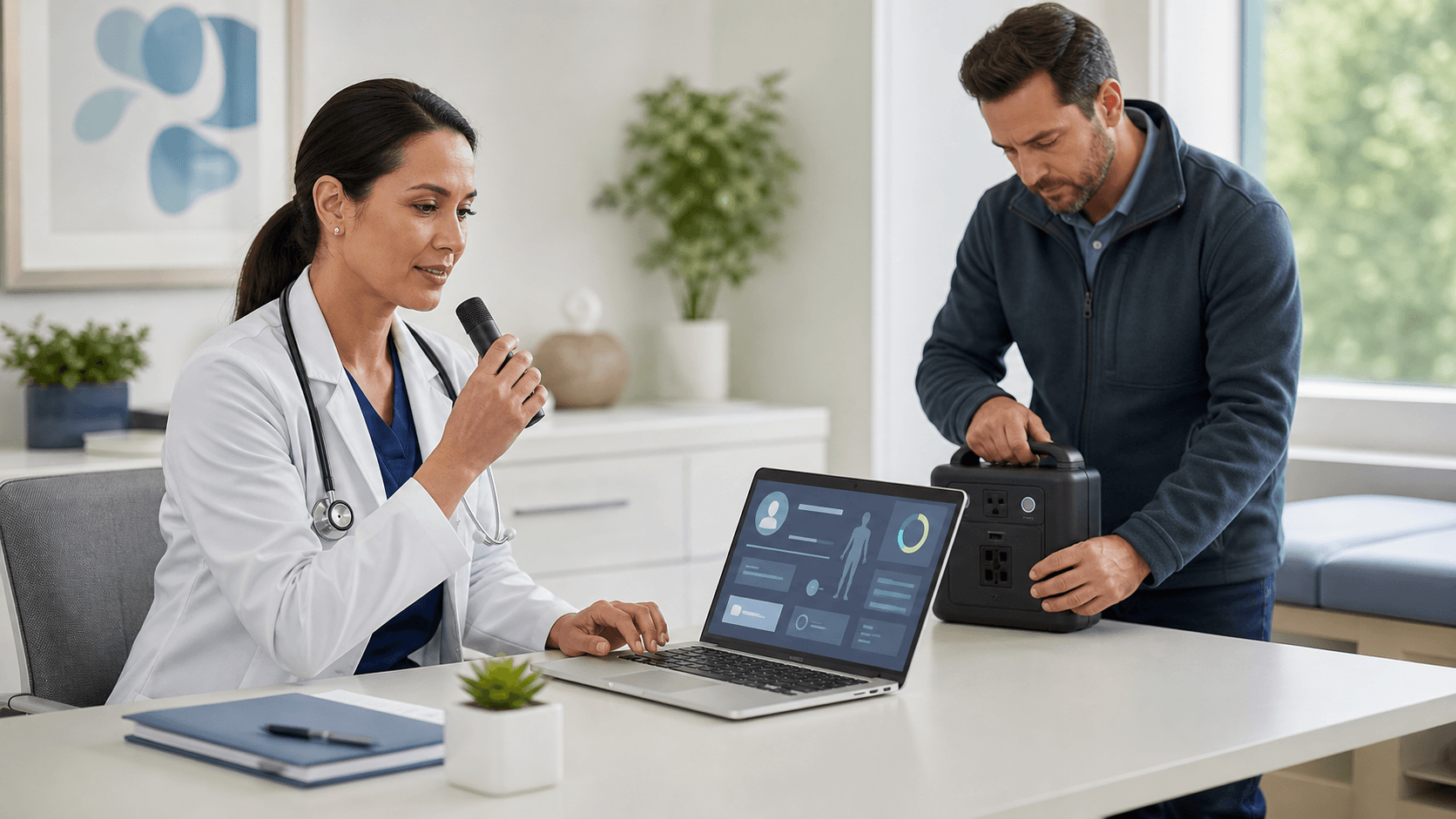
Clinician onboarding for medical dictation software should not feel like one more task on a long list. It should feel like a clear path to fewer late nights, less clicking, and more real time with patients. When we teach people well at the start, they can move from hunting and pecking on the keyboard to speaking clear, complete notes in far less time.
In this playbook, we will walk through how to roll out medical dictation software in a way that fits real clinical life. We will focus on late spring and summer, when new trainees arrive, schedules shift, and workloads change. Our goal is simple: help you launch faster, cut charting stress, and keep care teams focused on patients, not screens.
Launch Faster, Burnout Less: Why Onboarding Matters
Documentation demands keep growing. Many clinicians are still finishing notes at home, long after clinic or call is done. That "pajama time" adds up and can drain energy, patience, and joy from the workday.
A structured onboarding playbook can:
- Shorten the learning curve from weeks to days
- Reduce frustration during early use
- Help new and existing clinicians build good habits from day one
Late spring and early summer are a natural reset point. Academic years end, new residencies start in July, and many practices bring in new hires. This is the perfect time to roll out or refresh medical dictation software workflows so new people never learn the "old way" of clicking through every field.
By the end of this guide, you will have a step-by-step plan to launch Dragon Medical One or similar tools with high adoption, less disruption, and clearer expectations.
Define Your Vision and Success Metrics Upfront
Before anyone plugs in a microphone, you need a clear "why." For most groups, it sounds something like:
- Less after-hours charting
- Shorter lag between visit and finished note
- Better documentation quality and clarity
- Stronger compliance and more complete stories in the chart
- A more sustainable pace for clinicians
Next, pick a few simple metrics and track them before, during, and after rollout:
- Average time to complete a common note type
- Days between visit and signed note
- Percent of charts closed the same day
- After-hours EHR time for each role
Set realistic milestones for each group. Attendings, residents, and APPs may all have different starting points and schedules. A resident who is also learning the EHR will need more repetition. An experienced attending may adopt faster but need help unlearning old habits.
It also helps to place medical dictation software inside a larger plan. Connect it to other digital health or EHR projects, so it feels like part of a thoughtful approach to smarter documentation, not just another icon on the desktop.
Build a Multidisciplinary Onboarding Team
Strong onboarding starts with the right people at the table. At minimum, your core team should include:
- Clinical leaders who set tone and expectations
- Super-user clinicians who know real-world workflows
- IT and EHR analysts who handle build and access
- Training and education staff
- Compliance or privacy leaders
Give each person a clear role:
- Who provisions new users and microphones
- Who leads live training sessions
- Who builds and maintains specialty-specific templates
- Who tracks adoption and sends updates
Recruit early adopters in key departments to pilot Dragon Medical One ahead of summer onboarding waves. These clinicians can share screenshots, quick videos, or short tips during orientation, which feels more real than any generic demo.
Finally, design an escalation path for support during the first 30 to 60 days. New users should know exactly who to contact for:
- Technical issues, like login or microphone problems
- Workflow questions, like where to dictate in the note
- Training needs, like a short refresher session
This reduces frustration and keeps people from giving up too soon.
Design a Clinician-Centric Training Experience
Training should match the flow of clinical life, not pull people out for half a day in a windowless room. For late spring and summer, when schedules are extra busy, plan short, focused sessions:
- Role-specific orientation modules for attendings, residents, and APPs
- Specialty examples for ED, primary care, surgery, behavioral health, and others
- Sessions built into existing orientation days and standing meetings
Start with high-impact basics, such as:
- How to position and use the microphone
- Core voice commands for punctuation and navigation
- Using medical vocabularies for faster, accurate terms
- Simple ways to edit by voice instead of reaching for the mouse
Whenever possible, train inside your live EHR. Let clinicians dictate realistic notes into their own workflows, so muscle memory starts right away.
Offer flexible formats to match summer vacations and coverage:
- Quick-start videos
- Live group training
- One-on-one coaching for those who want it
- Short, just-in-time tips they can use between patients
The goal is not to teach every feature on day one. It is to help each clinician feel confident with a few core skills, so they see a benefit in their next clinic session.
Standardize Workflows Without Killing Flexibility
Standardization does not have to mean rigid scripts. It means clear, shared best practices that still allow personal style.
Begin by defining "gold standard" dictation workflows for common visit types:
- New patient visit
- Follow-up visit
- Telehealth
- Procedure note
- Inpatient admit and discharge
Build shared templates and auto-texts that are tuned for voice use, not just typing. Short, logical sections with clear headings make it easy to speak a complete note without losing your place. Aim for consistency and compliance while leaving space for clinical judgment and individual phrasing.
Set norms for where dictation works best and where it might not, for example:
- Recommended: typical clinic rooms, private offices, and telehealth spaces
- Less ideal: shared workstations with no privacy, very noisy areas, or highly sensitive content
Encourage each specialty to adjust workflows for their seasonal patterns. Primary care might design fast dictation flows for camp and school physicals in summer. Sports medicine might focus on common warm-weather injuries. Keep a core set of best practices, then let teams tune around the edges.
Drive Adoption with Data, Nudges, and Feedback
Once people are trained, steady use is the next challenge. Data and gentle nudges can help.
Use analytics from Dragon Medical One, along with EHR reports, to follow:
- Minutes dictated per clinician
- Number of notes created mainly by dictation versus typing
- Trends in after-hours EHR time
Share simple, department-level dashboards that highlight quick wins. When people see peers closing more notes during clinic hours, they are more likely to lean in.
Nudges can be small and friendly:
- Short reminders during staff meetings
- "Tip of the week" in newsletters or chat channels
- Seasonal themes, like a "Summer of Same-Day Notes" campaign
Most important, create regular feedback loops. Use brief surveys, hallway chats, or drop-in office hours to hear what is working and what is not. Then adjust commands, templates, and training materials quickly, so clinicians see their input shape the tool.
Sustain Momentum with Continuous Optimization
Good onboarding is only the start. To keep gains over time, plan for refresh and refinement.
Schedule periodic sessions for advanced users who want to learn:
- Specialty-specific commands
- Custom vocabularies for unique terms or local phrases
- Workflow shortcuts that reduce clicks and scrolling
Revisit your workflows at predictable points, like the end of summer, start of the academic cycle, or the build-up to flu season. Visit types and volumes change with the weather, and your dictation patterns should change with them.
Watch for signs of drift, such as:
- Longer note closure times
- Rising after-hours work
- Decreasing dictation minutes
When you see these trends, respond with targeted coaching or updated templates instead of waiting until frustration is high.
Finally, keep your work on medical dictation aligned with broader goals around clinician well-being and quality improvement. When leaders see how smarter documentation supports those goals, they are more likely to keep supporting the time and effort needed to keep your playbook strong.
Streamline Clinical Documentation And Reclaim More Time With Patients
If you are ready to reduce clicks, improve note accuracy, and spend less time in the EHR, our medical dictation software can help you get there. At Dragon Medical One, we focus on making documentation feel natural so you can focus on patient care instead of typing. Get started today to see how quickly you can transform your daily workflow and make documentation a seamless part of your clinical routine.