Turn Everyday Dictation Into High-Impact Documentation
Finishing charts before dinner instead of long after dark often comes down to two things: the tools we use and the habits we build. Medical dictation software can take a lot of typing off our plate, but how we speak to it matters just as much as which platform we choose.
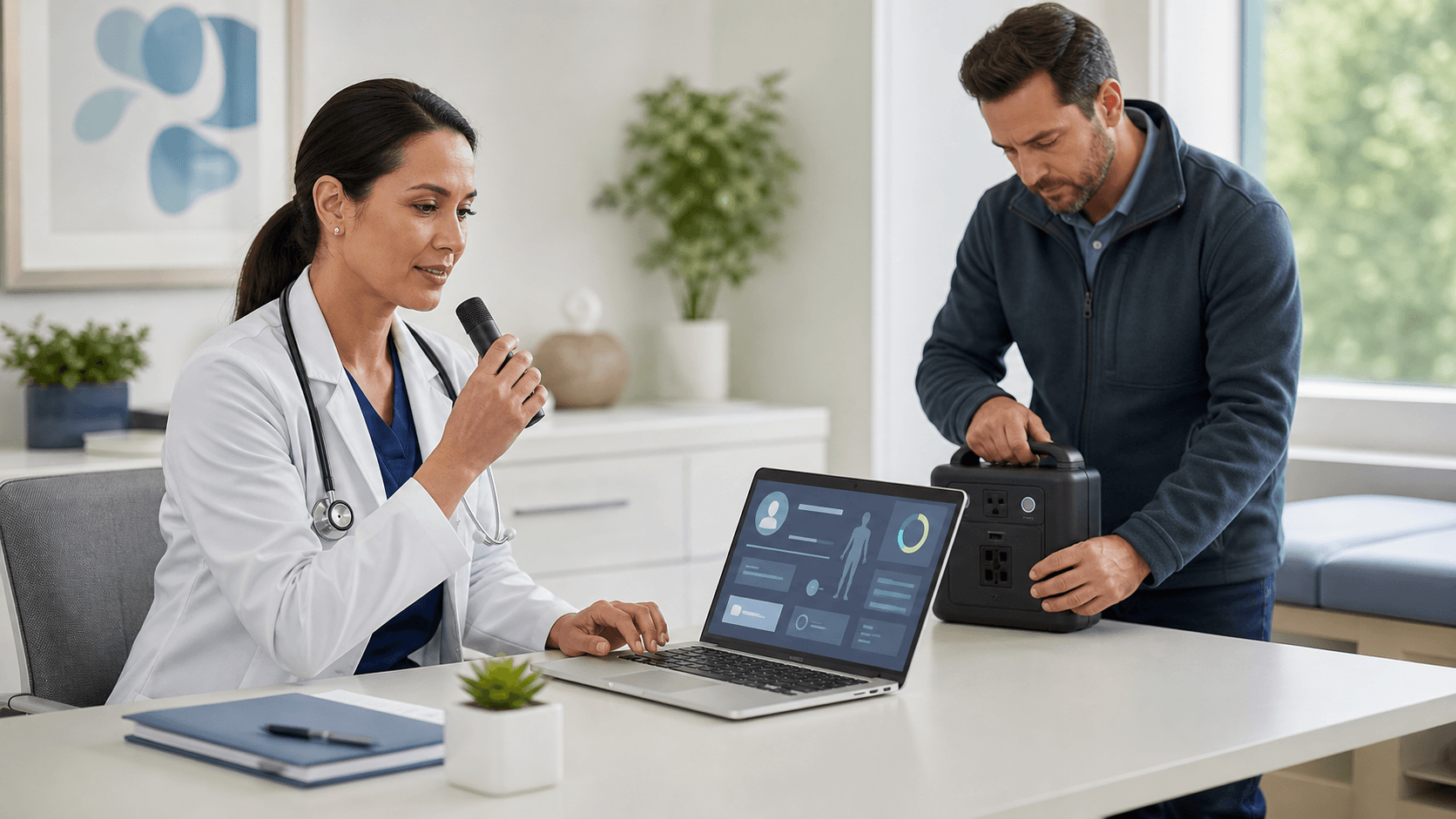
Modern medical dictation software lets us speak directly into the EHR and other Windows applications, with our words turning into text in real time. That matters in a world of staffing shortages, rising workloads, and pressure to keep documentation clear and complete for value-based care programs. When summer hits, schedules get tighter, clinics get busier, and vacations and resident onboarding can stretch teams even more.
The good news is that small, intentional changes in how we dictate can have a big impact on accuracy, speed, and note quality. With the right habits, we can turn everyday dictation into high-impact documentation that supports safer care, smoother handoffs, and less after-hours charting. Let us walk through practical ways to make medical dictation software work harder for us, not the other way around.
Start Strong with Structured Dictation Routines
One of the easiest wins is having a consistent mental template for each note type. When our brain follows a steady pattern, our dictation tends to be cleaner and our notes are more complete.
For example, we might always move through:
- Chief complaint
- HPI in a set order, such as timing, severity, modifiers
- ROS highlights only
- Focused physical exam
- Assessment and plan, one problem at a time
When we stick with a pattern, the software gets a steady stream of structured content instead of a jumpy mix of half-finished thoughts. That makes errors less likely and makes reviewing faster.
It also helps to script standard opening and closing phrases for our most common visit types, like:
- Chronic disease follow-ups
- Pre-op evaluations
- Sports physicals when summer sports ramp up
- School and camp form visits
Using the same phrases for these visits day after day does two things. It reduces variability so the software learns our style more easily, and it helps us hit the same key points every time, which supports better billing and clearer notes.
We can also build simple "micro-templates" that we dictate often, such as:
- A standard pain description section
- A common asthma follow-up structure
- A routine med reconciliation block
Repeating these short blocks, instead of reinventing the wording each time, keeps us moving and keeps our notes steady and predictable.
Speak for the EHR, Not Just the Listener
When we talk to a person, our brain fills in gaps from context. The EHR does not do that. Medical dictation software works best when we speak the way the EHR is built, so our words land in the right place the first time.
That can mean saying the part of the chart out loud, such as:
- "History of present illness colon"
- "Review of systems colon"
- "Physical exam heading new line"
Clear commands like "new line" and "new paragraph" help separate sections and keep notes readable. Naming the section we are in makes it easier to scan later and can reduce time spent dragging and dropping text around.
It also helps to use precise, EHR-friendly language. Instead of saying, "We will do the usual meds," it is clearer to state, "Medication list colon continue lisinopril ten milligrams once daily period discontinue hydrochlorothiazide period." This style can feel stiff at first, but it cuts down on confusion and rewriting.
Dragon Medical One is built to move across EHR fields and other Windows programs as we work. When we use the same phrasing for commands and common content, the software gets better at telling the difference between what is a command and what belongs in the note. Consistency here pays off in fewer edits and fewer frustrating misfires.
Build a Power Vocabulary for Summer and Beyond
Our clinical language shifts with the seasons. Summer brings sports injuries, travel visits, allergy flares, and a flood of camp and school paperwork. Teaching medical dictation software the words and phrases we lean on during this time can save countless corrections.
It helps to pay attention for a few days and jot down words we are fixing over and over, like:
- Specific sports or positions we mention a lot
- Travel vaccines and destinations we see in our region
- Common allergy medications and inhaler brands
- Local clinics, hospitals, and community partners
Setting aside a short weekly "tuning" session to add these as custom words or phrases keeps the software aligned with the work we actually do. We can also include patient education phrases we repeat often, like sunscreen use, hydration advice in hot weather, or asthma action steps.
When a whole practice or service line agrees on standard phrasing for common topics, the benefits grow. For example, if everyone uses the same wording for COVID booster counseling, asthma action plans, or sun safety education, documentation looks cleaner across the group, and downstream reporting becomes easier to work with.
Minimize Noise and Maximize Clarity in Every Note
The way we sound to the microphone affects how well medical dictation software can do its job. A few simple habits can improve clarity right away.
First, trimming verbal clutter helps. That means:
- Limiting filler words like "um" or "you know"
- Avoiding side conversations during dictation
- Pausing for a second before speaking complex sentences
- Speaking at a steady pace instead of rushing
On the audio side, good "microphone hygiene" matters. Position the mic or headset at a steady distance from the mouth, not brushing against clothing, and avoid dictating right next to hallway chatter or loud equipment. When possible, headsets can block some background noise and give more consistent sound than built-in laptop mics.
Long, winding thoughts are hard for both humans and software to follow. Breaking them into shorter pieces makes notes easier to read and safer for care coordination. Using clear commands like "new sentence" or "new line" at natural pause points keeps text clean and prevents run-on paragraphs that hide key details.
Turn Dictation Habits Into Lasting Workflow Wins
When we step back, the core habits are simple: follow structured routines, speak with the EHR structure in mind, keep a tuned vocabulary, and use clear, steady speech. Together, these habits make medical dictation software, including platforms like Dragon Medical One, shine in daily work.
Better dictation habits do not just feel nicer in the moment. They support less after-hours charting, smoother summer coverage when colleagues are away, and safer handoffs during vacations and busy clinic days. Notes become clearer for everyone who touches the chart, from specialists to nurses to coders.
A practical way to start is to audit our dictation for one week. Notice where we repeat corrections, where notes feel messy, and where we get stuck. Then choose just two small changes, such as adding a mental template for follow-up visits and using "new line" more often, and practice those until they feel natural. With steady, thoughtful use, medical dictation software can become a quiet partner that helps us protect both our time and our clinical focus.
Streamline Clinical Documentation And Reclaim More Patient Time
If you are ready to spend less time typing notes and more time with patients, we can help you transform your workflow. Our medical dictation software is built for speed, accuracy, and security in real-world clinical settings. At Dragon Medical One, we make it simple to get started so your team can see benefits quickly. Let us help you modernize documentation so charting becomes faster, easier, and more reliable.