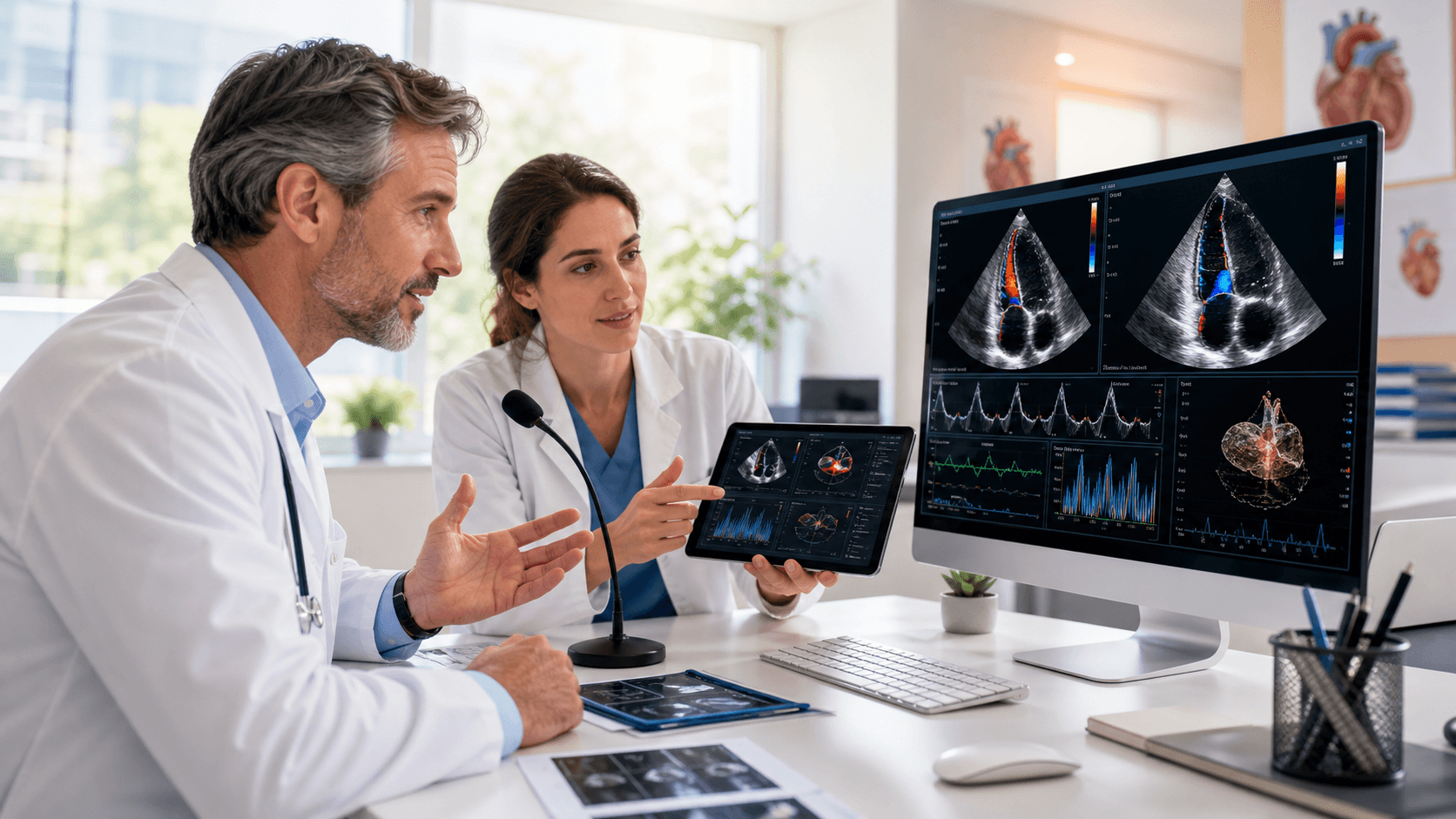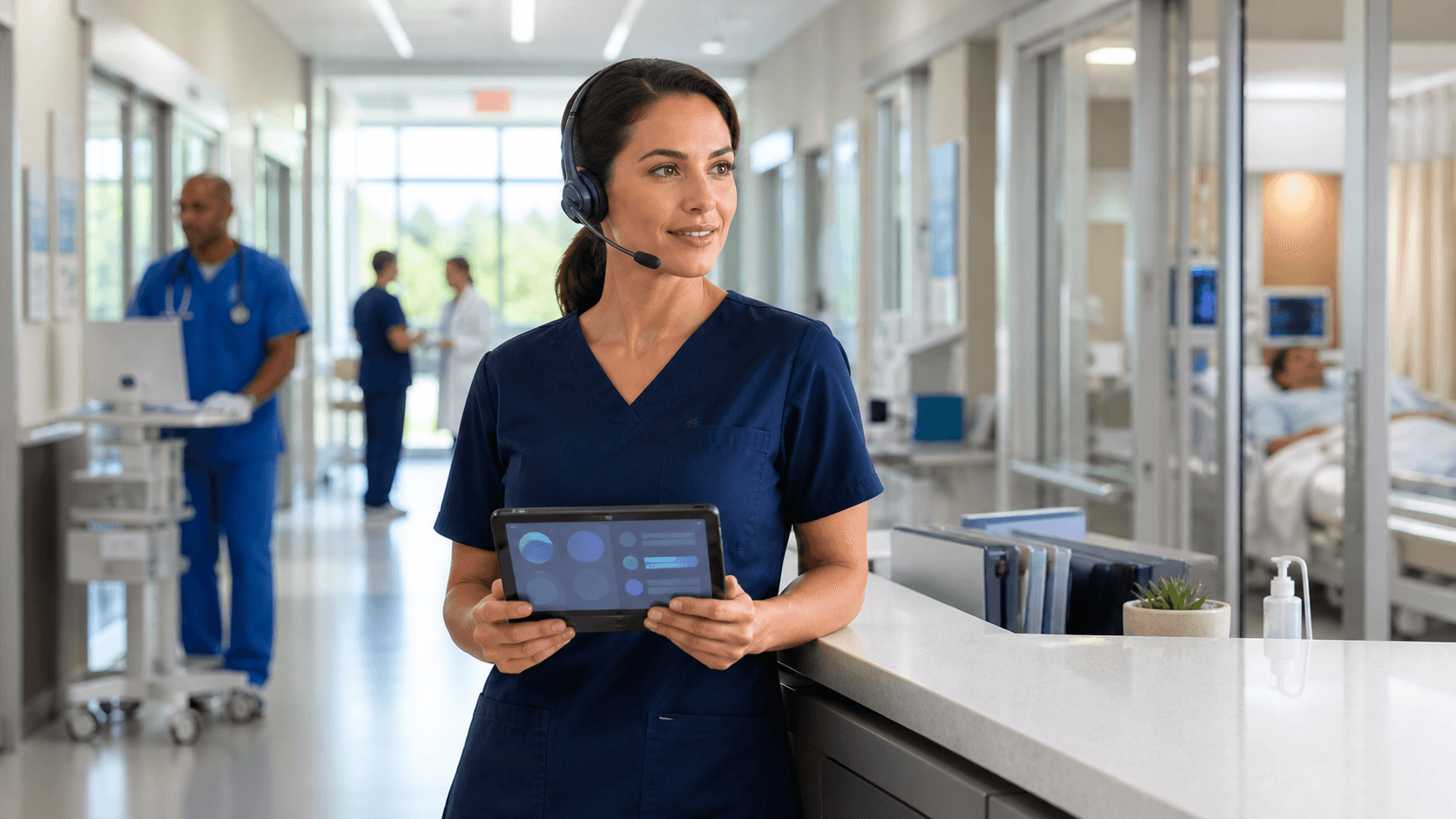
Secure clinical dictation solutions can make a real difference for float clinicians who need to move quickly without losing confidence in their documentation process. When coverage changes by the shift, staff still need to protect patient information, meet local standards, and complete accurate notes.
At Try DMO, we believe the right workflow should feel familiar even when the workstation, unit, or facility is not. A consistent medical speech recognition experience can reduce unnecessary friction and help clinicians put more attention where it belongs, on patient care.
Give Float Clinicians Confidence From Their First Shift
Float staffing asks a lot of clinicians. A nurse, provider, or other team member may arrive at a different department with little notice, sit at an unfamiliar workstation, and need to document right away. Small roadblocks, such as not knowing where to find a tool or how to use a new setup, can add pressure to an already demanding assignment.
We see the value in workflows that let authorized clinicians dictate in a familiar way across approved Windows environments. Rather than spending valuable time adjusting to each workstation, float staff can use a consistent speech recognition process while documenting in EHR fields and other Windows applications.
Confidence also depends on secure access. No clinician should feel pushed toward shared credentials, copied notes, or other shortcuts just to finish documentation on time. We recommend setting up workflows that support individual accountability while keeping the process practical for real clinical work.
Secure Clinical Dictation Solutions Reduce Access Friction
For float staff, fast access alone is not enough. Secure clinical dictation solutions should connect the right clinician to the right permissions while following the organization's established security policies. That balance helps teams avoid turning a staffing need into an access-control problem.
Dragon Medical One supports cloud-based medical speech recognition for clinicians who need to dictate directly into EHR fields and other Windows applications. Its roaming profile approach can help authorized users keep familiar speech recognition settings when moving between approved workstations. That consistency can be especially helpful when a clinician covers several departments or locations.
When we help teams think through access, we encourage them to look beyond the dictation tool itself. A complete workflow should include:
- Identity verification before access is granted
- Role-based permissions that match the clinician's assignment
- Clear workstation session and sign-out practices
- Timely access changes when roles or assignments end
A dictation process works best when it fits into the security and compliance practices your organization already uses. Creating a separate process that is hard to manage can lead to confusion for clinicians and support teams alike.
Roaming Workflows Keep Documentation Consistent
Inconsistent documentation steps can slow down even highly experienced clinicians. Someone may know one department's common terms, note structure, and templates, then cover another team with different expectations. While local policies still matter, familiar speech recognition tools can reduce the time spent relearning basic documentation actions.
Dragon Medical One includes specialty vocabularies, voice commands, AutoTexts, and personalized profiles that can support a more consistent workflow. These features can help clinicians insert commonly used language, work within supported applications, and document in a way that feels closer to their usual routine.
For float teams, we suggest identifying the tools and guidance that should travel with the clinician, including:
- Department-approved AutoText options
- Common voice commands for supported workflows
- Specialty vocabulary needs
- Instructions for documenting according to local policies
Speech recognition does not replace clinical review. We always encourage clinicians to review dictated content, confirm patient-specific details, and follow the documentation rules of the department where they are working. The goal is to make the process smoother while keeping responsibility for the final note with the clinician.
Security Controls Protect Sensitive Clinical Notes
Clinical notes contain sensitive patient information, so the surrounding controls matter just as much as the speech recognition workflow. Individual credentials, appropriate access rights, device security, and well-managed sessions all work together to reduce the chance of unauthorized access.
Float assignments also come with physical privacy concerns. A clinician may document in a shared workroom, a temporary station, a busy nursing unit, or another unfamiliar space. We recommend clear expectations around screen locking, account sign-out, workstation privacy, and conversations involving protected health information.
Governance should be part of the plan, not an afterthought. IT, compliance, clinical informatics, and department leaders can align on who receives access, how approval works, what training is needed, and where staff can report workflow issues. This shared approach helps prevent short-term staffing changes from creating longer-term documentation or security gaps.
Plan for Fall Coverage Changes Before Demand Spikes
September is a smart time to review float coverage readiness. Seasonal illness patterns, year-end scheduling pressure, vacations, and changing patient volumes can all place greater demands on float pools during the fall and winter. Documentation readiness deserves a place in those staffing conversations.
A practical onboarding plan can give clinicians a steadier start before their first coverage shift. We recommend confirming access early, sharing basic Dragon Medical One workflow training, and providing department-specific guidance before a clinician needs to document under pressure.
Teams can also track what is working and what needs attention. Useful areas to review include support requests, time-to-access concerns, clinician feedback, documentation completion patterns, and recurring training questions. Those findings can help your organization adjust the process before coverage needs become more intense.
Equip Float Teams for Reliable Documentation
Float clinicians need more than an open workstation. They need a documentation process that is secure, consistent, and workable across changing assignments. Medical speech recognition can support that goal when it is paired with clear access policies, thoughtful training, and dependable workflow standards.
Before fall coverage needs grow, review whether your float process gives clinicians the access and guidance they need from the first shift. A well-planned workflow helps protect patient information while giving staff a familiar way to complete their documentation responsibly.
Support Confident Documentation Across Every Shift
Try DMO helps organizations equip clinicians with dependable medical speech recognition support for Dragon Medical One. Learn how our secure clinical dictation solutions can support consistent documentation for float staff and permanent teams alike. We can help you choose an approach that fits your clinical workflows and documentation needs.