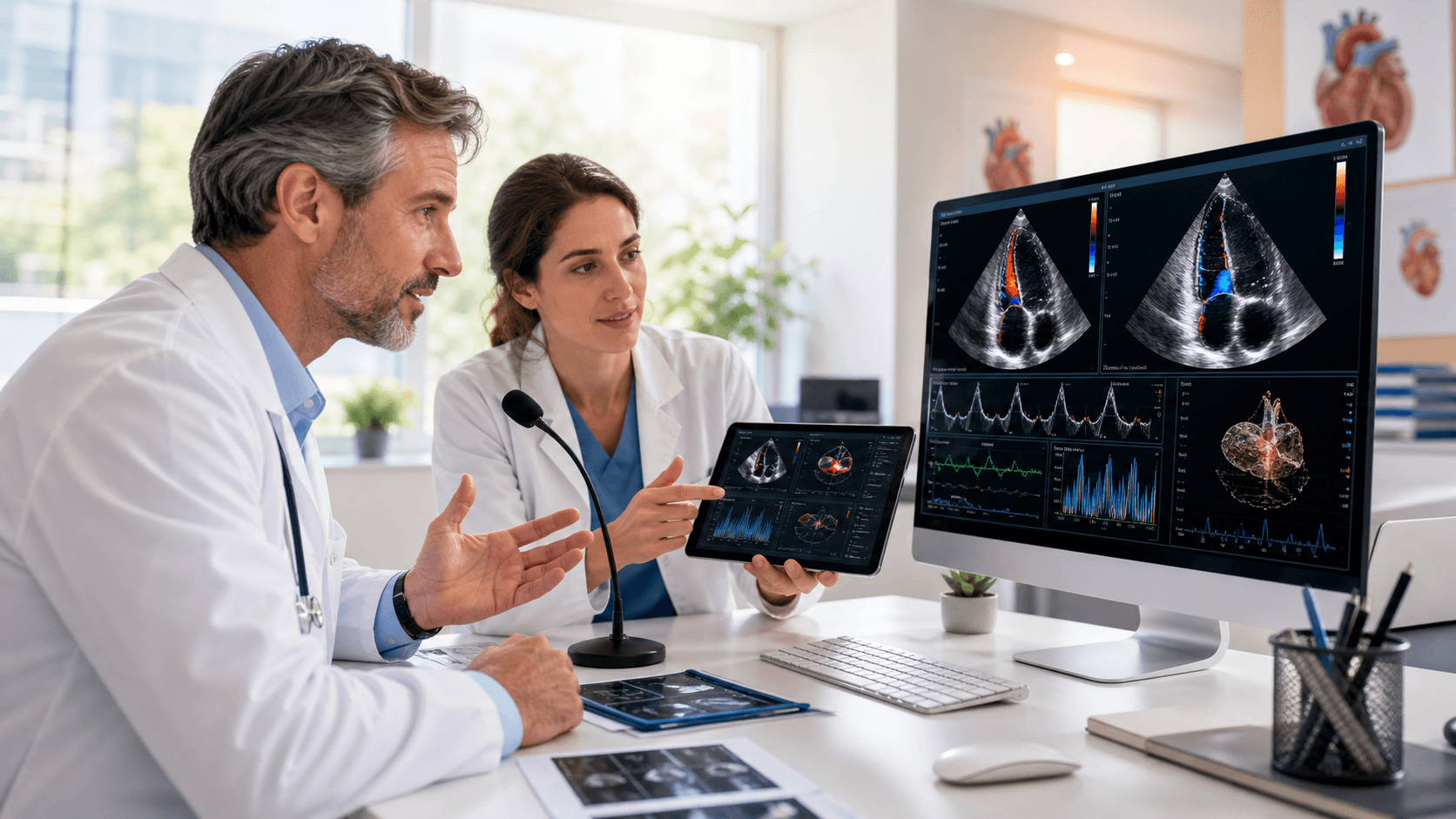
Cardiology follow-up notes may look routine on the schedule, but they rarely feel routine in the room. You may need to review symptoms, medication tolerance, test results, risk factors, and the next care plan, then turn that conversation into a clear, complete note. We see medical speech recognition as a practical way to reduce keyboard time while keeping clinical review, editing, and signoff firmly in the clinician's hands.
The question is not whether typing should disappear. It is whether cardiology speech recognition fits your team's note standards, visit volume, specialty language, training capacity, and documentation goals.
Reclaim Time for More Meaningful Follow-up Visits
A cardiology follow-up can cover a lot in a short window. One visit may center on blood pressure trends and medication changes. The next may involve heart failure symptoms, a post-procedure check-in, an arrhythmia follow-up, or a review of test findings.
Even when the appointment is brief, the documentation may need to explain what changed, what was reviewed, and why the plan makes sense. That is where keyboard-heavy workflows can feel slow or disruptive.
Dragon Medical One is medical speech recognition that lets authorized clinicians dictate in real time across Windows applications and existing EHR workflows. We help teams use it as part of their established process, not as a replacement for professional judgment. Dictated text still needs careful clinician review, correction when needed, and signoff before the note is complete.
Where Cardiology Speech Recognition Can Reduce Note Friction
Follow-up notes often contain recurring details that are easy to say but time-consuming to type. When you are moving from one patient to the next, those small pieces of documentation can add up and leave notes unfinished at the end of the day.
Speech recognition may help you capture the details while they are fresh in your mind, including:
- Interval history and symptom changes
- Medication reconciliation and tolerance discussions
- Blood pressure, weight, and other trend reviews
- Test summaries, assessments, and care instructions
Long-term cardiac care also calls for context. Today's shortness of breath, fatigue, rhythm concern, or medication adjustment may need to be connected with a prior echocardiogram, ECG, stress test, catheterization report, monitoring result, or recommendation from another specialist. Dictation can give clinicians room to explain that clinical thinking in a natural narrative.
We do not frame speech recognition as a promise that every note will suddenly take less time. Instead, we recommend looking at where your current workflow creates friction. For some teams, cardiology speech recognition may help reduce the gap between seeing the patient and completing the note while preserving the documentation process they already trust.
Support Clinical Detail with Specialty Language
Cardiology has a language all its own. Notes can include medication names, rhythm diagnoses, heart failure classifications, imaging findings, device details, and procedure-related terms. Before adopting any medical speech recognition workflow, we recommend evaluating how well it recognizes the words and phrases your team says every day.
Reusable content can also help make common documentation more consistent. Dragon Medical One AutoTexts can support approved language for frequent note sections, provided your organization reviews and maintains that content over time. Examples may include:
- Heart failure self-management guidance
- Anticoagulation discussions
- Blood pressure counseling
- Return precautions and follow-up instructions
- Common review-of-systems language
Voice commands can help clinicians move through compatible Windows applications without constantly switching back to the keyboard and mouse. Roaming profiles can support a more consistent experience when authorized clinicians work from different approved locations or devices. How these features work in practice depends on your system settings, local policies, and individual workflow.
Build a Workflow Around the Visit
Not every word of every cardiology follow-up note needs to be dictated. A better approach is deciding where speech fits naturally. Some clinicians may prefer to dictate the assessment and plan after reviewing results. Others may document the history, counseling, and next steps during the visit.
Room setup matters, too. Patient comfort, background noise, clinician preference, and visit complexity can all shape the right approach. We encourage teams to define what belongs in spoken narrative, what is best selected from existing fields, and what needs a manual review.
Structured items such as vital signs, medication lists, diagnoses, orders, and test results may already flow through established EHR fields. Narrative portions, including clinical reasoning and patient discussions, may be better suited to dictation. Giving each part of the note a clear home can prevent duplicate work.
Training should be part of the plan from day one. Clinicians need time to learn microphone technique, correction habits, voice commands, and approved AutoTexts. Teams should also set clear expectations for reviewing medication doses, diagnostic findings, patient instructions, and follow-up intervals before signing any note.
Evaluate Adoption and Documentation Results
A small pilot can show you more than a broad rollout ever could. We suggest including clinicians who handle routine outpatient follow-ups, complex chronic disease management, post-hospital visits, and procedure-related check-ins. Their feedback can reveal whether the workflow works across real cardiology documentation needs.
Before and after the pilot, your team can look at practical indicators such as note completion patterns, correction frequency, use of approved AutoTexts, clinician satisfaction, and documentation audit findings. No single measure tells the whole story. A clinician may finish notes sooner but need more training with a certain command, template, or specialty term.
Ongoing review matters because clinical language and documentation requirements change. We recommend periodically updating commonly used AutoTexts, addressing repeated recognition issues, and confirming that every clinician continues to review dictated text for accuracy and completeness.
Set a Practical Pilot Plan for Winter Follow-Ups
As fall scheduling pressure builds and winter follow-up needs approach, this can be a useful time to map your current note workflow. Start by identifying bottlenecks, common follow-up note types, and the specialty vocabulary that appears most often. From there, select a pilot group and set realistic review points for training, workflow adjustments, and documentation quality.
Successful implementation starts with matching speech recognition to real cardiology follow-up tasks rather than forcing every part of the note into dictation. Clear documentation standards, focused training, approved reusable content, and consistent clinician review can help teams incorporate spoken narrative while maintaining accurate, complete records.
Streamline Follow-up Documentation With Confidence
Try DMO can help your team evaluate cardiology speech recognition for more efficient follow-up note creation. We support Dragon Medical One with guidance tailored to clinical documentation workflows and user adoption. Give clinicians a practical way to capture detailed narratives while keeping their focus on patient care.