Reclaim Time for Patient-Focused Documentation
Medical speech recognition can help you spend less of your day tied to the keyboard while keeping you in charge of every clinical note. We see how documentation piles up during late-summer scheduling changes, staff transitions, and fuller patient days. When the workday moves quickly, finishing notes can become one more demand competing for your attention.
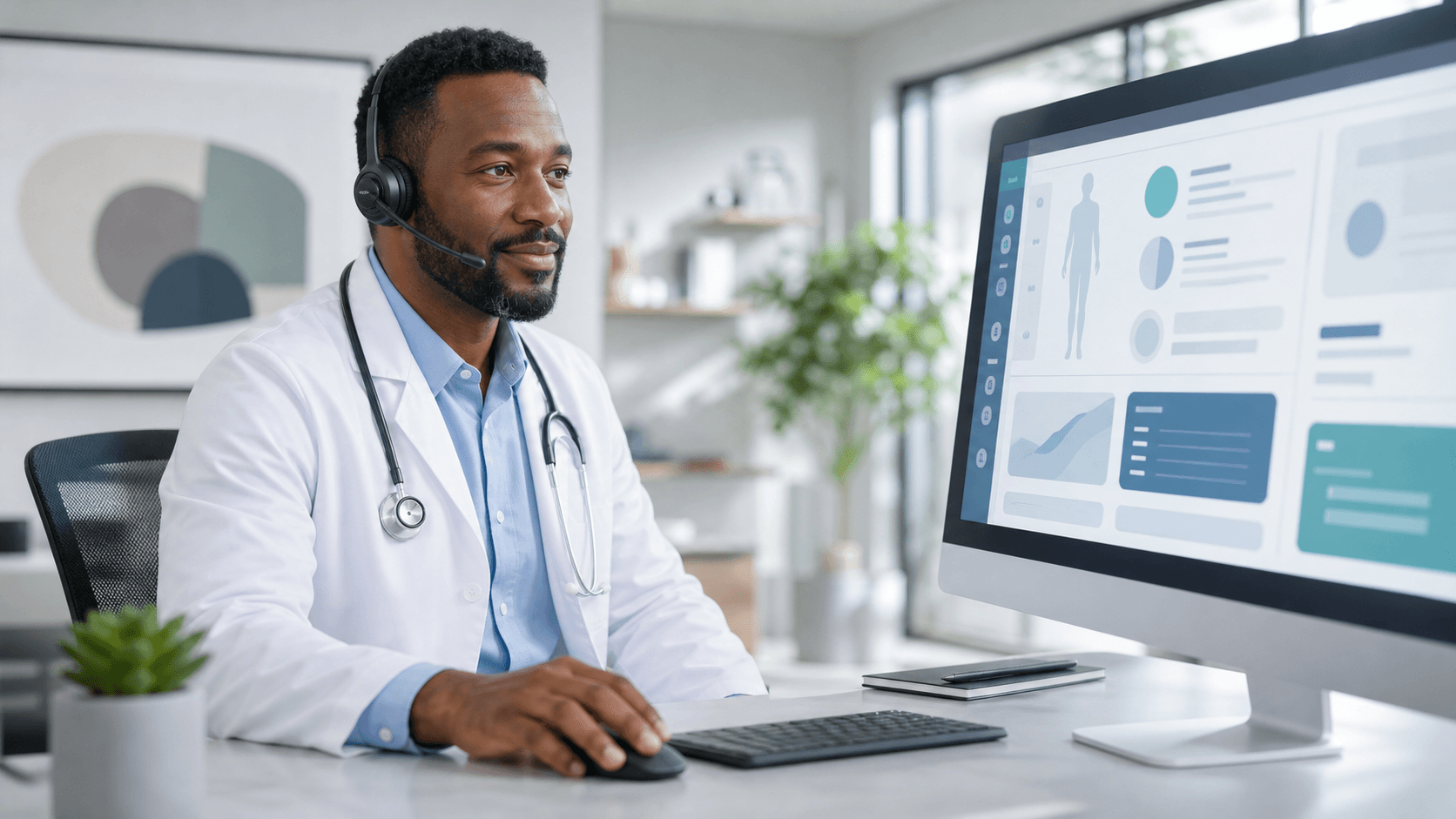
With Dragon Medical One, you can dictate clinical content in real time instead of relying only on typing. Our focus is helping you use medical speech recognition in a way that reduces documentation friction while leaving the final decisions, edits, and signatures in your hands.
Medical Speech Recognition Speeds First-Pass Notes
A first-pass note is often easier to create when you can speak naturally during, or soon after, an encounter. Instead of trying to remember details later, you can capture the history, assessment, plan, instructions, and other relevant observations while they are still clear.
Dragon Medical One supports real-time clinical dictation and voice commands, helping you move through note tasks with fewer stops to type, click, and switch your attention away from patient care. Depending on your workflow, you may dictate content, review what appears in the record, and make changes as needed.
Voice-driven documentation can support actions such as:
- Capturing patient symptoms and clinical observations
- Dictating assessments and care plans
- Moving through text and making edits
- Formatting note content with voice commands
Faster documentation does not mean less careful documentation. We encourage a workflow where you dictate the first version, review the text, organize the information, and finalize the record according to your own clinical standards.
Accurate Notes Start with the Clinician's Voice
Your own words can carry details that are hard to recreate from memory later. When you speak observations as they happen, you have a better opportunity to include meaningful context about symptoms, care decisions, patient concerns, and follow-up instructions.
Clinical language also matters. Dragon Medical One supports specialty vocabularies for clinicians who regularly document medication names, procedures, diagnoses, and specialty-specific terminology. Personalized recognition settings can help make the dictation experience feel more familiar to the way you speak and document.
Still, dictated text should always be reviewed before signing. Medical speech recognition is a documentation tool, not a replacement for your clinical judgment. You decide whether the wording is accurate, whether an item belongs in the note, and whether the final record reflects the care provided.
Keep Documentation Decisions in Clinician Hands
Clinician-controlled documentation means the person responsible for the record remains actively involved from start to finish. You choose what to dictate, what to leave out, what to revise, and when the note is complete.
Voice commands can make that process smoother without taking control away from you. Rather than treating dictation as a hands-off process, we view it as another way to work directly with the record.
For example, voice commands may help you:
- Move to a different part of the note
- Select, correct, or delete text
- Add spacing or organize content
- Continue dictating without returning to the keyboard each time
With support for Dragon Medical One, we can help healthcare organizations shape documentation workflows around clinician oversight, consistency, and accountability. The final note remains your professional record, reviewed and completed on your terms.
Build Reliable Workflows Across Care Settings
Clinical work does not always happen at one desk. You may move from hospital rounds to a clinic, cover another department, or work in a shared space during a busy shift. Roaming profiles can help you access your personalized speech recognition settings across supported workstations and care locations.
That consistency can make a real difference when your day includes frequent location changes. Your vocabulary, preferences, and familiar documentation habits can follow your supported workflow instead of requiring you to start over each time you sit down somewhere new.
At Try DMO, we provide access to and support for Dragon Medical One for healthcare teams that want medical speech recognition workflows suited to their operational and documentation needs. Our role is to help you bring real-time dictation, specialty vocabularies, voice commands, and roaming profiles into a workflow that still centers on clinician review.
Put Clinician-Controlled Documentation Into Practice
The goal is simple: reduce time spent typing without giving up control of the clinical record. Medical speech recognition can support more efficient first-pass notes, clearer use of clinical terminology, and a smoother path from spoken observations to reviewed documentation.
As you assess your current routine, look for moments where typing, clicking, or moving between workstations slows down note completion. A well-supported speech recognition workflow can help you document in your own voice while keeping accuracy checks, revisions, and final approval where they belong, with the clinician.
Document More Efficiently With Your Voice
At Try DMO, we can help you choose a medical speech recognition solution that fits your clinical documentation needs. Our team can answer questions about Dragon Medical One and its features. Contact us to discuss the right setup for your practice.