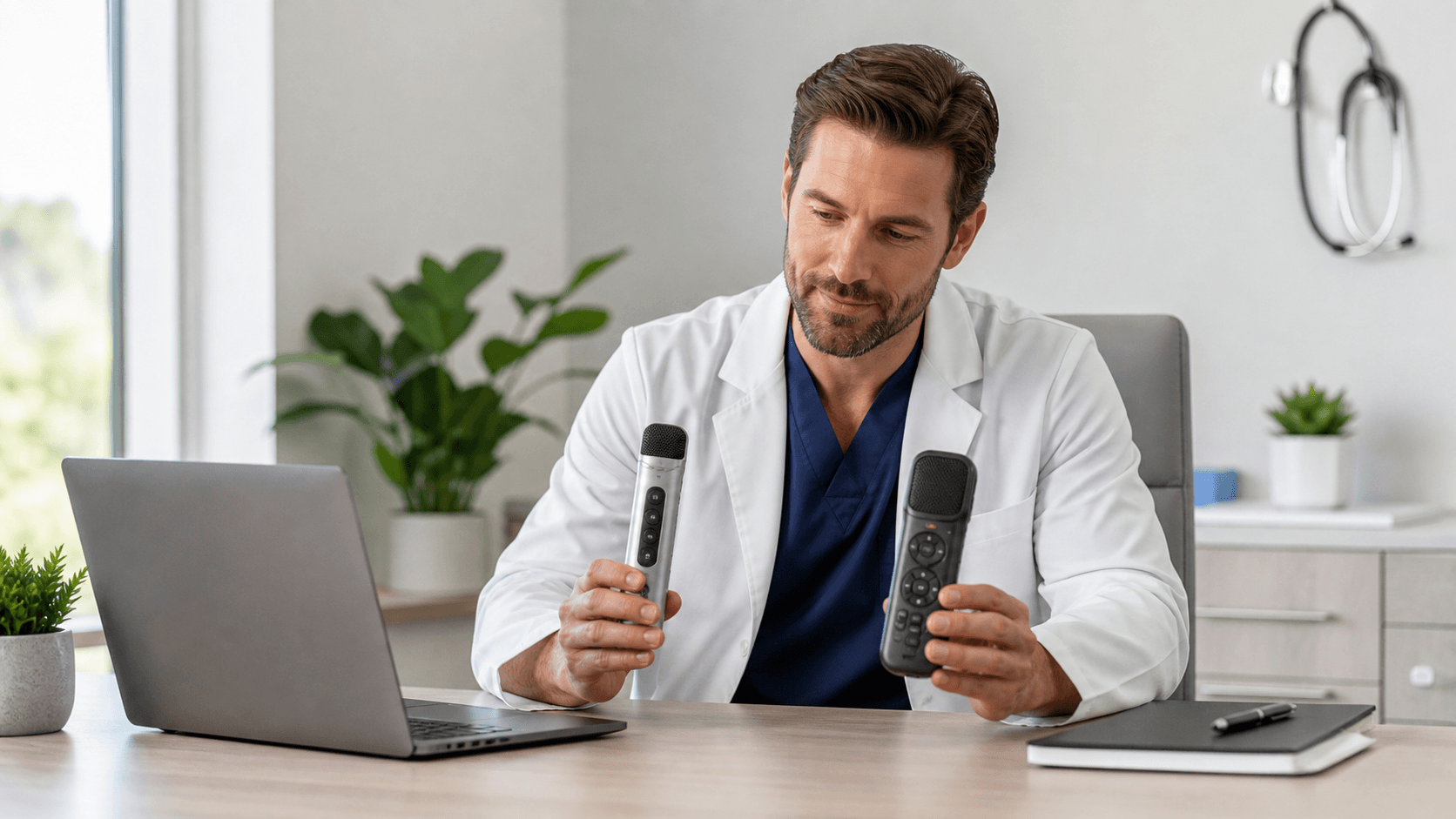
Build Audit-Ready Notes with a HIPAA-Compliant Dictation App
Audit-ready documentation is more than a note that happens to be in the chart. Your records need to be timely, complete, clearly tied to the right clinician, and handled in a way that protects protected health information.
That matters even more as October brings a stronger focus on privacy and security, followed by year-end reviews, internal checks, and policy updates. We help healthcare organizations think beyond the note itself and look at the workflow around it.
A HIPAA-compliant dictation app can be part of that workflow, but an app alone does not make an organization HIPAA compliant. The full setup matters, including access controls, vendor agreements where applicable, secure devices, staff training, and written policies that guide everyday use.
Under pressure, clinicians may finish notes late, leave template fields incomplete, or use wording that is unclear to the next reviewer. Those issues can create operational and compliance concerns, even when everyone is trying to do the right thing. Clear documentation practices give your team a better starting point when records are reviewed.
At Try DMO, we support organizations adopting and using Dragon Medical One medical speech recognition. Dragon Medical One supports real-time, cursor-based dictation along with specialty vocabularies, AutoTexts, voice commands, and roaming clinician profiles. Used thoughtfully, these tools can fit into a documentation process that is easier for clinicians to follow and easier for leaders to oversee.
Map Documentation Risks Before the Next Audit
It is far easier to find weak spots before an auditor, payer, accrediting body, or internal compliance team finds them for you. A useful review looks at what happens from sign-in through final signature, including the small habits that can add up over time.
Common documentation risks may include:
- Notes completed long after the encounter
- Copied text that was not reviewed or updated
- Missing details required by your organization
- Inconsistent use of approved clinical terminology
- Documentation entered under someone else's credentials
When we review a HIPAA-compliant dictation app workflow with a healthcare organization, we recommend looking past broad security language. Your privacy, compliance, clinical informatics, security, and IT teams should understand the safeguards surrounding the full process.
Review areas can include user authentication, role-based access, device security, data transmission and storage practices, audit logging, downtime procedures, and business associate agreements where applicable. Technology vendors should be able to provide clear information that helps your team make informed decisions. A compliance label is not a substitute for knowing how the workflow works in real life.
Make Every Dictation Easier to Defend
Real-time medical speech recognition can help clinicians capture the details of an encounter while those details are still fresh. When they can dictate naturally at the cursor in their established workflow, they may have a better chance to document clinical reasoning, relevant patient information, and the next steps in care.
Clarity matters when a record reaches coding, quality, compliance, or revenue cycle teams. Specialty vocabularies can support more consistent terms for a clinician's discipline, while voice commands can reduce repetitive navigation. Less time spent moving through screens can leave more attention for the content of the note.
Still, speed does not remove accountability. Each clinician should work from an authorized individual profile, review dictated content before signing, and follow organizational rules for corrections and amendments. Speech recognition can help move documentation forward, but the clinician remains responsible for confirming that the final note is accurate and complete.
Standardize Notes Without Slowing Clinicians
Approved AutoTexts can bring helpful consistency to common note types, patient instructions, review of systems language, and specialty-specific content. They give clinicians a dependable starting point without turning every patient encounter into the same note.
Good standardization leaves room for the patient's individual condition, assessment, and plan. The goal is not to encourage copied content. It is to reduce unnecessary variation while making it easier for clinicians to include approved language where it belongs.
We recommend governance for every AutoText and voice command your organization approves. That process can include:
- Assigning clinical and compliance owners
- Setting regular review dates
- Retiring language that no longer matches policy
- Recording who approved changes and when
- Reviewing specialty content as workflows change
Dragon Medical One roaming clinician profiles can also support continuity for authorized users working across approved locations and devices. Convenience should always be paired with secure sign-in practices, screen privacy, workstation locking, shared-device management, and prompt access removal when job roles change.
Create Governance That Holds up Over Time
A HIPAA-compliant dictation app workflow is not a one-time technology purchase. It needs ongoing ownership. We encourage healthcare leaders to define who manages documentation standards, who handles user access, who reviews security needs, and how staff can raise concerns.
Regular monitoring helps your team see whether a workflow is supporting good documentation or creating new gaps. You do not need to wait for a formal audit to pay attention to patterns.
Practical monitoring may include reviewing:
- Note completion timing
- Amendment and correction patterns
- Use of approved templates and AutoTexts
- Training completion and access changes
- Feedback from coding and compliance reviews
Recurring education also matters, especially during onboarding and before annual compliance reviews. Clinicians should understand appropriate dictation habits, review-before-signature expectations, available specialty vocabularies, AutoText use, secure workstation practices, and the process for reporting possible privacy or documentation concerns.
Turn October Readiness Into Lasting Documentation Control
October is a useful time to tighten documentation governance before year-end audits, budget planning, and annual policy reviews arrive. Start by identifying where notes are delayed, unclear, inconsistent, or created through workflows that do not give your team enough visibility. Then validate the privacy and security safeguards that surround those workflows.
The strongest preparation is practical and ongoing: give clinicians tools that support timely notes, set clear rules for how those tools are used, and review the results often enough to catch problems early. That approach can help your organization stay prepared for review long after the seasonal compliance reminders have passed.
Support More Consistent Clinical Documentation
Try DMO helps clinicians use Dragon Medical One medical speech recognition to document efficiently while keeping workflows aligned with organizational requirements. Choose a HIPAA-compliant dictation app that supports clearer, more complete notes at the point of care. Our team can help you identify the right setup for your documentation needs.