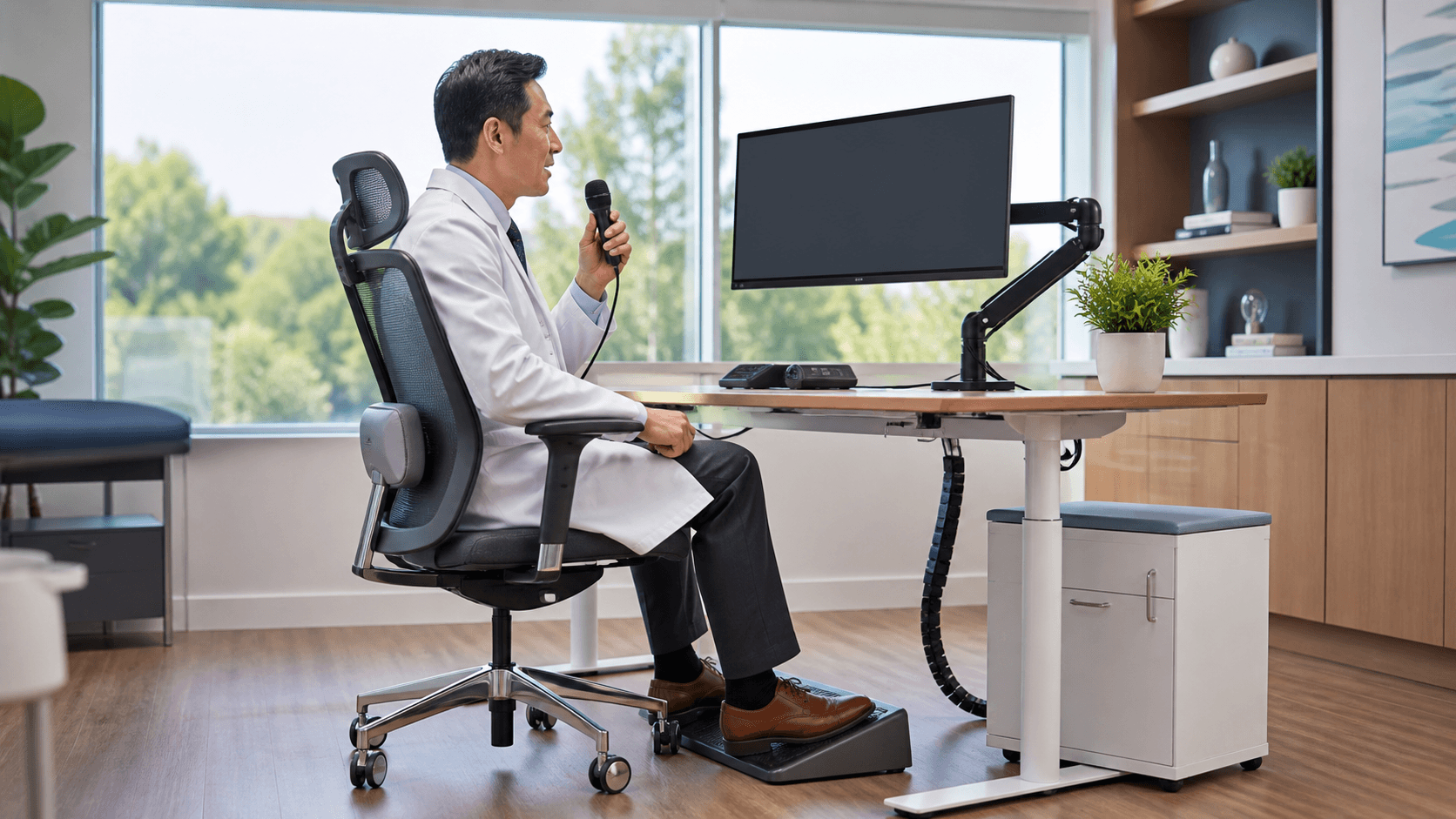
Keep Referral Details Moving Without Extra Typing
Complete referral documentation helps the next care team understand why a patient needs specialist input, what has already been tried, and what should happen next. When notes are delayed or incomplete, clinical context can get lost, follow-up needs may be unclear, and coordination can slow down.
We recommend capturing the referral rationale, patient history, test results, treatment attempts, and urgency while the encounter is still fresh. Voice-to-text for healthcare gives clinicians a practical way to speak those details into the record instead of trying to rebuild them later from memory.
Identify Where Referral Workflows Slow Down
A referral is more than an order. It often moves through several handoffs, starting with a patient discussion and continuing through order entry, supporting notes, specialist review, scheduling, and closed-loop follow-up. Each step depends on the details entered at the start.
Typing detailed assessments after a full appointment can create a bottleneck, especially when clinicians need to move quickly to the next patient, answer messages, or complete other chart tasks. Switching back later to add missing context can lead to notes that feel rushed or incomplete.
We suggest reviewing where documentation tends to pause in your current process:
- The referral reason is entered, but the supporting clinical story is still missing
- Test results or prior treatment details are added after the encounter
- Urgency and requested specialist input are not clearly stated
- Follow-up ownership is unclear after the referral is sent
Late September can be a useful time for that review. Fall and winter patient volume, year-end scheduling needs, and staffing constraints can put more pressure on every part of the day. A simpler documentation habit can help referral information keep pace with the work already happening.
Use Voice-to-Text for Healthcare at the Point of Referral
Voice-to-text for healthcare fits best when it supports the way clinicians already work. Instead of setting aside time later to type a long referral note, a clinician can dictate key information during the visit or immediately afterward, while the details are clear.
That timely capture can include:
- Current symptoms and relevant clinical findings
- Suspected diagnoses and the reason for specialist involvement
- Test results, medications, and prior treatment response
- Referral urgency and the specific input being requested
Dragon Medical One is a cloud-based medical speech recognition solution built for real-time clinical documentation. Its specialty vocabularies, voice commands, AutoTexts, and roaming user profiles can support clinicians as they document across their regular workflows.
At Try DMO, we focus on helping clinicians use Dragon Medical One as a documentation tool, not as another task to manage. The goal is straightforward: make it easier to record the information a receiving team needs without creating more after-hours note cleanup.
Standardize Referral Notes with Reusable Voice Tools
Clear handoffs often begin with consistent notes. When clinicians include the same core details from one referral to the next, receiving teams have a clearer starting point, and referring teams can more easily see what was communicated.
We encourage practices to identify the information that belongs in most referral notes. Voice commands and AutoTexts can support repeatable language for common referral situations, while specialty vocabulary can help clinicians dictate terms that fit their area of care.
A practical referral note framework may include:
- Reason for referral and the question for the specialist
- Relevant history, current medications, and completed testing
- Care already provided and the patient's response
- Urgency level, timing needs, and follow-up expectations
The wording does not need to sound stiff or copied. It simply needs to be complete enough that the referral makes sense outside the room where it began. Personalized voice tools can help clinicians keep that structure while still documenting each patient's unique situation.
Protect Adoption with Training and Workflow Support
Medical speech recognition works best when clinicians feel comfortable using it. That includes learning effective dictation habits, practicing voice commands, personalizing shortcuts, and understanding how to review documentation before it becomes part of the record.
A new tool should reduce administrative burden, not add steps to an already busy referral process. We recommend looking closely at when clinicians currently stop to type, when referral details are commonly added late, and where repeat language could be handled more smoothly.
Try DMO provides access and support for Dragon Medical One, with guidance that helps organizations and clinicians use medical speech recognition effectively in their documentation workflows. With the right setup and support, voice documentation can become a familiar part of referral work rather than a separate process.
Prepare Referral Documentation for a Busy Fall Season
Better referral workflows start with complete, timely documentation at the source. Before seasonal demand builds, we recommend that practice leaders review common note gaps, delayed referral details, and the places where clinicians spend extra time typing or revising after the visit.
Dragon Medical One medical speech recognition support can be part of that review when your team needs a more consistent way to capture referral context. The most useful next step is to focus on the details that matter most to receiving teams, then make it easier for clinicians to document those details when they are freshest.
Support More Consistent Referral Documentation
Try DMO helps clinical teams strengthen documentation workflows with medical speech recognition support for Dragon Medical One. Learn how voice-to-text for healthcare can help clinicians capture referral information efficiently and clearly. Our team can help you assess whether this approach fits your documentation needs.