
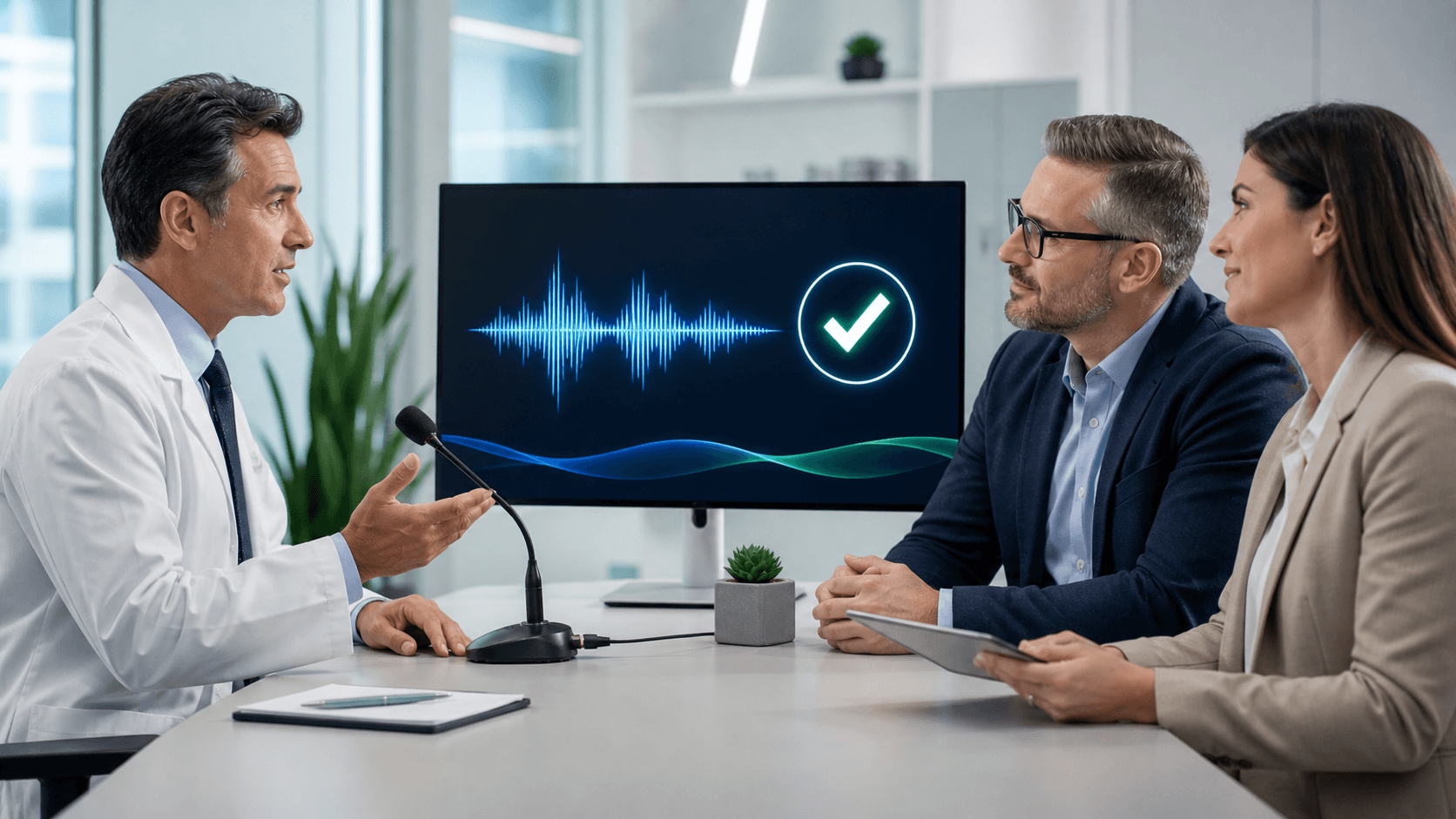
What Healthcare Voice Recognition Vendors Should Demonstrate Before Purchase
A healthcare voice recognition purchase affects much more than how quickly someone can dictate a note. It can shape clinician adoption, documentation consistency, IT workload, and the everyday experience of working across Windows applications and EHRs. Before you commit, we recommend asking vendors to show how their solution works in the same real-world conditions your clinicians face.
A polished demo with simple phrases in a quiet room is not enough. We encourage you to evaluate measurable results, specialty language, workflow fit, administration needs, and support plans so your team can make a confident decision.
See Reliable Documentation Workflows Before You Commit
Feature lists can sound impressive, but they do not show what a clinician's shift will feel like. The best healthcare voice recognition vendors should demonstrate complete documentation tasks, from opening the right application to dictating, correcting text, inserting common content, and moving to the next field.
We suggest setting evaluation goals before the demo begins. That keeps the discussion focused on what matters to your organization instead of broad promises about performance.
- Reduced keyboard use during common documentation tasks
- Faster completion of notes and routine text entry
- A smoother experience across the applications clinicians already use
- Better clinician satisfaction with documentation workflows
Bring the right people into the review process. Clinical leaders can assess documentation fit, while IT teams can look at workstation and deployment needs. Compliance, operations, and procurement stakeholders can raise questions that may not come up during a clinician-only demo.
Test Accuracy Across Specialties and Care Settings
Medical speech recognition needs to recognize the words your clinicians actually say. A demonstration based only on general primary care language may not show how well the solution handles terminology used in radiology, cardiology, orthopedics, behavioral health, emergency medicine, surgery, or other departments.
For Dragon Medical One evaluations, we recommend preparing de-identified examples from your own note types. Include commonly dictated phrases, medication names, measurements, abbreviations, anatomical terms, and specialty vocabulary. This gives you a much clearer view of how real-time medical dictation may support daily work.
The people testing the system matter, too. Invite clinicians with different accents, speaking patterns, comfort levels with technology, and documentation habits. A tool should be reviewed by more than one highly practiced dictation user.
Care settings can change the experience as well. Ask to see how the workflow performs in places that reflect your organization, such as quiet offices, busy workstations, shared clinical areas, and remote work environments when those apply. Background sound, interruptions, and the need to switch tasks are all part of a normal day.
Ask Vendors to Prove Workflow Fit
Good recognition is only one part of the picture. If clinicians must stop, change screens, or work around the speech recognition tool to finish a note, the process may create more friction than it removes.
When we help organizations evaluate Dragon Medical One medical speech recognition, we focus on the practical tasks clinicians need to complete. That means dictating directly into the appropriate Windows applications and EHR fields, using voice commands, inserting reusable text, making corrections, and moving through routine documentation without unnecessary disruption.
Ask each vendor to demonstrate your most common workflows from start to finish. Isolated examples, such as dictating one sentence into a blank document, do not reveal much about the full experience. A useful demo should show what happens when users need to edit a phrase, add repeated language, move to another field, or work through several documentation steps in a row.
Be clear about the conditions needed for a smooth experience:
- Supported microphones and workstation setup
- Network expectations during normal clinical use
- User-profile setup and access requirements
- Voice commands and reusable text options for repeated tasks
Those details help your team spot technical concerns before rollout rather than after clinicians begin using the system.
Validate Security, Administration, and Support Readiness
The clinician-facing demo is important, but it is not the whole purchase decision. IT and compliance teams need a clear explanation of security documentation, privacy responsibilities, data handling practices, access management, endpoint expectations, and audit needs.
We recommend asking who is responsible for provisioning users, applying settings, managing updates, and resolving issues. You should also understand how new clinicians are added, how access changes are handled, and how user support works across departments or locations.
Support questions deserve direct answers. Ask about training resources, implementation responsibilities, service levels, escalation paths, and the process for urgent issues. A clear support plan gives your internal teams a better sense of what they will own and where outside assistance begins.
Plan a Low-Risk Rollout Before Year-End
September can be a useful time to prepare for budget decisions, annual planning, and possible rollout milestones in the next fiscal period. Rather than moving immediately from a product demo to a broad deployment, we suggest building a pilot that gives clinicians and technical teams time to test the fit.
Start with an engaged pilot group that includes clinicians from relevant specialties and IT stakeholders who can identify concerns early. Define success measures before launch, including adoption, clinician feedback, documentation turnaround, training completion, and support volume. A rollout calendar should also account for approval cycles, staffing limits, holiday schedules, and training availability.
Turn the Demo Into a Confident Buying Decision
A strong demonstration should show medical speech recognition in real clinical conditions, not only in an ideal sales setting. As you compare healthcare voice recognition vendors, keep a written record of what was demonstrated, what questions were answered, and what requirements still need proof during a pilot.
The most useful decision comes from testing specialty vocabulary, complete workflows, administration needs, support readiness, and rollout timing together. That approach helps you choose a documentation workflow that fits the people, systems, and daily demands already present in your organization.
Compare Support That Fits Your Documentation Needs
At Try DMO, we help organizations evaluate the practical support behind Dragon Medical One, from implementation planning to ongoing user assistance. Compare healthcare voice recognition vendors to see which approach aligns with your clinical workflows, administrative requirements, and rollout goals. Our team can help you identify the questions that matter most before you make a decision.


