
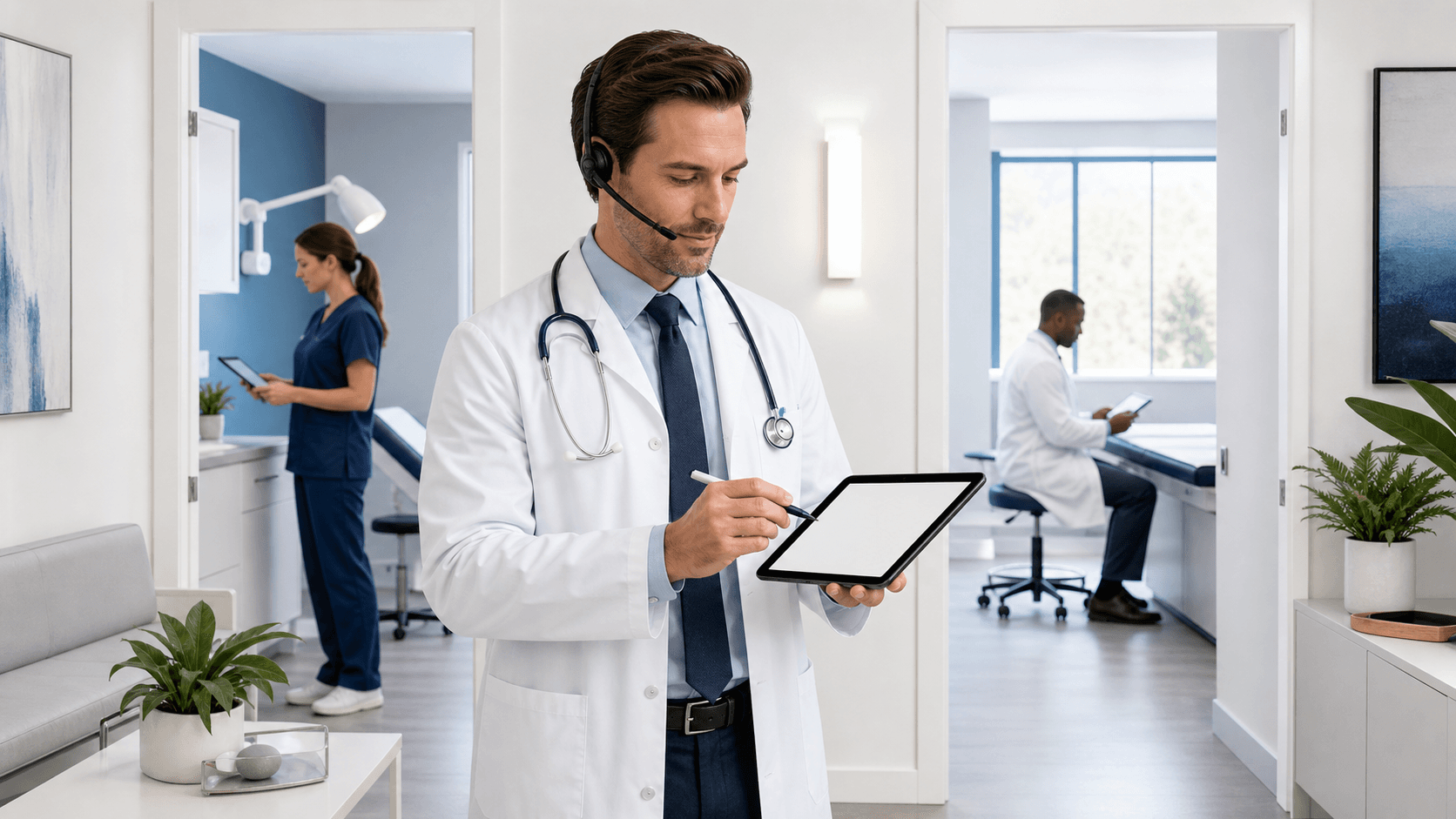
Understanding Medical Dictation Equipment for Multi-Room Clinics
Medical dictation equipment should make documentation easier, even when clinicians move between exam rooms, shared workstations, and offices all day. When each room has a different setup, small problems can add up quickly, from a missing microphone to a confusing connection point.
At Try DMO, we help healthcare organizations build Dragon Medical One workflows that support real-time clinical documentation. A thoughtful equipment plan can reduce room-to-room friction, create more consistent capture stations, support roaming profiles, and help your clinic prepare for busy fall schedules.
Match Equipment to the Room
Not every clinical space needs the same medical dictation equipment. A quiet private office may work well with one microphone style, while a high-traffic exam room or shared provider workroom may need a different approach. Before purchasing or placing devices, we recommend taking a room-by-room inventory of how documentation actually happens.
Pay attention to the practical details that can interrupt a clinician's flow. Loose cables, blocked USB ports, inconsistent workstation setups, and microphones stored in random places can all turn a simple dictation task into a delay.
A room review can include:
- Documentation volume in the room
- Number of clinicians who may use the workstation
- Noise level, privacy needs, and room acoustics
- Cleaning expectations for shared equipment
- Whether the clinician needs to move around while dictating
Handheld microphones, wired desktop microphones, and headsets can each fit different work styles. The right choice depends on how clinicians sit, stand, move, and interact with patients in that space. Docking locations, USB access, compatible workstations, and secure storage also deserve attention before rollout.
Rather than forcing one setup into every room, we encourage you to rank spaces by impact. Start with high-volume rooms, shared documentation areas, or locations where clinicians regularly report frustration. That gives your team a clearer path than trying to change every room at once.
Build Consistent Capture Stations
Consistency helps clinicians feel comfortable using Dragon Medical One wherever they are scheduled. If one room has a microphone on the left side of the monitor, another has it locked in a drawer, and a third has no clear connection point, staff must spend time hunting for equipment instead of documenting.
A dependable capture station usually includes a compatible microphone, a clearly marked connection point, stable workstation access, and an ergonomic placement plan. Equipment should be easy to reach without cluttering the workspace or getting in the way of patient interaction.
We recommend setting a clinic-wide standard for the basics:
- Keep the microphone in the same general location in each similar room
- Label the designated USB connection or docking spot
- Set cables so they are secure, tidy, and easy to inspect
- Include equipment cleaning in normal room-readiness routines
- Keep a simple process for reporting missing or damaged devices
Standard room setups can also lower training demands and make support requests easier to understand. When staff know what a capture station should look like, they can spot a missing piece quickly.
Dragon Medical One supports specialty vocabularies, voice commands, and AutoTexts that can help clinicians document more consistently. We often encourage clinics to agree on shared standards for commonly used commands and templates, while leaving room for specialty-specific preferences. The goal is not to make every clinician work the same way. It is to remove avoidable barriers around the workstation.
Support Mobility with Roaming Profiles and Hygiene
Clinicians should not have to rebuild their documentation preferences every time they enter a new room. Dragon Medical One roaming profiles can help clinicians access their settings across supported workstations, which is helpful for providers rotating between exam rooms, shared offices, and satellite locations.
That mobility works best when equipment and workstation practices are dependable. Shared clinical spaces need clear sign-in procedures, appropriate screen privacy, and accountability for devices. Your clinic's security requirements should guide how workstations are accessed and how microphones are stored when rooms are not in use.
Cleaning matters just as much as access. Shared microphones and accessories need expectations that are clear, practical, and aligned with your clinic's infection-prevention procedures. We recommend involving clinical operations and infection-prevention teams when selecting equipment surfaces and defining who is responsible for cleaning between users.
A daily room-readiness check can be a simple safeguard. Staff can confirm that equipment is present, clean, connected, and ready before the day becomes busy. That small step can prevent a missing microphone from becoming a documentation interruption during patient care.
Plan Ahead for Fall Growth
Early September is a smart time to review medical dictation equipment before fall scheduling shifts, staffing changes, and higher visit volumes during respiratory illness season. Documentation pressure can rise quickly when calendars fill up, and equipment gaps are easier to solve before they affect a full clinic day.
A short pilot can give your team useful feedback without disrupting every room. Choose high-volume spaces or a representative group of clinicians, then listen closely to what they experience. Sound quality, comfort, device location, workstation access, and room noise can all affect whether a setup feels natural.
During a pilot and rollout, we suggest tracking equipment availability, clinician adoption, documentation turnaround, support requests, and room-specific problems. Those details can show where standards need adjustment before expansion.
Replacement devices and simple troubleshooting procedures should also be part of the operational plan. A clinic does not need a complicated response when equipment is unavailable, but staff should know what to do next and who is responsible for resolving the issue.
Create a Rollout Plan Clinicians Will Use
Successful multi-room documentation takes more than placing microphones on desks. Your plan should reflect how clinicians move through the day, which rooms carry the heaviest documentation load, and where shared workstations create the most friction.
Map your rooms, identify high-priority areas, and involve clinicians in equipment testing before finalizing standards. When room setup, roaming profile access, cleaning expectations, and backup procedures work together, medical dictation equipment can support a steadier documentation routine from the first patient to the last.
Choose Equipment That Fits Your Documentation Workflow
At Try DMO, we help organizations select medical dictation equipment that supports clinicians across the settings where they work. Our team can help you evaluate Dragon Medical One options, licensing needs, and practical deployment considerations. Reach out to discuss a speech recognition setup aligned with your documentation goals.


