
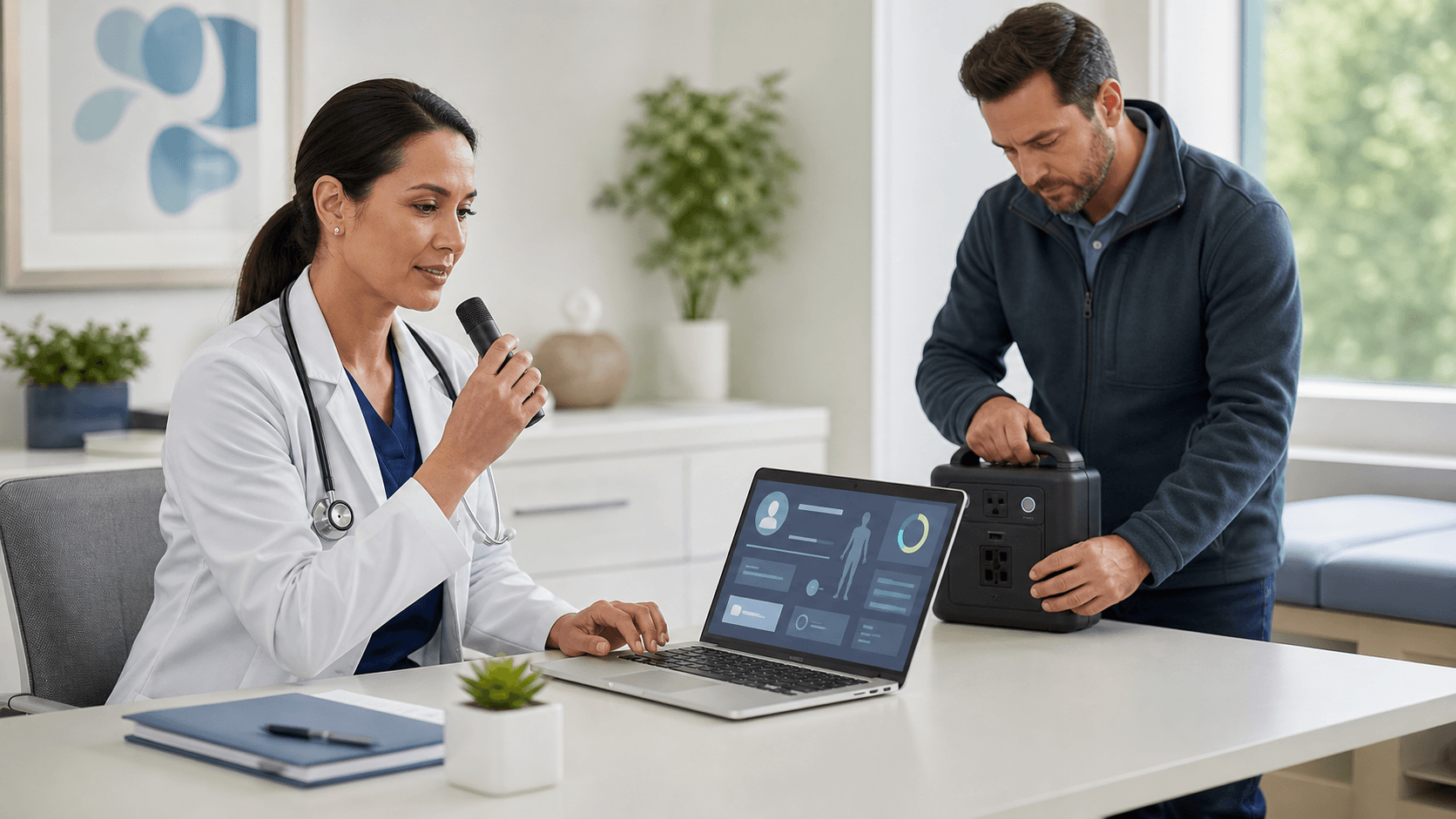
EHR dictation software can play a helpful role in downtime planning, but only when it fits your approved clinical documentation process. At Try DMO, we encourage practices to look beyond keeping appointments moving and focus on how notes, orders, and charges will be documented when normal systems are unavailable.
An EHR outage, internet disruption, power event, or severe weather emergency can create a pileup of work that lasts well beyond the initial interruption. A clear plan helps you protect patient information, reduce chart completion stress, and support a smoother recovery.
Protect Documentation When Systems Go Offline
When clinicians lose access to their normal EHR workflow, documentation can quickly become the weak point in an otherwise organized downtime response. Handwritten notes may be harder to read. Delayed charting can rely too heavily on memory. Information can be missed when staff must re-enter notes, orders, and charges after the system returns.
Treat documentation continuity as part of patient care, not simply an administrative task for later. Incomplete or delayed notes can affect follow-up care, coding, billing, and the accuracy of the legal medical record.
September is also a smart time to revisit these plans. Hurricane season, severe storms, and other fall weather disruptions can affect power, internet access, staff travel, and remote work arrangements. Before an event occurs, your practice can review who does what, which tools remain available, and where downtime documentation belongs.
Still, EHR dictation software is not a replacement for your organization's approved outage procedure. It should be one piece of a larger plan that includes clinical leadership direction, EHR recovery steps, secure documentation methods, and clear staff responsibilities.
Know What Downtime Actually Disrupts
"Downtime" is not one single event. Planned EHR maintenance may leave some systems available, while a local network interruption may limit access only at one office. A regional weather emergency may affect internet service, electricity, and staff access all at once.
During a typical patient encounter, your team may depend on several connected systems, including:
- The EHR and patient schedule
- Order entry, e-prescribing, laboratory, and imaging tools
- Patient portals and clinical interfaces
- Approved Windows applications and documentation templates
- Devices, microphones, network connections, and user sign-in tools
Because each situation is different, map out what remains accessible in each type of interruption. In one scenario, clinicians may be able to work in an approved local Windows application. In another, paper downtime forms may be the only authorized option.
Your policy should clearly state which documentation method is permitted for each situation. It should also separate drafting information from creating the legal medical record. A dictated draft note may be useful during downtime, but your practice still needs an approved process for review, entry, reconciliation, and record retention once the EHR is back online.
Test Where EHR Dictation Software Fits
When an approved Windows-based application remains available, Dragon Medical One medical speech recognition may support a more efficient documentation workflow. Clinicians can dictate text using specialty vocabularies, voice commands, and AutoTexts rather than depending only on keyboard entry.
For example, if your downtime policy allows clinicians to document encounter summaries in a designated application, speech recognition may help them create organized drafts or approved downtime notes while patient details are fresh. That can be especially useful when the team is managing a busy schedule under unusual conditions.
Availability, however, should never be assumed. Test the actual conditions your practice may face. Dragon Medical One, the selected application, user authentication, microphone access, Windows devices, and network connections may not all behave the same way during every type of downtime.
Before adding EHR dictation software to your continuity plan, confirm:
- Which approved applications clinicians can access
- Whether the needed devices and microphones will be available
- How users will sign in during a disruption
- Whether the workflow works with limited network access
- Who can answer technical and operational questions during recovery
Usability matters just as much as technology. A clinician who already uses voice commands, specialty vocabularies, and AutoTexts during normal work is more likely to feel comfortable using them during an outage. Downtime is not the best moment to introduce unfamiliar tools or ask staff to remember a brand-new process.
Build Safe Downtime Documentation Workflows
A strong downtime process gives clinicians a simple, approved place to document while also protecting privacy and keeping recovery manageable. The goal is not to create a perfect copy of the usual EHR experience. It is to preserve complete, usable patient information until the authorized recovery process can occur.
Start by naming the approved documentation destinations. Depending on your policies and the event, that could mean paper forms, secure local templates, designated Windows applications, or another approved tool. Include clear rules for patient identifiers, encounter dates and times, author identification, document storage, and signatures or attestations when required.
Recovery steps deserve the same attention as the outage itself. Your plan should identify who enters or uploads downtime documentation, how duplicate records are avoided, and how late entries are labeled. It should also state how clinicians verify that clinical notes, orders, charges, and follow-up tasks were handled.
Security cannot be an afterthought during a disruption. Set clear limits around temporary files, printed documents, and shared devices. Staff should know where materials may be stored, who may access them, and when they must be transferred, retained, or destroyed under your organization's policy.
Evaluate Tools Against Recovery Needs
The best continuity plan is practical under pressure. Rather than assuming one tool solves every outage, we encourage you to evaluate EHR dictation software against the real workflows, access limits, and recovery requirements your practice faces.
Dragon Medical One can support medical speech recognition in EHRs and other Windows applications, but your team should confirm which approved applications will be reachable during planned and unplanned downtime. It is also worth identifying the phrases, templates, and note types clinicians use most often during a disruption. Personalized voice commands, AutoTexts, and specialty vocabularies may help make documentation more consistent when time is tight.
Testing should include more than IT. Bring together clinicians, operations leaders, compliance staff, and technical teams for tabletop discussions and live workflow checks. A test can reveal simple but meaningful gaps, such as a missing microphone, unclear file-storage rule, inaccessible template, or uncertain reconciliation owner.
Put a Tested Plan in Place Before Fall Disruptions
Before fall weather creates added pressure, review your downtime procedures and make sure they match the tools your clinicians can actually use. Confirm approved documentation methods, test technical dependencies, and make time for staff training before an interruption happens.
A well-tested plan gives your team a clearer path through an outage: document safely, protect patient information, and reconcile records carefully when normal EHR workflows return.
Support More Efficient Clinical Documentation
Try DMO helps clinicians strengthen documentation workflows with reliable medical speech recognition support for Dragon Medical One. Learn how EHR dictation software can help reduce manual typing and support timely note completion. Our team can help you identify a solution that fits your clinical environment.


