Rethinking Medical Scribes in Busy Seasons
Clinic schedules do not slow down just because the weather is warm. When back-to-school physicals stack up, sports clearances pile in, and walk-ins spike, many clinicians still end up staying late, finishing notes long after the last patient leaves. Human scribes, in person or remote, helped for a while, but for many groups that help no longer feels like enough.
This is where automated medical transcription comes into the conversation. Practice leaders are asking when it makes more sense to let clinicians speak straight into the EHR with cloud-based speech recognition, instead of building care around a scribe schedule. Here, we look at how that shift works, where human scribes still fit, and how tools like Dragon Medical One can support a calmer end to the clinic day.
The Hidden Costs of Traditional Medical Scribes
On the surface, scribes seem simple: add a helper so the doctor can focus on the patient. Under the surface, the true cost is much bigger than an hourly rate.
Think about all the pieces that come with a scribe model.
- Hiring and background checks
- Training on EHR workflows and clinic style
- Ongoing supervision and feedback
- Overtime or extra coverage during peak seasons
When volume jumps in late summer, you may need more hours, faster onboarding, and backup coverage. That means more time from managers, extra passwords to track, and more people with access to protected health information.
There is also daily friction. Clinics often deal with:
- Scribes out sick or stuck in traffic
- Gaps in coverage when someone quits
- Remote scribes working across time zones
- Language and audio quality issues on busy, noisy days
Every change in staffing brings fresh privacy work. Each new scribe needs HIPAA training, EHR role setup, and secure remote access if they are offsite. When turnover is high, leaders repeat the same steps again and again, which can raise risk exposure and eat into hours that could be spent on patient care projects.
How Automated Medical Transcription Has Evolved
Automated medical transcription used to mean sending audio to a service and waiting for typed notes. That is not how it works now. Today, cloud-based medical speech recognition can let clinicians speak and see words appear in their EHR in real time.
Modern tools like Dragon Medical One are designed for medical speech. They use vocabularies tuned to clinical language, including:
- Specialty terms and anatomy
- Common abbreviations and short phrases
- Medication names and dose patterns
As clinicians keep using the system, it can adapt to their speech style and word choices. Over time, this helps with accuracy for each individual user. Instead of slowing down to fit the software, the software gets better at keeping up with the clinician.
The workflow also fits how clinics actually run. With real-time dictation, clinicians can:
- Speak notes while still in the room, when details are fresh
- Add both structured data and narrative in the EHR
- Cut down the stack of unfinished charts waiting at the end of the day
During peak seasons, this shift from "finish later" to "finish as you go" can ease stress for the whole care team.
Comparing Scribes and Automation in Real Workflows
It helps to walk through a normal clinic day two ways: with a scribe, and with automated medical transcription.
With a scribe, the day depends on another person being present or logged in. Before each visit, the scribe may pre-load notes, review past history, and set up templates. During the visit, the clinician speaks to the patient while the scribe types and clicks through the chart. After the visit, the clinician must still review, edit, and sign every note, and may need to correct parts that did not match what was said.
With cloud-based speech recognition, the flow shifts. Clinicians can:
- Open the chart and speak brief pre-visit notes
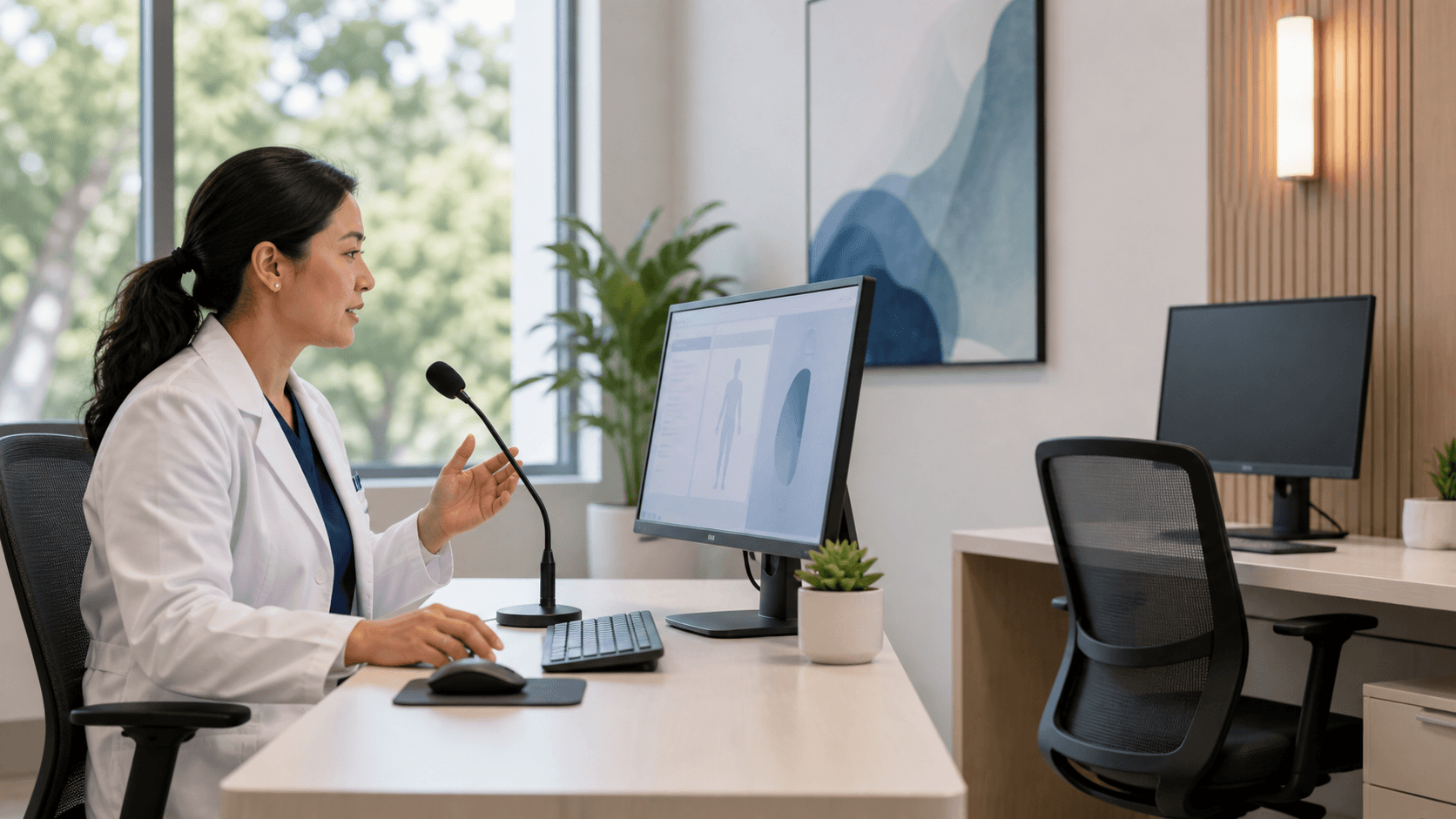
- Dictate history, exam, and plan right into the EHR while talking with the patient
- Use voice commands to move between fields and insert common phrases
There is still review and editing, but the person in control is the clinician, not a third party. If a provider adds evening hours or picks up telehealth visits during a heatwave, the software is already there. There is no need to hire, train, or schedule extra scribes.
Human scribes still shine in some settings, such as complex multi-disciplinary encounters, or teaching environments where learners need a lot of support. For many standard office visits though, speech recognition can offer better throughput, more consistent formatting, and fewer bottlenecks.
Why Cloud-Based Dictation Fits EHR Workflows
Cloud-based medical speech recognition is built to sit inside the EHR workflow instead of around it. That means less copy-paste across windows and fewer delays waiting for notes to arrive from elsewhere.
Key benefits for EHR efficiency include:
- Direct dictation into fields, templates, and problem lists
- Fewer transcription queues to monitor and clear
- Less manual template work each time a clinician wants to tweak a phrase
Scalability is another advantage. When a group adds new clinicians, seasonal staff, or locums to help with back-to-school rush, leaders can support them with access and training rather than fresh hiring cycles for scribes. Documentation style can be more consistent across sites, since all providers have access to the same voice tools and commands.
Clinician experience also improves. Many tools now offer:
- Custom voice commands to open screens and insert text
- Macros that drop in full exam sections in a single phrase
- Options to keep hands on the patient or the exam instead of the keyboard
On hot, high-volume days, fewer clicks and less typing can make the entire schedule feel more manageable.
Choosing the Right Moment to Automate Documentation
So when should a practice lean more on automated medical transcription and cloud-based speech recognition?
Common triggers include:
- Rising scribe staffing issues or frequent turnover
- Expanding telehealth, where in-room scribes are harder to use
- Opening new locations or adding evening and weekend hours
- Ongoing charting after hours, even in slower seasons
A smart path is to start small. Many groups:
- Pilot speech recognition with a few interested clinicians
- Compare note quality, accuracy, and turnaround time
- Ask providers and staff about stress levels and work-life balance
From there, leaders can plan a broader rollout, with training and change support. This is where partners like Try DMO can help design workflows, share best practices, and support teams as they shift from scribe-heavy models to speech-driven documentation.
Taking Back Your Evenings with Smarter Workflows
The goal is not just to replace scribes. The real goal is to give clinicians more time and mental space, while keeping documentation accurate and complete. When notes can be finished in real time, late nights at the clinic or at home become less common.
Automated medical transcription, powered by cloud-based tools like Dragon Medical One and supported by our team at Try DMO, offers one clear path toward that kind of day. As schedules fill up around late summer and early fall, clinics that rethink how they create notes can find that higher patient volume no longer has to mean longer nights of charting.
Save Hours on Documentation With Smarter Transcription
If you are ready to cut charting time and reduce documentation burnout, Try DMO can help you streamline your workflow with automated medical transcription. We work alongside your existing tools so you can focus more on patient care and less on typing. Get started today and see how quickly you can reclaim time in your day while improving accuracy and consistency in every note.