Summer often brings the toughest weeks for Meditech documentation. Vacations, lighter schedules, and rotating coverage are nice on paper, but the work on the floor rarely slows down. When notes pile up in dictation queues, everyone feels it. In this article, we will talk through why those bottlenecks keep happening and how Meditech voice recognition can help teams stay ahead, even during peak volume.
We will walk through common dictation pain points, how real-time speech recognition fits into Meditech, and the impact on both care and clinician well-being. Our goal is simple: help you see a clear path from phone-in dictation delays to finishing notes before you log off for the day.
Stop Fighting Dictation Delays in Meditech This Summer
Summer volume can hit hard. Clinics are booked solid, the ER gets busier, and inpatient teams cover more patients when colleagues are out. Locums and rotating providers help fill gaps, but documentation often slows down. Notes hang out in dictation queues, and Meditech charts feel half-finished.
Traditional dictation workflows make this worse. Many teams still rely on:
- Phone-in dictation lines
- Manual entry of dictation codes
- Transcription queues that build up late in the day
- A later round of edits and sign-off in Meditech
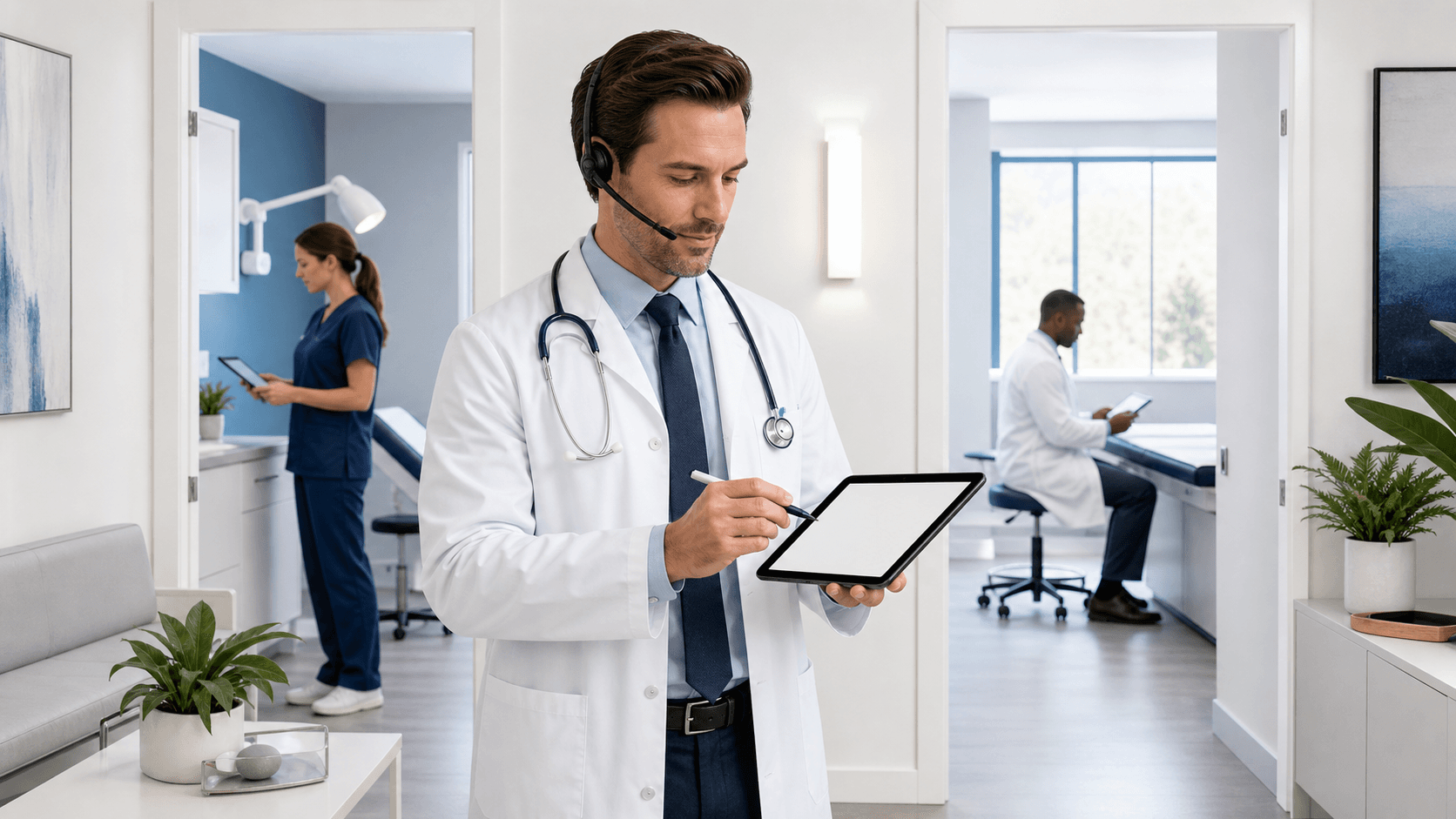
That long chain means charts often follow clinicians home, onto evenings and weekends. Meditech voice recognition changes the pattern. When clinicians can speak directly into the EHR and see text appear instantly, they can close notes while the visit is fresh. Real-time dictation keeps documentation moving, even when staffing and volume are less predictable during summer.
Why Dictation Bottlenecks Persist in Meditech Workflows
For many organizations, the old workflow is still in place because it feels familiar. A provider finishes a visit, picks a dictation code, finds an approved phone, and records the note. That audio then waits in a queue until a transcriptionist can pick it up, type it, and send it back for final review in Meditech.
Each step adds friction:
- Limited transcription coverage, especially during vacations
- After-hours surges, when many providers call in at once
- Rework from misheard phrases or background noise
- Delays in getting complete documentation into the record
These delays touch patient care. Follow-up visits may start with missing or partial notes. Covering clinicians need to piece together stories from labs, orders, and messages instead of a clear narrative. Coding and billing often lag behind, waiting for final, signed documentation.
There is a human cost too. Many clinicians spend warm summer evenings catching up on charts instead of spending time with family or enjoying a break. Over time, that pattern can lead to burnout and less energy for teaching, research, or quality projects that also matter to the team.
How Meditech Voice Recognition Streamlines Documentation
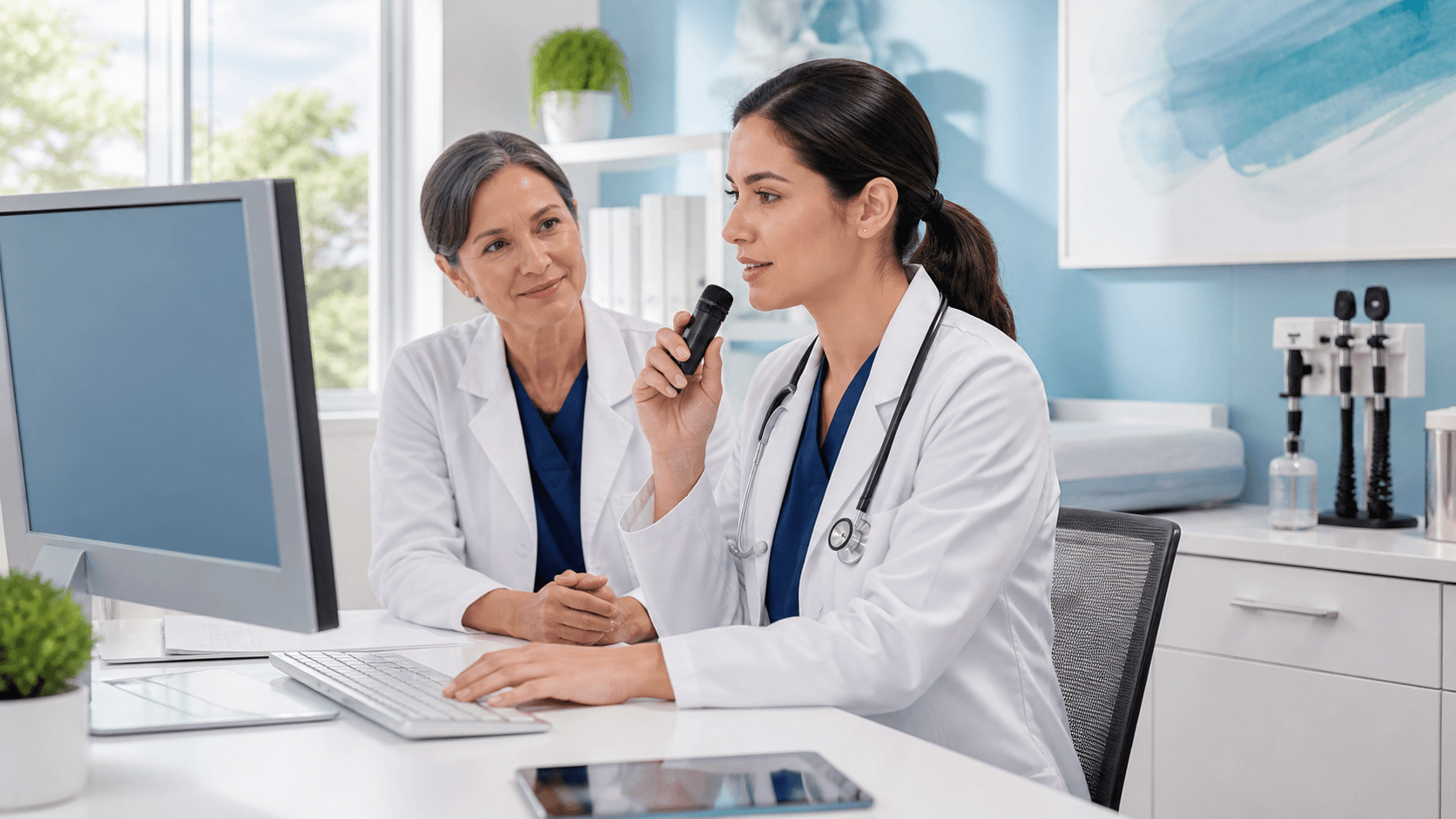
With Meditech voice recognition, the workflow shifts from batch work to real time. Instead of calling a dictation line, a clinician opens the note, places the cursor in the right field, and starts talking. Histories and physicals, progress notes, consults, and discharge summaries can all be spoken right into Meditech.
Modern solutions focus on clinical use, so they include:
- Medical vocabularies across many specialties
- Auto-formatting for common note parts, like assessment and plan
- Voice commands to move between Meditech fields or sections
- Instant insertion of text for review and quick edits
Compared to phone-in dictation, there is no waiting for a queue, no handoff to transcription, and no surprise errors discovered days later. The provider can see the text, fix small issues on the spot, and sign the note while the patient is still nearby or right after leaving the room.
Because platforms like this are cloud-based, they also work well across locations. A clinician can use the same voice profile and commands in the hospital, clinic, or home office, without starting over each time. That consistency is especially helpful when people are covering extra sites during vacation season.
Cutting Turnaround Time with Dragon Medical One
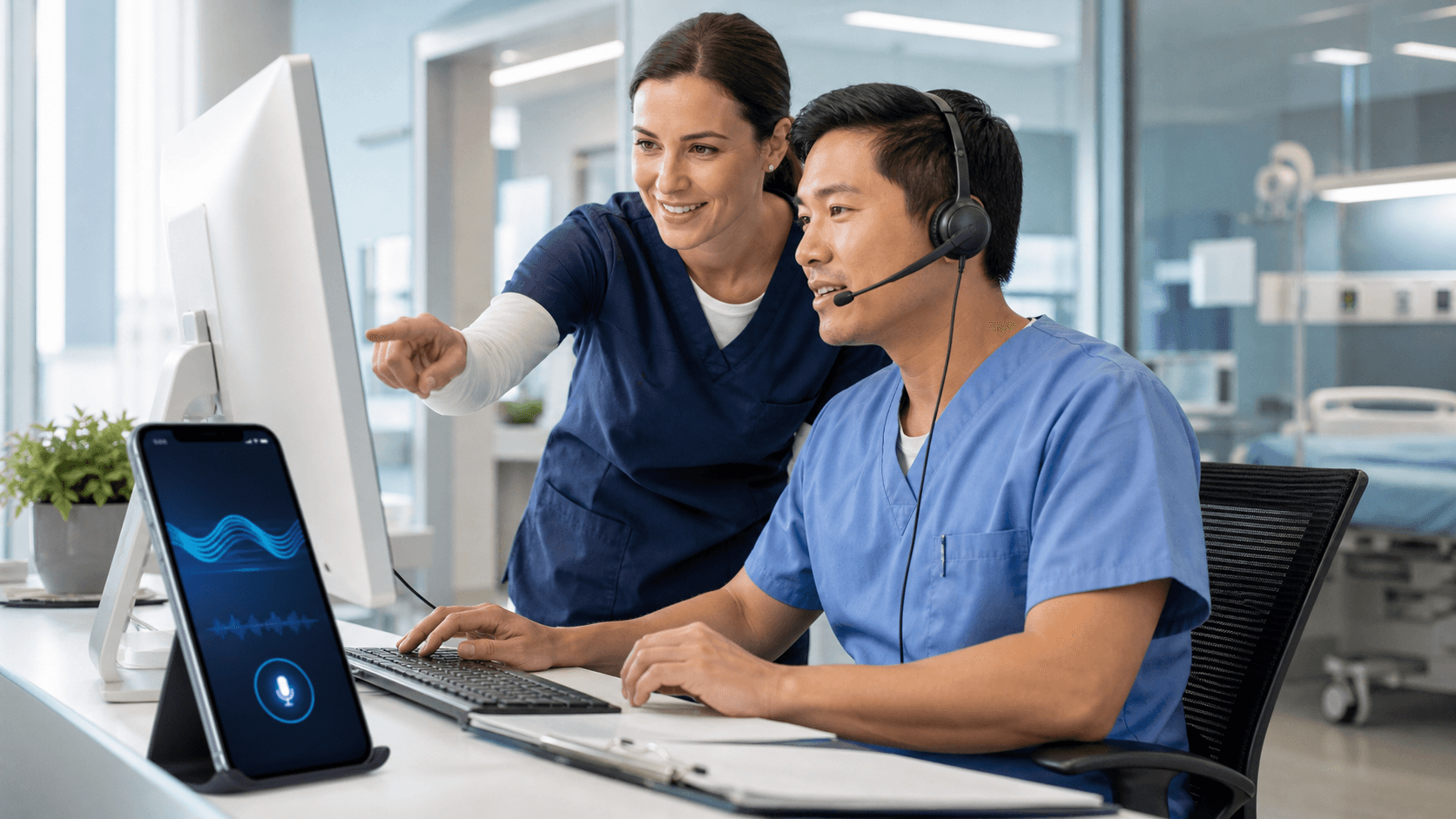
Dragon Medical One is built as a lightweight client that works with Meditech screens and existing documentation templates. After a simple microphone setup, providers can start speaking into the same fields they already know, without needing a new EHR or a major change to their tools.
This can change the math of documentation time. What used to take ten or fifteen minutes of typing can shrink to a few minutes of spoken narrative, plus a short review. Multiply that across a full clinic session or an inpatient list, and the saved time adds up quickly.
Over time, Dragon Medical One learns each clinician's voice and word patterns. With strong medical vocabularies and continuous learning, the system can improve accuracy, which means fewer corrections and less need to re-dictate sections. That steady improvement helps keep notes flowing smoothly, even when schedules are tight.
Operational leaders also see gains when documentation is available faster:
- Signed notes ready earlier in the day
- Coding and charge capture that can move without delay
- Less stress when transcription staff are off or short-handed
During summer, when staff coverage is more fragile, reducing dependence on manual transcription can help keep throughput steady.
Reducing Burnout by Finishing Notes Before You Log Off
Beyond speed, Meditech voice recognition can change how documentation feels. Speaking a note often allows a more natural story, with fewer shortcuts. Clinicians can talk through a complex case in clear language, instead of fighting a keyboard after a long shift.
Finishing documentation before walking out the door is a big relief. Instead of carrying a mental list of unfinished charts into the evening, providers can close the laptop knowing their notes are signed and available to the team. That steady rhythm can protect personal time and lower stress, especially during long summer days.
Teams also benefit. Covering clinicians get complete, timely notes during handoffs, which matters a lot when schedules are constantly shifting. They spend less time decoding scattered information and more time focusing on clinical decisions. For newer clinicians or residents, voice commands can help them move through Meditech without needing to memorize every shortcut on day one.
Summer-Ready Steps to Modernize Meditech Dictation
A move to Meditech voice recognition does not have to be all or nothing. Many organizations start with the services that feel the summer squeeze first, such as:
- Emergency departments
- Hospital medicine groups
- High-volume primary care clinics
- Specialty clinics with heavy documentation needs
A practical rollout plan often includes a few key steps:
- Confirming Meditech compatibility and IT requirements
- Piloting Dragon Medical One with a small group of clinical champions
- Offering short, role-based training sessions and quick reference guides
- Gathering feedback early and adjusting workflows as needed
Measuring impact helps build support. Teams can track documentation turnaround time, after-hours EHR logins, and note completeness before and after adopting voice recognition. Those everyday metrics show how real-time dictation changes work on the ground.
Looking ahead, moving to a cloud-based speech platform helps prepare for future Meditech upgrades, growth in telehealth, and changing staffing models. It creates a flexible documentation layer that can adapt as care settings and schedules keep evolving.
Make This the Summer You Eliminate Dictation Backlogs
When Meditech voice recognition and Dragon Medical One work together, dictation stops being a slow, batch process and becomes part of the visit itself. Notes are created in real time, reviewed right away, and available to the care team without long delays.
The impact reaches beyond the screen: fewer late-night charting sessions, clearer stories for the next clinician, and faster movement through coding and billing workflows. By rethinking dictation now, organizations can head into the busiest summer weeks with a smoother, more humane approach to documentation and a Meditech environment that supports the pace of patient care instead of slowing it down.
Transform Your Meditech Workflow With Faster, Smarter Documentation
If you are ready to reduce clicks and spend more time with patients instead of your keyboard, we can help streamline your day. Our MEDITECH voice recognition solution is built to capture your clinical narrative quickly and accurately inside your existing workflows. At Dragon Medical One, we partner with providers to make adoption simple so your team can see benefits right away. Get started today and see how intuitive speech-driven documentation can change the way you work.