
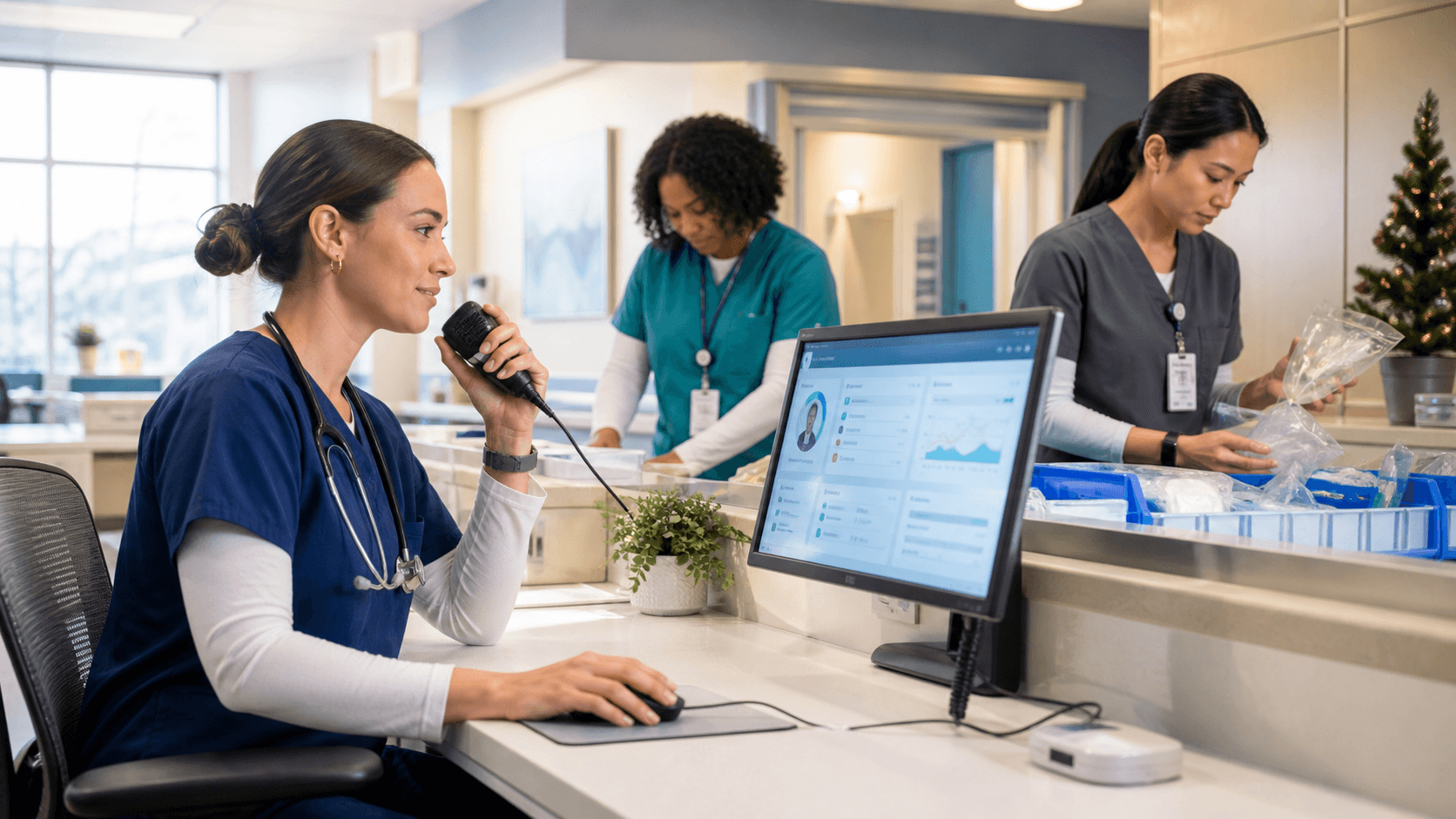
Reclaim Documentation Time When Coverage Is Tight
Summer schedules can put extra pressure on clinical documentation. In July, planned vacations, rotating coverage, onboarding, and uneven patient demand may leave you with less time between encounters to finish notes. We know that when staffing is tight, documentation can quickly become an operational concern that affects clinician focus, note turnaround, after-hours work, and continuity of care.
A smaller team does not mean there is less to document. Clinicians covering unfamiliar patient panels, schedules, or specialties still need complete and timely notes. Our goal is not to rush clinical decisions or lower documentation standards. Instead, we help you give clinicians a more efficient way to capture the information they already need to document with Dragon Medical One medical speech recognition.
Map Seasonal Documentation Pressure Points
Documentation backlogs rarely start all at once. They often build in small gaps throughout the day, between appointments, after a busy clinic session, during handoffs, or near the end of a shift when patient care and administrative work compete for attention.
Before a backlog becomes routine, we recommend looking closely at where friction is showing up for your team. Useful signs may include:
- Notes that remain unfinished after scheduled hours
- Delayed chart completion or handoff documentation
- Patterns of overtime tied to administrative work
- Clinician feedback about time-consuming note types
- Schedules most affected by vacation coverage or temporary staffing changes
Dragon Medical One supports a more immediate documentation process by allowing clinicians to dictate clinical thoughts as they work. Rather than trying to rebuild an encounter from memory hours later, a clinician can capture relevant details while they are still fresh. That can be especially helpful when someone is moving quickly from one patient to the next or stepping in to cover a colleague.
The pressure point may look different in every setting. A specialty practice may struggle with detailed follow-up notes, while an inpatient team may need to record frequent status changes, consultations, and transitions of care. Once you know where documentation takes the most time, we can help focus support and training on the workflows that matter most.
Dictate Notes in Real Time with Less Rework
Manual typing can turn a full day into an even longer one. With medical speech recognition, clinicians can dictate history, findings, assessments, plans, and other narrative note content during or shortly after an encounter. This gives them a practical way to capture clinical information without relying only on the keyboard.
Dragon Medical One includes tools that can support a faster, more familiar note-building process, including:
- Specialty vocabularies for field-specific terminology
- Voice commands for common navigation and formatting tasks
- AutoTexts for approved recurring language or structured content
- Personalized tools that fit the clinician's usual documentation habits
Speed is only one part of the value. Dictated content should still be reviewed for accuracy, completeness, and alignment with organizational documentation requirements before a note is finalized. We encourage clinicians to treat speech recognition as a way to reduce repetitive keyboard work, not as a substitute for thoughtful documentation.
For example, a clinician covering extra appointments during a summer absence may dictate key visit details after each patient. By using familiar voice commands and approved AutoTexts, that clinician may be better able to complete notes throughout the day rather than face a large stack of unfinished charts after clinic hours. Small workflow changes like this can make a busy coverage schedule feel more manageable.
Keep Coverage Teams Consistent Across Settings
Seasonal staffing gaps often ask clinicians to work outside their normal routine. You may have providers covering another patient panel, moving between office locations, supporting a different care team, or taking on more visits than usual. Each change can add mental effort, especially when documentation tools and habits do not feel consistent.
Roaming user profiles in Dragon Medical One can help create a more familiar experience in approved locations. Clinicians can access their personalized speech recognition settings, preferences, and frequently used tools even when the workday takes them to a different setting.
That consistency matters when attention is already stretched. When clinicians do not need to repeatedly reset dictation preferences or rebuild their usual workflow, they can keep more focus on patient needs and clinical priorities. We see this as especially useful for floating staff, temporary coverage assignments, and clinicians who regularly work in more than one environment.
Standardized documentation habits also help the wider care team. During vacation periods, patients may be seen by several clinicians, and clear notes make those transitions easier to follow. We recommend aligning approved templates, AutoTexts, and terminology with departmental expectations so documentation remains consistent, even when coverage plans change.
Build Habits That Hold up Under Pressure
The busiest season is not the best time to ask clinicians to change every part of their documentation routine. A better approach is to begin with a few high-value workflows and build confidence from there. Focused training can help clinicians learn the Dragon Medical One features they are most likely to use each day.
Consider starting with goals such as:
- Dictating common sections of a visit note
- Using voice commands for frequent formatting tasks
- Applying specialty vocabulary with confidence
- Inserting approved AutoTexts for recurring documentation
- Completing notes before the end of the shift when possible
Support should also be easy to access when workloads rise. Questions about dictation, voice commands, and personal workflow preferences can come up at inconvenient times. We provide access and support for Dragon Medical One so clinicians and organizations can get help as they build practical, repeatable documentation habits.
Feedback from clinicians is worth gathering throughout the season. Ask which tasks still take too long, which tools are helping, and where additional guidance would be useful. Their day-to-day experience can help you refine documentation workflows before the next coverage surge arrives.
Prepare for the Next Staffing Surge
Seasonal staffing gaps are predictable, but excessive documentation burden does not have to be accepted as part of the schedule. Looking at delayed notes, after-hours charting, and the teams under the greatest pressure can help you plan ahead with workflows that support timely, complete clinical documentation.
When coverage is limited, the most practical goal is simple: help clinicians capture the right information while the encounter is still clear in mind. Medical speech recognition, consistent documentation practices, and focused support can reduce avoidable keyboard time while keeping note quality and clinical priorities at the center of the workday.
Reduce Documentation Time With Greater Confidence
At Try DMO, we help clinical teams choose tools that fit their documentation workflows and priorities. Explore our medical speech recognition solution to see how voice-driven documentation can support more efficient note creation. Our team can help you identify the right setup for your specialty, devices, and daily clinical demands.


