
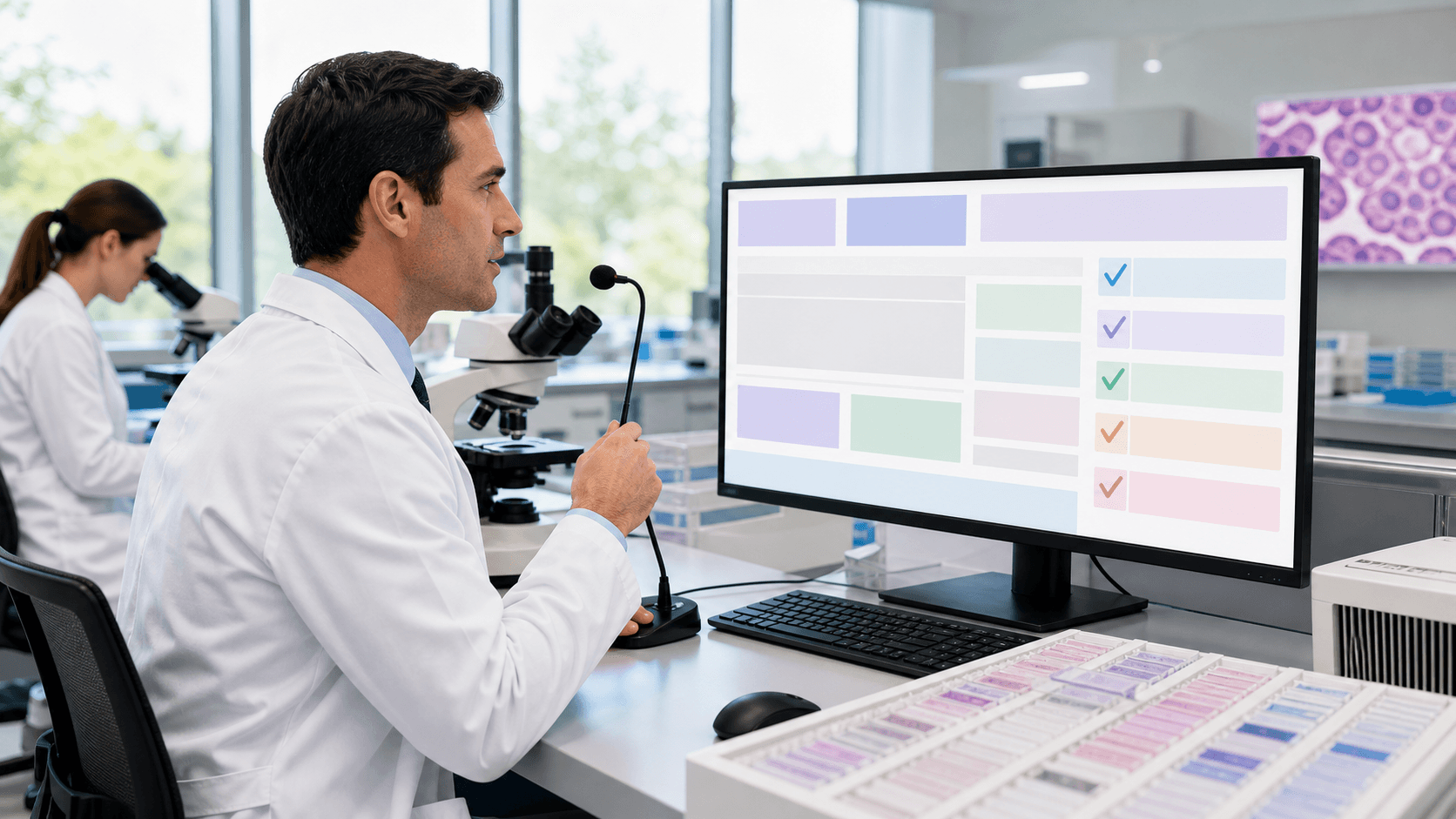
Pathology needs fast, accurate reports that still hit every required element. That is not easy when cases are complex, volumes are high, and documentation requirements evolve. In this post, we walk through how medical speech recognition support for Dragon Medical One can help your lab use structured, synoptic reporting without adding scribes or staying late to finish charts.
We will look at why structured reporting matters, how voice-driven templates work, and what it takes to use these workflows at supported LIS and EHR workstations.
Voice-Driven Pathology Reports Without Extra Staff
Pathologists work in a high-pressure setting. One complex specimen can include many tumor sites, margins, and special studies. Multiply that by a full day of cases and it is easy to see why traditional dictation and manual templating can fall behind.
Old workflows often look like this:
- Dictate into a recorder or phone
- Wait for transcription or scribe entry
- Copy, paste, and tweak to match templates
- Edit again to meet report requirements
Every step adds delay and chances for missing or outdated elements. When someone has to remember every required reporting element by memory, small details can slip. Then you get addenda, rework, and longer turnaround times.
Medical speech recognition support for Dragon Medical One can help change that pattern. Instead of sending audio away to be typed, the pathologist can speak directly into an institution-approved synoptic template or report format on screen, reducing reliance on human scribes and transcription.
Why Pathology Needs Structured, Synoptic Reporting
In pathology, structured reporting means clear, repeatable fields that show the same information in the same place, every time. Synoptic reporting goes a step further. It often uses:
- Discrete data fields for key findings
- Standard phrases that support department report requirements
- Required reporting elements that support cancer registry needs
Unstructured free text can seem faster in the moment. But it can:
- Skip important elements, like margin status or tumor size
- Use different wording from case to case
- Create confusion for tumor boards and registry staff
When reports are structured and synoptic, downstream teams know exactly where to look. Oncology, surgery, and radiology see the same layout and language. Quality teams and registries can pull data more easily, which supports analytics and population health work.
Regularly reviewing report formats and documentation practices can help departments keep templates useful, consistent, and aligned with their applicable documentation standards.
Using Voice With Synoptic Pathology Templates
Medical speech recognition can support pathology documentation beyond simple speech-to-text. Organizations can configure templates, macros, voice commands, and structured fields around their institution-approved synoptic report formats. The pathologist can open the appropriate template and use speech recognition to document findings and standard language.
Voice commands and macros can make common documentation tasks feel more natural. For example, a pathologist may use a command to move to a report section, insert an approved standard phrase, or launch a frequently used macro.
Structured fields can help organize information in a consistent format, but how information is entered, displayed, validated, or required depends on the organization's configured templates, workflows, and host systems. Departments should determine how their report formats support required reporting elements and applicable documentation standards.
Because Dragon Medical One is cloud-based, pathology teams can use specialty vocabulary and custom language to support complex terminology. Long diagnostic phrases, uncommon syndromes, and genetic markers can become easier to say than to type. That can cut down on manual corrections and reduce frustration with complex nomenclature.
Organizations should validate how templates, macros, structured fields, and any host-system prompts work within their own documentation workflow. These configurations can support more consistent reporting, but they do not independently enforce report completeness.
Eliminating Scribes with Smart Pathology Dictation Workflows
Many labs rely on scribes or off-site transcription to keep up. While that may work for a while, it can bring staffing headaches, variable turnaround times, and limits on when reports can be finished.
A Dragon Medical One-based medical speech recognition workflow can reduce reliance on scribes and transcription by helping pathologists document directly within their existing workflow:
- Capture findings as the pathologist speaks
- Use configured macros and standard phrases
- Support documentation in active report sections and fields
Compared with legacy models like human scribes or transcription, a Dragon Medical One-based approach can reduce back-and-forth editing and late-night sign-outs. Reports can be finished closer to real time, while the case is still fresh.
Workflows can extend across key touchpoints:
- Gross room dictation for specimen descriptions
- Frozen section and intraoperative consultation notes
- Final synoptic reports at sign-out
Voice commands, macros, and custom templates can be tuned for subspecialties like dermatopathology, hematopathology, or neuropathology. Quick, targeted training and a few enthusiastic "super users" can make change feel smoother and help peers move away from scribe dependence.
Integrating Pathology Dictation Software with LIS and EHR
To really pay off, voice workflows need to fit into the systems your team already uses. Dragon Medical One can be used at supported LIS and EHR workstations so pathologists can use speech recognition within the documentation environments they use every day.
Organizations should validate their workflows, templates, security, access, and documentation practices with their own IT, compliance, and system teams. Common focus areas include:
- Cloud security for protected health information
- Single sign-on and user provisioning
- Audit trails for documentation activity
Internal teams can assess how voice workflows align with HIPAA, local policies, and applicable documentation standards before broader use.
Improving Pathology Documentation Workflows
When voice-driven, structured reporting is in place, pathology teams can improve daily documentation workflows. Reports can move faster, reporting practices can become more consistent, and after-hours documentation can drop.
A simple 60- to 90-day roadmap might include:
- Reviewing current report formats and free-text habits
- Reviewing commonly used pathology report formats and prioritizing high-volume documentation workflows
- Building and testing Dragon Medical One templates and macros for those workflows
- Piloting with a group of early adopters and fine-tuning based on feedback
With stable, voice-driven workflows in place, pathology teams can support timely sign-out and more manageable documentation. At Try DMO, we focus on supporting Dragon Medical One workflows so pathologists can speak naturally, use structured documentation practices, and reduce reliance on extra staff or late-night typing.
Streamline Your Pathology Reporting With Smarter Dictation
See how Try DMO can support Dragon Medical One for pathology teams using existing documentation workflows with our pathology documentation support. Our medical speech recognition support can help teams use voice recognition, templates, and macros while staying focused on diagnostic accuracy instead of documentation. Start modernizing your pathology reporting today and explore how speech recognition can fit your lab's workflow.


