
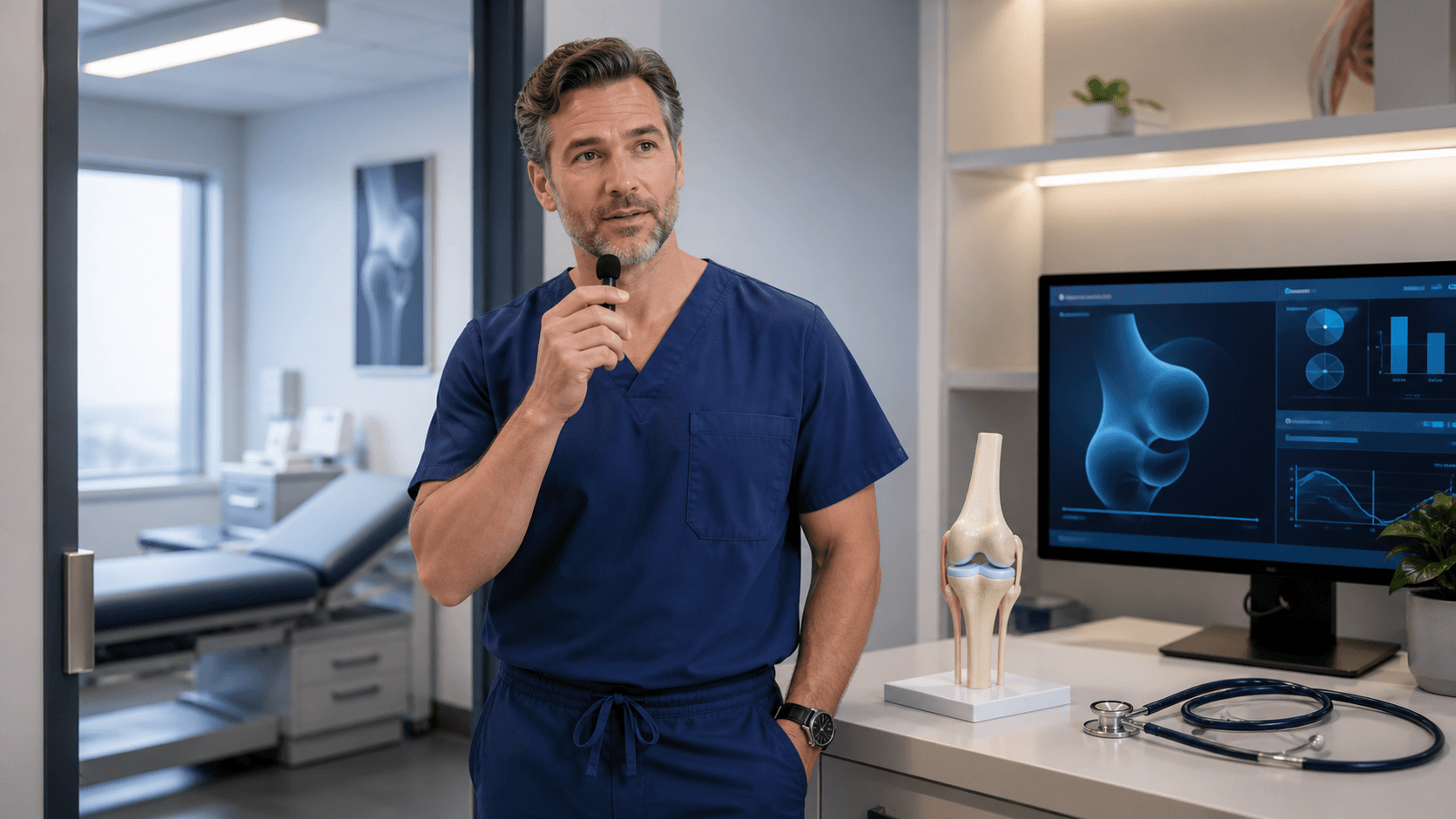
Close More Notes Before the Next Patient
Orthopedic documentation can pile up fast between exams, procedures, and imaging reviews. When every gap in the schedule is short, the choice between typing and speaking a note can shape how much work follows you into the afternoon.
These notes often need far more than a few quick lines. You may need to capture injury mechanism, laterality, range-of-motion findings, imaging impressions, treatment plans, postoperative progress, restrictions, and return-to-activity guidance. Typing still has a place for short edits and structured fields, but orthopedic dictation software can give you another way to capture a fuller narrative without staying tied to the keyboard.
The goal is not to skip review or rush through clinical details. Our focus is helping you create a process where you can document while the visit is fresh, review the text carefully, and close notes with fewer interruptions before the next case.
Why Typing Can Slow Orthopedic Notes
A single orthopedic visit may include repeated documentation elements, but each one can carry an important detail. "Left knee pain" is not the same as a note that records how the injury occurred, what the exam showed, what imaging suggested, what restrictions were discussed, and when follow-up is planned.
Keyboard entry can create friction when you are moving quickly through a full day. It may be especially noticeable when the note requires a detailed narrative, such as an acute injury evaluation, imaging review, procedure follow-up, or return-to-play discussion.
Delaying notes can add another layer of work. Later in the day, you may need to look back through imaging, read prior documentation, or pause to rebuild the treatment plan from memory. A note that might have been easier to complete in the room can become a much larger task after the schedule has moved on.
With medical speech recognition, spoken observations can be turned into text for review and finalization. Your clinical judgment remains at the center of the process. Dictation simply gives you a way to capture the details in your own words before they fade into the blur of the day.
How Orthopedic Dictation Software Supports Real-Time Documentation
Dragon Medical One supports real-time medical speech recognition in Windows-based workflows. As you move through patient encounters, you can dictate narrative portions of a note rather than manually typing every sentence.
For many orthopedic clinicians, the practical value is in keeping the documentation process moving. Instead of stopping repeatedly to reach for the mouse or keyboard, voice commands can help you work within the text while your attention stays on the note.
Useful commands may help you:
- Move through a note and place the cursor where you need it
- Insert formatting or commonly used text
- Select, correct, or delete dictated words
- Continue documenting without constant mouse and keyboard switching
Even with a strong workflow, dictated text should always be reviewed before signing. Speaking clearly, confirming laterality and other clinical details, correcting recognition issues, and making sure the final note says exactly what you intend are important steps. Dictation is a documentation tool, not a substitute for clinician review.
Make Templates Work Harder for Orthopedic Notes
Specialty vocabulary matters when you are documenting musculoskeletal care. Orthopedic notes can include anatomical landmarks, condition names, procedure terms, implant-related language, rehabilitation instructions, and other words that may not appear in everyday conversation.
Dragon Medical One supports specialty vocabulary, helping create a workflow that better fits the language you use throughout the day. That can make a real difference when you are documenting detailed findings instead of trying to work around unfamiliar terminology.
AutoTexts can also reduce the burden of repetitive typing. Reusable text can help with the parts of a note that come up again and again, while leaving room for patient-specific details.
Examples may include:
- Common examination elements
- Injection counseling language
- Postoperative instructions
- Work restrictions and durable medical equipment guidance
- Standard follow-up wording
Templates work best when they are treated as starting points, not finished notes. Your assessment, findings, and plan still need to match the individual patient in front of you. Practices should also review frequently used AutoTexts from time to time and remove wording that is outdated, too broad, or no longer clinically appropriate.
Keep Dictation Ready Across Windows Workflows
Orthopedic clinicians rarely stay at one desk all day. You may document in an exam room, procedure area, clinical workstation, or administrative space, sometimes within the same morning. A workflow that changes from one computer to the next can slow people down and make habits harder to maintain.
Roaming profiles in Dragon Medical One can help keep your personalized speech settings, vocabulary preferences, commands, and AutoTexts available across supported Windows-based workflows. That means you do not have to rebuild your preferred setup every time you move to another workstation.
Implementation works best when practice leadership, clinicians, and IT teams plan together. Planning should include confirming:
- Workstation readiness and user access
- Microphone options for the spaces where clinicians document
- Training needs for commands, vocabulary, and AutoTexts
- The review and sign-off steps that fit your daily routine
When the technology aligns with how your team already moves through the day, adoption can feel much more natural.
Prepare for Fall Injury Volume and Close Notes Promptly
Fall can bring a heavier mix of sports and activity-related orthopedic visits. Football, soccer, running, school athletics, and other seasonal activity may add more acute injury evaluations, fracture follow-ups, ligament concerns, imaging reviews, return-to-play discussions, and postoperative appointments to the schedule.
Before the calendar gets more crowded, teams can identify the note types they expect to see most often. It is a good time to refine AutoTexts, confirm specialty vocabulary, practice commonly used voice commands, and build the habit of reviewing dictated notes before finalizing them.
The best documentation method is the one that helps you capture complete, timely, patient-specific notes without adding unnecessary drag to the day. Typing can remain useful for quick edits and structured fields, while medical speech recognition can be a practical option when detailed orthopedic narratives need to be completed between cases.
Complete Notes With Less Between-Case Pressure
Try DMO helps orthopedic teams use Dragon Medical One medical speech recognition to document detailed narratives more efficiently. Learn how orthopedic dictation software can support your specialty workflows and reduce time spent finishing notes between cases. Our team can help you identify a documentation approach that fits the way your practice works.


