
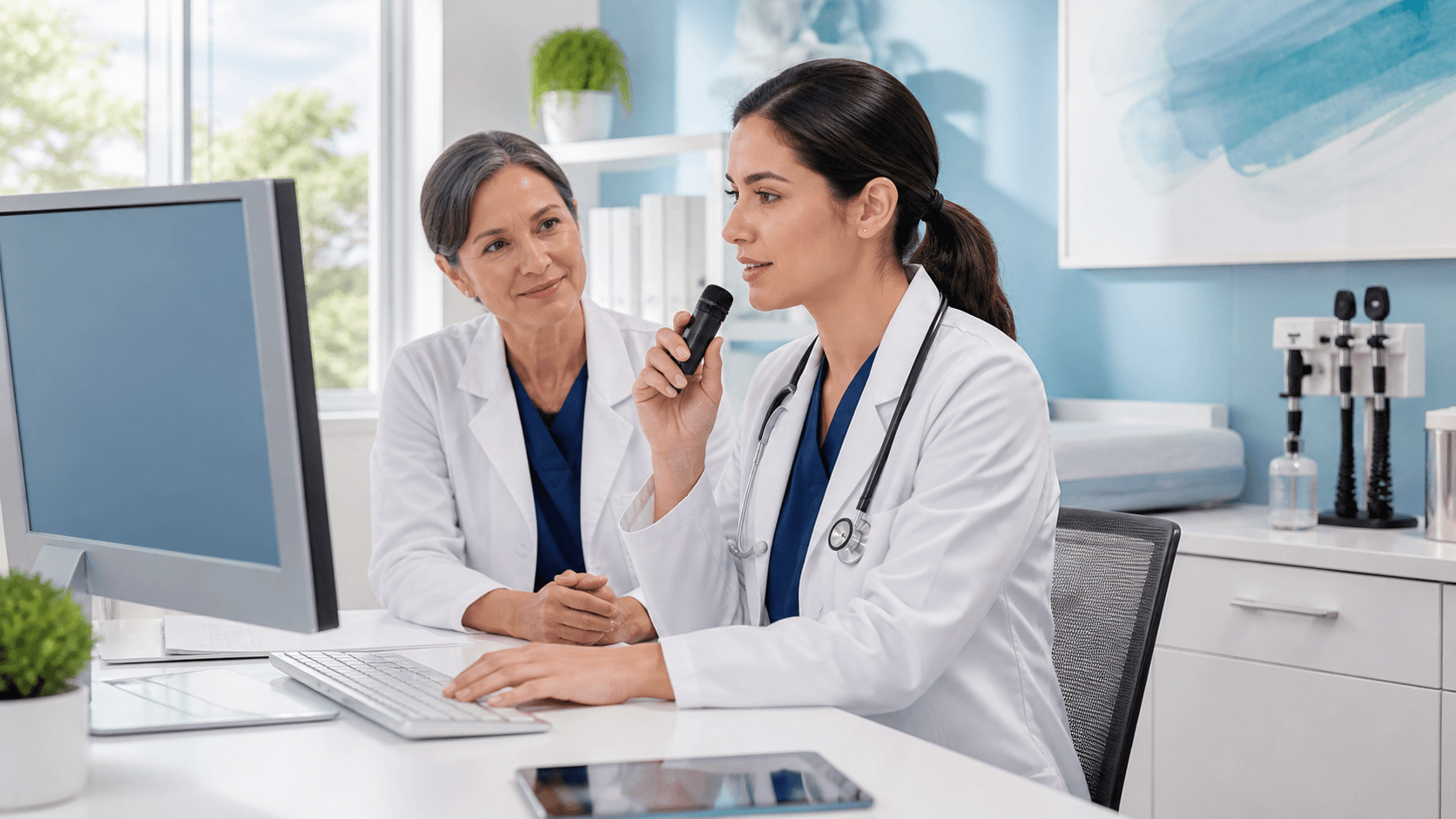
New Clinician Onboarding: Speech Recognition for Outpatient Clinics
New clinicians need a fast, steady start, especially when fall schedules begin filling up. September often brings post-summer hiring, calendar changes, and added pressure to keep documentation moving without taking attention away from patients.
We believe speech recognition for outpatient clinics can be a helpful part of a thoughtful onboarding plan. With Dragon Medical One in approved Windows-based documentation environments, clinicians can speak naturally as they create notes. The right preparation helps them learn a new workflow without feeling rushed to figure everything out during a full patient day.
Prepare the Technology Before the First Patient Day
A clinician's first day should focus on people and workflow, not microphone problems or missing permissions. Before a new hire sees patients, we recommend confirming that their workstation and access are ready for Dragon Medical One.
A simple readiness check can prevent small issues from becoming a frustrating first impression. IT teams and onboarding coordinators can confirm:
- An approved Windows workstation is assigned and working properly
- The network connection is reliable in the clinician's usual work area
- Compatible audio hardware is available, connected, and tested
- The clinician can sign in and has the required organizational permissions
- There is a clear support path if something does not work as expected
It also helps to review where the clinician will document most often. Outpatient work can include progress notes, referrals, medication discussions, orders, patient messages, and follow-up records. Speech recognition may fit smoothly into some tasks, while other tasks may call for a different documentation process. Setting those expectations early keeps the workflow clear.
Create Training That Matches the Clinician's Role
One long orientation session rarely gives a new clinician enough time to build comfort. Short learning stages usually work better because clinicians can practice one skill, use it, and then move on to the next.
Training should reflect the person's specialty, typical patient volume, and common note types. A primary care clinician may want time with full visit notes and preventive care documentation. A specialist may need more practice with repeated exam language, procedure follow-ups, or referral communication. Relevant examples make speech recognition feel useful right away, rather than like one more tool to learn.
We suggest building the plan in manageable steps:
- Start with microphone placement, sign-in steps, and natural dictation
- Introduce common commands and basic navigation in the documentation environment
- Practice editing and correcting text before finalizing a note
- Review local standards for note completion and documentation review
- Set aside practice time before a full patient schedule begins
Speech recognition for outpatient clinics works best when clinicians can develop their own comfortable habits within your organization's standards. The clinician remains responsible for reviewing the content, correcting recognition errors, and completing notes according to clinic policy.
Build Safe, Dependable Documentation Habits
The room matters. Background conversations, hallway noise, and poor microphone placement can interrupt recognition and create distractions. We encourage teams to show new clinicians where dictation works best and when it makes sense to pause, move to a quieter spot, or finish sensitive documentation away from public areas.
Privacy should be part of the conversation from the beginning. Clinicians need to understand how their setting affects both patient privacy and documentation quality. A private, focused space supports clearer dictation and gives the clinician a better chance to review what was entered before moving to the next task.
Reviewing documentation is not optional, even after a clinician becomes comfortable with speech recognition. Names, medications, dosages, dates, clinical findings, and other high-impact details deserve a careful look. Training can include examples of similar-sounding words, specialty terms, and moments when typing or manual editing may be the better choice.
Interruptions are normal in an outpatient clinic. A patient may ask a question, a staff member may need help, or the clinician may need to switch tasks quickly. Clear habits for pausing, resuming, editing, and reviewing dictated text can reduce the chance of incomplete information or content landing in the wrong place.
Measure Adoption and Adjust Early
The first week, first month, and first quarter each offer a useful chance to listen. Rather than waiting for a problem to become a routine frustration, we recommend asking new clinicians what feels smooth, what takes too long, and what support would make their workflow easier.
Practical measures can show whether the onboarding process is doing its job without promising unrealistic productivity results. Your team might track:
- Completion of training and workstation setup
- Clinician confidence with routine documentation tasks
- Common support requests and repeated technical concerns
- Frequently used commands or workflow questions
- The time it takes for a clinician to feel comfortable with regular note work
Feedback often points to simple improvements, such as clearer workstation instructions, a better practice session, or role-specific examples. Those changes can make the next onboarding experience more consistent for everyone involved.
Put Your Fall Onboarding Plan in Motion
September is a smart time to refine speech recognition for outpatient clinics before year-end scheduling pressure and staffing changes pick up. A documented onboarding playbook gives clinical leaders, educators, practice managers, and IT teams a shared process to follow when new hires arrive.
Prepared technology, relevant training, reliable review habits, and ongoing support all matter. When those pieces are in place before schedules are full, new clinicians have more room to build confidence, protect note quality, and stay present with their patients.
Set New Clinicians Up for Stronger Documentation
Try DMO helps practices choose medical speech recognition tools that fit busy clinical workflows. Learn how speech recognition for outpatient clinics can support efficient, accurate documentation from the start. Our team can help you identify the right Dragon Medical One solution for your clinicians and practice needs.


