
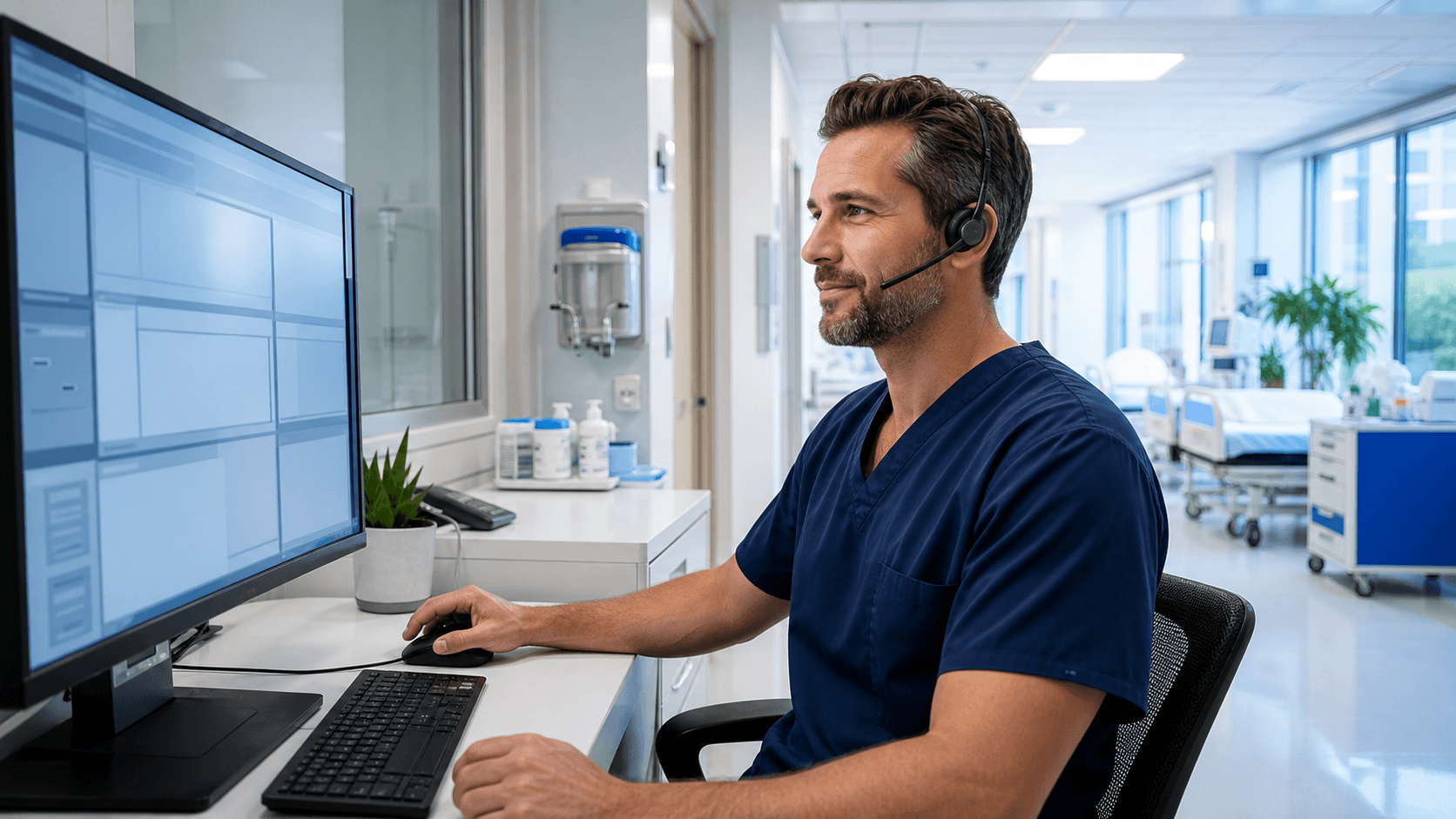
Postoperative notes are easier to complete when the procedure details are still clear in the surgeon's mind. We see how quickly those details can blur once the next case, a patient handoff, or an urgent follow-up task takes priority. Surgical dictation software gives teams a practical way to capture information promptly without waiting for a long block of keyboard time.
For healthcare organizations, the goal is not simply faster documentation. It is helping clinicians create complete, readable notes while maintaining the review habits needed for an accurate patient record.
Fresher Details Lead to More Complete Postoperative Notes
The period right after surgery can be one of the busiest parts of the day. Surgeons may be moving to another case, speaking with family members, coordinating recovery needs, or responding to questions from the care team. Meanwhile, postoperative notes can remain unfinished and begin to stack up.
When documentation waits until late afternoon or the end of a shift, clinicians may need to rely on memory, handwritten reminders, or a quick review of the record. Dictating soon after the procedure can help capture the details that matter while they are still fresh, including:
- Procedure findings and unexpected events
- Estimated blood loss and specimens collected
- Implants, devices, or medications used
- Wound status and the postoperative care plan
We recommend treating speech-recognized documentation as a tool for getting thoughts into the right place sooner, not as a substitute for clinical judgment. Every clinician still needs to read the note, make corrections, confirm completeness, and sign it according to organizational policy.
Surgical Dictation Software Keeps Workflow Moving
Extended keyboard time is not always realistic between cases. A surgeon may have only a few minutes at a workstation, or may need to document while working through recovery responsibilities. With surgical dictation software, clinicians can speak postoperative details aloud and place them into the documentation systems they already use.
Dragon Medical One supports medical speech recognition across Windows applications and existing EHR workflows. That matters because teams do not need to build an entirely separate documentation routine just to dictate a note. Instead, clinicians can work in the locations where their organization already captures postoperative records.
Access also matters in a surgical setting. Authorized clinicians may document from different operating rooms, recovery areas, clinics, or hospital locations during the week. Roaming profiles can support that flexibility by allowing users to access their personalized speech recognition settings from different workstations.
Rather than asking clinicians to remember a different process for each location, we help organizations consider workflows that fit how surgical teams actually move through their day.
Specialty Vocabularies Capture Procedure-Specific Details
Postoperative notes often include language that is highly specific. Anatomy, surgical techniques, device names, medication terms, pathology specimens, and procedure findings can all require close attention. A general-purpose vocabulary may not recognize these words as consistently as a vocabulary designed for clinical documentation.
Specialty vocabularies can support recognition of terms commonly used across surgical fields, such as general surgery, orthopedics, cardiothoracic surgery, neurosurgery, obstetrics, and others. This can make dictation feel more natural for clinicians who regularly use detailed terminology that may not appear in everyday conversation.
Personalization also has a place in a strong workflow. Commonly dictated terms and phrases can be added or refined so clinicians spend less time fixing the same recognition issue again and again. That leaves more attention for the clinical details that are unique to the patient and procedure.
A helpful setup may include commonly used language for:
- Procedure names and anatomy terms
- Implant and device details
- Frequently documented findings
- Standard postoperative instructions
Voice Commands Can Standardize Note Structure
Even when two surgeons document differently, a postoperative note still needs to cover the same kinds of information. Voice commands and AutoTexts can help create a repeatable structure without forcing every clinician into the exact same wording or clinical style.
For example, a clinician can use a voice command to move through note sections or insert a frequently used block of language. That may include a procedure summary, findings, wound status, discharge instructions, or follow-up plans. The clinician can then add the patient-specific facts that make the note complete.
This approach gives departments a practical middle ground. Teams can encourage consistent documentation habits while allowing surgeons to speak naturally and document the details that matter in each case. A clear structure can also make it easier to spot a missed section before the note is signed.
We often encourage organizations to think beyond raw dictation speed. The better question is whether commands and AutoTexts make it simpler for clinicians to build complete notes in the order they prefer to document them.
Review Practices Keep Signed Notes Accurate and Defensible
Speech recognition can speed up the first draft of a postoperative note, but it does not remove the need for careful review. This is especially important when the record includes laterality, measurements, medication names, implant details, complications, specimen information, and follow-up instructions.
Clear department expectations can help everyone understand when notes should be edited, proofread, finalized, and signed. These expectations should align with the organization's established clinical and documentation timeframes.
Training also makes a difference. Clinicians benefit from learning how to speak clearly, use consistent command language, pause for punctuation, and review the text before it becomes part of the patient record. A few habits can make a meaningful difference in the quality of the finished note:
- Speak at a steady, natural pace
- Use familiar commands consistently
- Pause when dictating punctuation or section breaks
- Review every note before signing
Strengthen Postoperative Documentation Before Q4 Demands Rise
September is a useful time to look ahead. Fourth-quarter planning, staffing changes, year-end documentation goals, and busy surgical schedules can place added pressure on teams that already have unfinished notes waiting at the end of the day. We encourage healthcare leaders to identify where postoperative documentation slows down and which teams may benefit from more efficient medical speech recognition workflows.
Try DMO helps healthcare organizations evaluate, purchase, and deploy Dragon Medical One with support for specialty vocabularies, voice commands, AutoTexts, and roaming profiles. A thoughtful review of current processes can help teams focus on the right documentation habits before schedules become even more demanding.
The practical takeaway is simple: capture postoperative details early, use a structure that supports complete notes, and make review part of the routine. Those steps can help surgical teams keep documentation moving while protecting the accuracy of the final record.
Support More Complete Postoperative Notes
Try DMO helps surgical teams use Dragon Medical One medical speech recognition to capture documentation efficiently and consistently. See how surgical dictation software can support workflows across surgical specialties. Our team can help you identify a documentation approach that fits your clinical needs.


