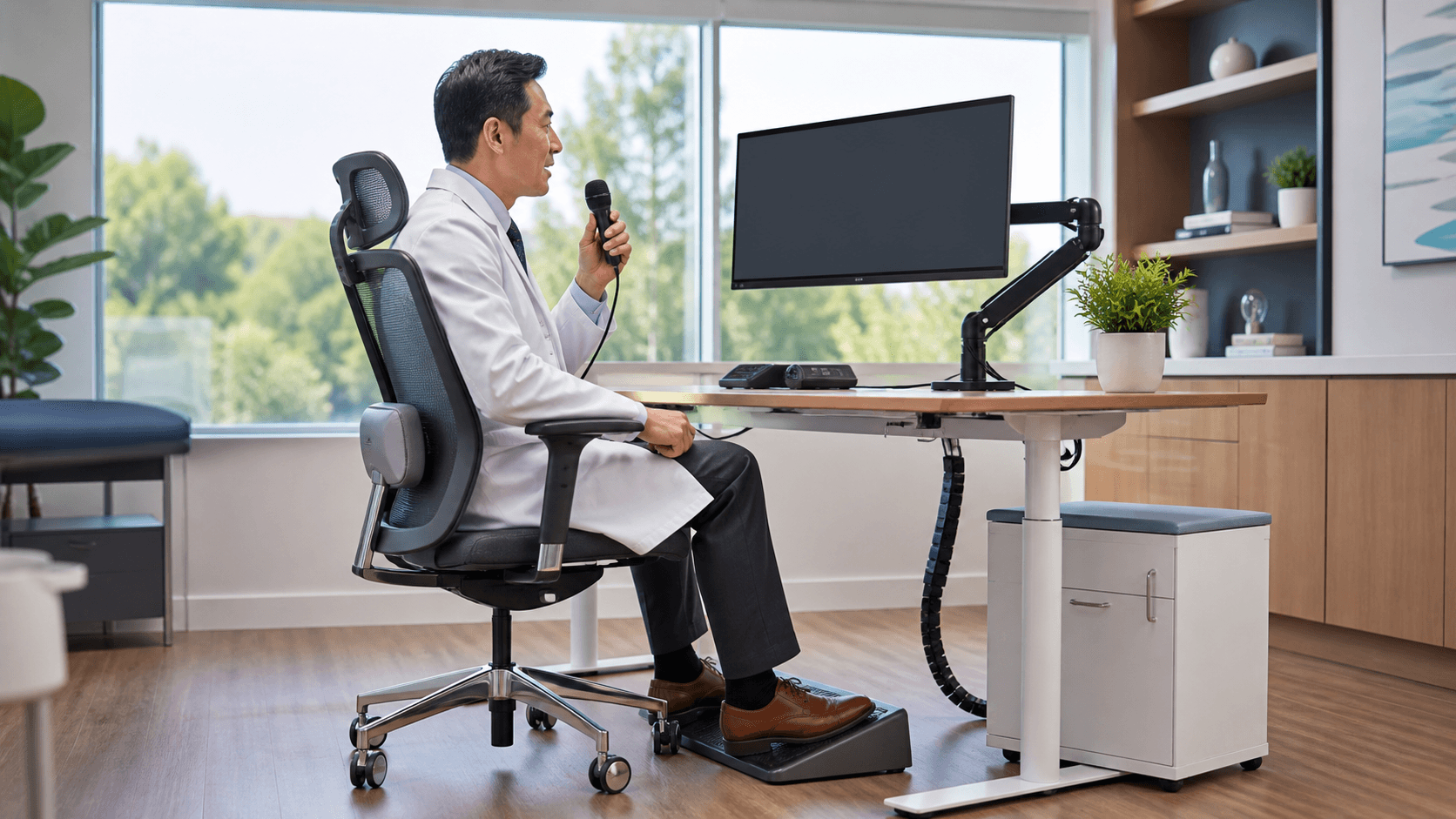
A referral works best when the receiving clinician understands why it was made and what help is needed. Speech-to-text for EHR can help you capture that information while the patient conversation, chart review, and clinical reasoning are still fresh.
We often see referral documentation become harder when teams must move between the progress note, referral order, follow-up tasks, and multiple EHR fields. Clear documentation can keep the handoff focused and give both the referring team and receiving specialist a stronger starting point.
Keep Referral Details Moving at the Point of Care
Referral decisions rarely happen in a quiet moment with nothing else competing for attention. You may be reviewing symptoms, discussing options with a patient, checking recent results, placing orders, and planning follow-up care all within the same visit. If referral details are saved for later, small but meaningful parts of the story may be left out.
A complete referral helps support continuity of care. Rather than sending only a diagnosis or a short note, we recommend documenting the clinical picture behind the decision. The specialist should be able to see what is happening, what has already been tried, and what question you want the consultation to answer.
During the fall, busy schedules and year-end reporting tasks can add even more pressure to documentation routines. Medical speech recognition gives you a practical way to capture clinical context in the moment, without relying on memory or scattered shorthand notes after the day has moved on.
Why Speech-to-Text for EHR Strengthens Referral Notes
Speech-to-text for EHR allows you to dictate directly at the cursor while you are reviewing the record and building the referral. That matters because the right details can go into the right field when you are already looking at the relevant information. Instead of trying to reconstruct your thinking later, you can document a natural clinical narrative as the referral takes shape.
Some referral details are especially well suited to dictation because they need more context than a brief checkbox or diagnosis code can provide. For example, you may dictate:
- The patient's presenting concern and relevant symptoms
- Pertinent clinical history and prior treatments
- Medication considerations and recent test results
- The urgency of the referral and requested specialty evaluation
Of course, dictation does not replace clinical review. We encourage every clinician to read the completed documentation, correct recognition errors, and make sure the referral meets organizational documentation policies. Medical speech recognition supports faster capture of spoken information, while you remain responsible for the accuracy and completeness of the record.
Capture Clinical Rationale Before Important Context Fades
When referral documentation waits until the end of a packed session, the rationale may become less specific. You might remember that a referral was needed, but not the exact findings, treatment history, or concern that shaped the decision. Dictating during or immediately after the encounter can preserve that reasoning in clearer language.
The specialist-facing question deserves special attention. A diagnosis alone may not explain what you need from the consultation. Clear wording can identify whether you are seeking diagnostic clarification, treatment recommendations, a procedural evaluation, or ongoing co-management.
That added context can make downstream coordination smoother. Receiving teams can better understand the urgency, prepare for the visit, identify records they may need, and reduce avoidable back-and-forth requests for clarification. It does not guarantee a particular turnaround time, but it supports a more organized handoff.
Apply Speech-to-Text for EHR Throughout the Referral Path
Referral documentation does not live in only one place. Depending on your organization's workflow, free-text information may appear in the progress note, referral order comments, care coordination documentation, patient instructions, or follow-up communications. We recommend using speech recognition in approved documentation fields wherever it fits naturally into the process.
Dragon Medical One supports clinical documentation across Windows applications and more than 200 EHRs without requiring custom EHR integration. Through Try DMO, your clinicians can access support for cloud-based medical speech recognition and dictate directly at the cursor in available documentation fields.
Consistency also helps the people who read referrals every day. For common referral types, teams can build a spoken template that follows the same simple order:
- Reason for referral
- Relevant clinical history and current findings
- Supporting tests, treatments, or medication details
- Urgency level and the next step requested from the specialist
Using a familiar order does not mean every referral will sound the same. It simply gives you a dependable frame, so the important information is less likely to be missed when the day gets busy.
Maintain Accurate and Secure Referral Handoffs
Referral notes should be reviewed before submission, especially when they include medication names, dosages, test results, specialist names, and time-sensitive instructions. A quick review helps you catch words that may not have been recognized as intended and confirm that the message reflects your clinical judgment.
Privacy and security practices matter just as much as note quality. We recommend following your organization's policies for approved workstations, access controls, and patient information. Protect screens from unnecessary viewing, avoid dictating where patient details may be overheard, and include only the information the receiving provider needs to evaluate the referral.
Leaders can also create clearer standards across departments. Shared expectations may define required referral elements, preferred note locations, guidance for urgent cases, and steps for closing the loop after the specialist visit. When everyone knows where information belongs and what it should include, referrals are easier to review and act on.
Put a Consistent Referral Workflow Into Practice
Strong referral documentation comes down to capturing complete clinical context at the right time and in the right location. Speech recognition can help you document naturally while keeping your attention on the patient and the referral decision, rather than leaving important details for later.
Start by looking for the points where your current workflow breaks down, such as delayed note completion, incomplete rationale, unclear specialist questions, or repeated clarification requests. Those patterns can show where a more consistent documentation approach will make the referral path clearer for everyone involved.
Make Referral Documentation Easier to Complete
At Try DMO, we help clinicians support clearer, more efficient documentation with Dragon Medical One medical speech recognition. See how speech-to-text for EHR can fit into your documentation process and help keep referral details organized. Our team can help you identify the workflow support that aligns with your clinical needs.