
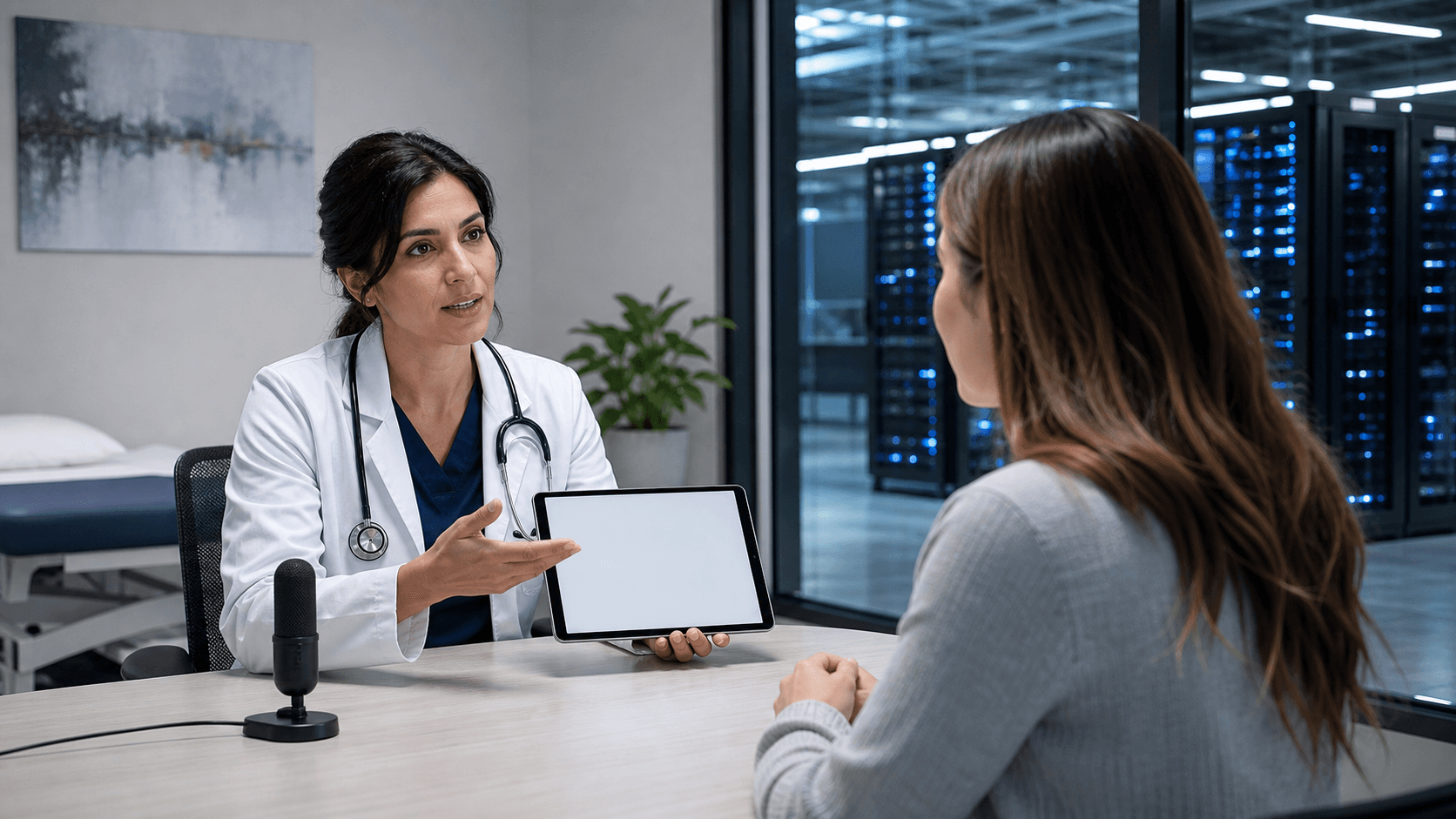
Make Medical Speech Recognition Work During the Encounter
Choosing between front-end and back-end medical speech recognition is a clinical workflow decision, not just a technology purchase. The right process helps clinicians capture complete information while the patient story is fresh, without moving unfinished documentation into the evening.
Medical speech recognition can support more than one way of creating a note. The main question is simple: should the spoken text appear during the visit for immediate review, or should it be processed after dictation and returned later? We recommend looking beyond recognition alone and focusing on how each option fits the actual workday, especially before fall schedules, staffing changes, and seasonal volume add pressure.
See the Note Take Shape During the Visit
Front-end medical speech recognition displays spoken words as text while the clinician documents. As the note develops, the clinician can review it, correct a word or phrase, and confirm that important details are in the chart before moving to the next part of the visit.
That immediate visibility can make a real difference when the details of the encounter are still clear. Instead of trying to remember a discussion hours later, clinicians can make corrections in the moment and complete more of the note closer to the point of care. We often see this workflow fit well with repeatable visit types, such as follow-ups, chronic-care management, and common specialty encounters.
Front-end documentation does not have to mean reading from a stiff script. When the setup reflects a clinician's natural habits, speech recognition can feel more like a helpful writing tool than another task to manage. Dragon Medical One access, clinician-specific AutoTexts, and voice commands can reduce repetitive typing and screen navigation while still leaving room for each clinician's own documentation style.
Helpful front-end workflow tools may include:
- AutoTexts for repeated note sections and common language
- Voice commands for moving through documentation tasks
- Personalized shortcuts that match a clinician's usual phrasing
- Clear correction habits for fixing text as it appears
The goal is not to make every note sound the same. It is to give clinicians practical ways to capture information, review it, and keep moving through the day.
Know When Delayed Documentation Makes Sense
Back-end documentation follows a different timeline. The clinician records a dictation, then receives completed text later for review, editing, and signature. Unlike front-end documentation, the full note is not available to review during the original encounter.
For some clinicians and document types, that delay may fit an established process. A clinician may prefer to dictate a longer narrative without watching words appear on screen. Certain reports may also have a review process that allows time between dictation and final completion. In these cases, we encourage organizations to define who is responsible for reviewing returned text, making corrections, and signing the final document.
Still, delayed documentation comes with tradeoffs. A gap between the patient encounter and final review can make small details harder to recall. Questions from staff or patients may arise before the chart is current, and corrections can add another step after the initial dictation is finished.
Before choosing a back-end process, we recommend reviewing:
- Expected turnaround time for returned documentation
- Ownership for editing, reviewing, and signing notes
- Policies for keeping the chart current
- The kinds of documents that truly work well with delayed review
A delayed model can be a reasonable fit in the right setting. It should not become a default simply because it is familiar.
Compare Medical Speech Recognition by Workflow Needs
Recognition performance matters, but it is only one piece of the decision. A stronger comparison starts with the workflow around the note: how soon it is needed, who reviews it, how often templates are used, and how much editing happens after dictation.
Before selecting an approach, we suggest mapping a typical clinician day from start to finish. Include patient visits, chart review, orders, messages, care coordination, documentation completion, and work that spills past the end of the day. This exercise can show where a note backlog begins and whether real-time text could help reduce it.
Some teams find that front-end documentation supports same-day completion for routine visit notes. Others may determine that a back-end process fits a narrow group of narrative document types. The answer does not need to be one model for every clinician, specialty, or note.
Testing with representative users is often the clearest way to learn what works. Include clinicians with different specialties, documentation styles, and comfort levels with speech recognition. During the test, track practical details such as:
- Time spent documenting during and after visits
- Time spent editing spoken text
- When notes are completed and signed
- Use of templates, AutoTexts, and voice commands
- Clinician feedback about what feels helpful or frustrating
We want the result to be timely, accurate documentation that people can sustain, not a workflow that looks good on paper but creates new burdens in practice.
Prepare for Fall Volume and Team Adoption
Late summer is a good time to look closely at documentation habits. Fall can bring changes in patient volume, new clinician onboarding, residency or fellowship transitions, and end-of-year priorities. A workflow that feels manageable in a quieter period may become difficult when schedules fill up.
A focused rollout gives teams room to learn before demands increase. We recommend starting with a small group of clinicians, choosing high-value use cases, and setting clear documentation expectations. Training works best when it uses real note types and common clinical situations instead of generic examples that do not match daily work.
Early education should cover microphone technique, correction habits, AutoTexts, voice commands, and expectations for reviewing completed documentation. Ongoing support matters just as much. Clinicians need a clear way to ask questions, request workflow changes, and share shortcuts that save time.
After the first few weeks, revisit the process with the team. Look for incomplete templates, inconsistent commands, or documentation tasks that still move into the evening. Small adjustments made early can prevent larger frustrations later in the season.
Choose a Path Your Clinicians Can Sustain
Front-end and back-end approaches serve different documentation needs. The better choice is the one that helps clinicians capture complete information, review it at the right time, and finish documentation in a way that supports patient care without unnecessary after-hours charting.
Rather than starting with assumptions, start by watching the workflow. Identify where documentation slows people down, where notes remain unfinished, and whether real-time visibility or delayed processing would solve the actual problem. A thoughtful process, supported by Dragon Medical One workflows, AutoTexts, and voice commands, can give clinicians a more workable path through the day.
Build a More Efficient Documentation Workflow
At Try DMO, we help clinicians choose a setup that fits their documentation needs and daily routines. Learn how medical speech recognition can support clearer, faster clinical documentation with Dragon Medical One. Our team can help you evaluate the right workflow, commands, and AutoTexts for your practice.


