
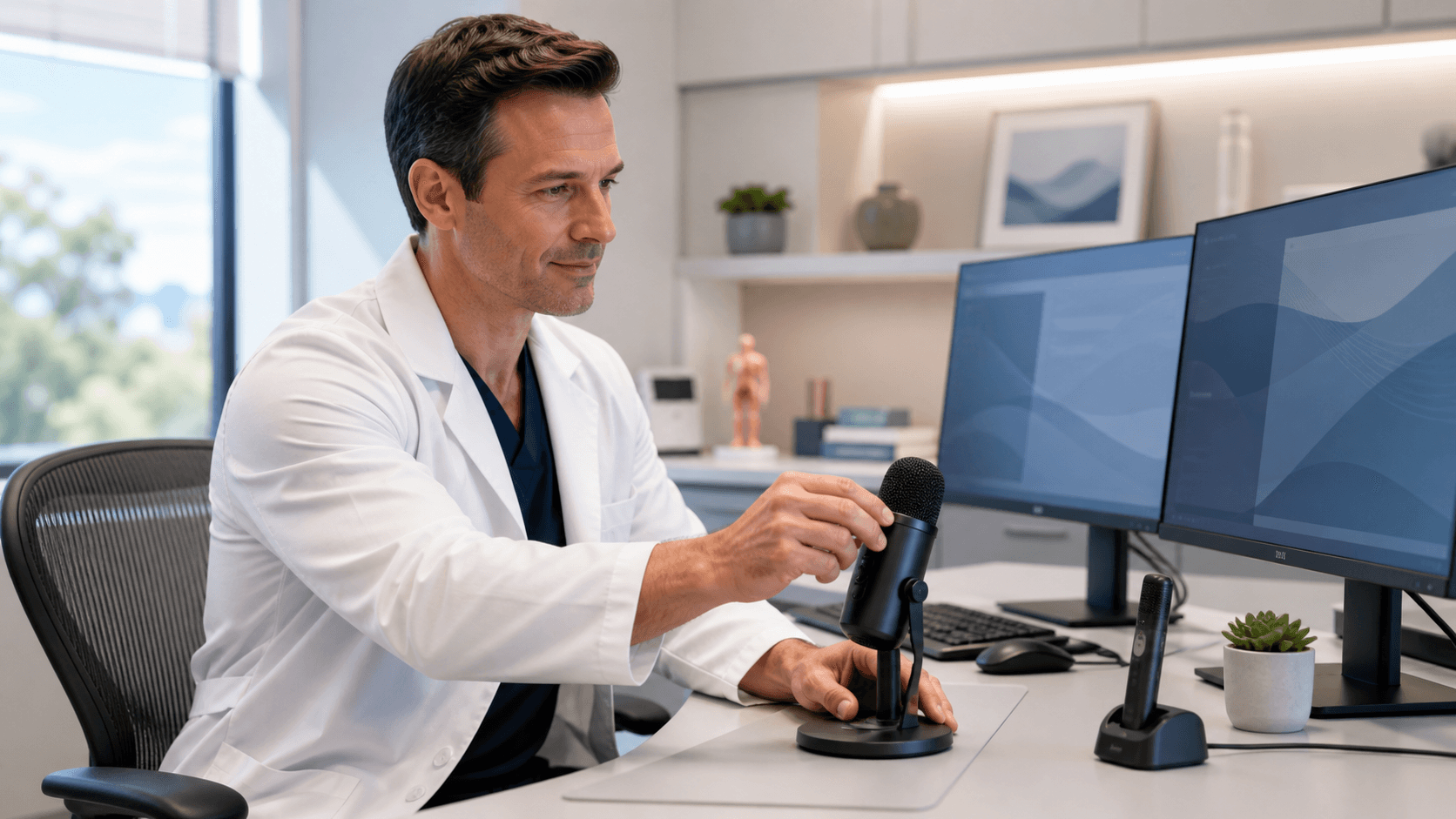
Build a Dictation Setup Clinicians Can Trust
Reliable Dragon Medical One speech recognition starts with the tools on the desk, in the exam room, or on the rounding cart. A well-chosen medical dictation microphone and a sensible workstation setup can help reduce repeated corrections, missed words, and frustrating breaks in documentation.
Clinical work rarely happens in perfect silence. We help clinicians and healthcare organizations think through the real conditions they face, including frequent logins, shared workspaces, PPE, nearby conversations, patient movement, and documentation in more than one location. The best setup is not always the most expensive one. It is the combination that fits how and where you work.
Match the Microphone to Clinical Documentation
A microphone that works well in a quiet private office may not be the right fit for a busy nursing station or emergency department. Before choosing a device, we recommend considering the setting, the clinician's specialty language, how long they dictate at a time, and how often they move between workstations.
Most clinicians look at a few common microphone styles:
- Handheld microphones can work well for desktop documentation and give users easy access to dictation controls.
- Headset microphones may suit longer dictation sessions or louder work areas where steady microphone placement matters.
- Wireless options can help clinicians who need more freedom to move while documenting.
- Shared-workstation users may need devices that are easy to clean, store, and replace between shifts.
No matter which style you choose, confirm Dragon Medical One compatibility before purchasing or standardizing equipment. A short demonstration is not enough. We suggest testing the microphone with normal clinical language, specialty terms, longer notes, and the ordinary sounds of the work area.
Comfort also matters. A headset that feels awkward after an hour may not be used consistently through a full shift. For wireless devices, battery routines need to be simple and dependable. For wired devices, cable strength and connection points deserve attention. The goal is a medical dictation microphone that clinicians can pick up, position correctly, and use without thinking twice.
Design a Workstation That Protects Dictation Quality
Where the microphone sits can affect the whole dictation experience. We recommend keeping it at a steady distance and angle from the mouth, rather than letting it shift from note to note. It should also stay away from common sound sources, such as desk fans, air vents, ringing phones, keyboard noise, hallway traffic, and conversations at nearby workstations.
The workstation itself needs a few basic checks before it becomes part of a regular workflow:
- Confirm that the correct audio input is selected before dictation begins.
- Use dependable USB ports or approved docking equipment.
- Keep applicable device drivers current.
- Watch for loose cables, worn connectors, or intermittent audio.
- Recheck the microphone after a workstation swap, system update, or hardware change.
Ergonomics should not be an afterthought. The microphone needs to be within easy reach, and the display should make it comfortable to review and edit notes. Voice commands should fit naturally into the clinician's usual documentation process. A setup can be technically functional and still be frustrating if it forces awkward reaching, poor posture, or too much switching between devices.
Standardize Setups Across Teams and Locations
When every department uses a different device, cable, dock, and troubleshooting method, support becomes harder than it needs to be. We often recommend that organizations define a small group of approved microphone and workstation configurations. A clear standard can make onboarding, training, replacement planning, and technical support more consistent.
Instead of one setup for everyone, create practical profiles based on real work patterns. For example, an office-based physician may need a different arrangement than a hospital-based clinician, a mobile rounding user, or a team working in a higher-noise area. Each profile can spell out the preferred device type, connection method, cleaning process, storage location, and first troubleshooting checks.
August is a smart time to review these standards. Fall staffing changes, seasonal demand, and year-end technology planning can put extra pressure on shared workstations and aging equipment. We encourage teams to audit commonly used work areas, replace worn devices, order backup microphones, and prepare new clinicians with a setup that has already been tested.
Test Real Workflows Before Full Deployment
A proposed setup should be tested by representative users before it is placed across an entire department. Real-world testing gives you a clearer picture than a quiet office trial because it includes interruptions, normal room noise, longer notes, specialty vocabulary, and the voice commands clinicians use every day.
During a pilot, we recommend checking whether users can keep a consistent microphone position and whether the device remains comfortable throughout a shift. Observe how the setup works during normal documentation tasks, not just a brief sample dictation. Feedback should include the clinicians using the tools and the technical teams supporting them.
When a problem appears, start with the basics. Check microphone placement, connection stability, the selected input device, room noise, battery condition, cable condition, and workstation configuration. Try DMO supports Dragon Medical One users and healthcare organizations as they work through setup concerns and build more dependable medical speech recognition workflows.
Equip Clinicians for Reliable Documentation
Microphone selection and workstation design are foundational parts of a dependable Dragon Medical One experience. The strongest setup reflects where clinicians work, how they document, and what may interfere with clear speech recognition during a normal day.
Review the devices already in use, identify the places where documentation feels hardest, and create a repeatable process for purchasing, setup, testing, and support. Planning for actual clinical conditions helps keep attention on documentation and patient care instead of equipment problems.
Equip Your Team for Clearer Documentation
At Try DMO, we help clinicians choose a medical dictation microphone that supports reliable Dragon Medical One speech recognition. Our team can help you match compatible hardware to your documentation environment and workflow needs. Reach out to discuss the right setup for your practice.


